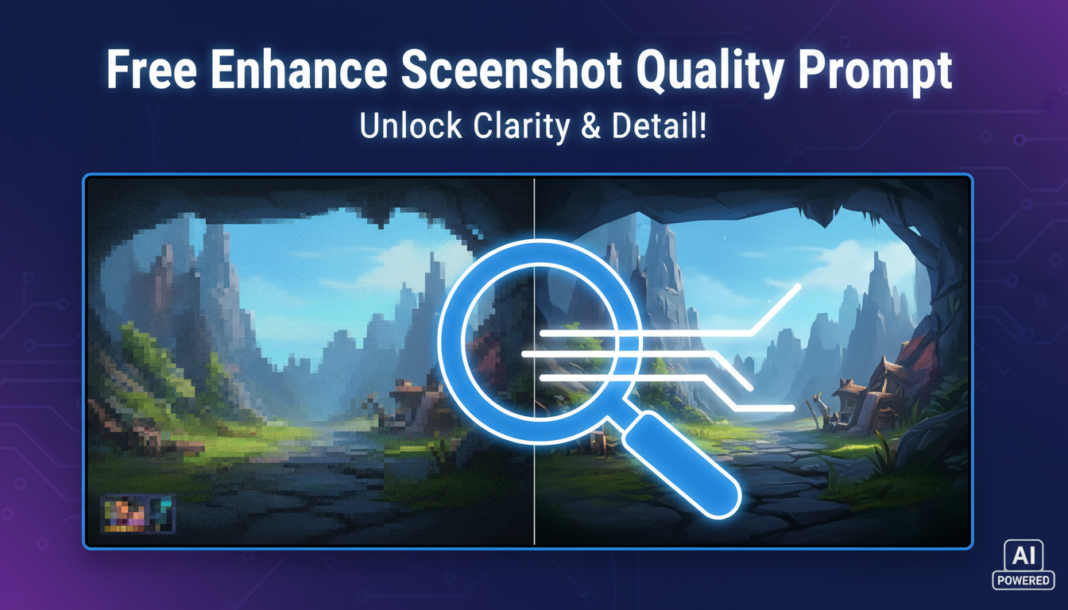
Executive Summary: The “Enhance Screenshot Quality Prompt” directs AI models to perform sophisticated image post-processing. It leverages generative capabilities for intelligent upscaling, advanced denoising, and reconstruction of fine details. By analyzing low-resolution inputs, the AI extrapolates missing pixel data, corrects artifacts, and refines color fidelity, transforming rudimentary screenshots into high-definition, publication-ready visual assets through algorithmic inference.
01. Triple Prompt Toolkit
V1 • Standard Correction
Enhance image quality: upscale resolution, denoise, sharpen details, correct minor color imbalances. Aim for a clean, natural look suitable for digital presentation.
✍️ Editorial Tip: To fine-tune sharpness, append “with subtle sharpening” or “with crisp edge definition.” For color, specify “neutral color balance” or “slightly vivid colors.”
V2 • Cinematic High-Fidelity
Transform screenshot into a cinematic high-fidelity image: apply professional-grade upscaling, advanced noise reduction, depth-aware sharpening. Introduce subtle color grading, enhanced contrast, and volumetric lighting effects for a rich, immersive visual aesthetic.
✍️ Editorial Tip: Modify the aesthetic by replacing “cinematic” with “gritty documentary” or “vibrant anime style.” Adjust “subtle color grading” to “bold, dramatic color grading” as needed.
V3 • Hyper-Realistic Detail
Process screenshot for hyper-realistic detail enhancement: perform aggressive intelligent upscaling to 4K+, microscopic texture reconstruction, precise edge definition, and advanced artifact removal. Optimize for extreme clarity, accurate micro-contrast, and photographic realism, suitable for technical analysis.
✍️ Editorial Tip: To focus detail on specific elements, add “with emphasis on metallic sheen” or “organic surface textures.” Control output scale by replacing “4K+” with “8K resolution for print.”
02. Pro Customization Table
| Variable | Replace With | Result | Impact |
|---|---|---|---|
| `Resolution Target` | `8K+, 16K, 300 DPI` | Significantly increases output fidelity and file size, crucial for print or large displays. | High |
| `Visual Aesthetic` | `HDR render, watercolor style, pixel art, photojournalistic` | Fundamentally alters the overall artistic impression and rendering style. | Critical |
| `Specific Effect` | `depth of field, chromatic aberration, film grain, lens flare` | Introduces targeted photographic or stylistic elements, adding realism or artistic flair. | Medium |
| `Output Purpose` | `web banner, scientific illustration, product showcase` | Optimizes image characteristics (e.g., color profile, compression, aspect ratio) for its intended use case. | Medium |