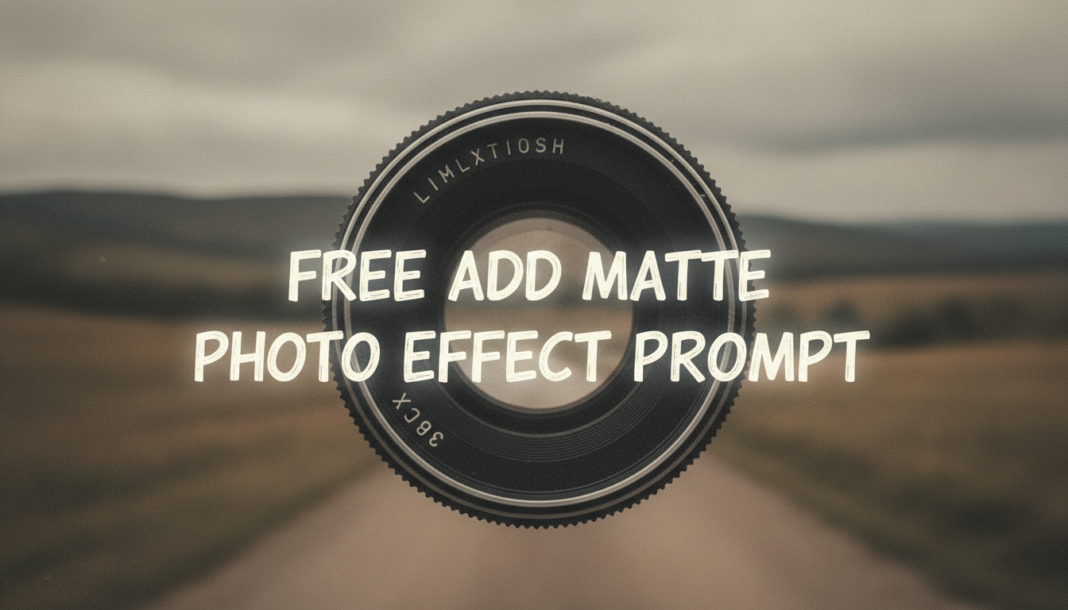
Executive Summary: The “Add Matte Photo Effect Prompt” guides AI models to generate images with a non-glossy, soft aesthetic. Technically, this involves manipulating the tonal curve to flatten shadows and highlights, often introducing a subtle, hazy overlay and reducing overall contrast. AI interprets keywords to desaturate colors slightly, lift black levels, and simulate a less reflective appearance, lending a classic, often melancholic or vintage mood to the generated visual.
01. Triple Prompt Toolkit
V1 • Standard Correction
Photograph of a serene forest, add matte photo effect, soft diffused light, low contrast, slightly desaturated colors, subtle film grain.
✍️ Editorial Tip: To increase the matte intensity, add “heavy matte finish” or “extreme low contrast.” To soften, use “subtle matte” or “minimal desaturation.”
V2 • Cinematic High-Fidelity
Cinematic portrait of a lone explorer, muted color palette, professional matte film look, delicate hazy glow, deep yet softened shadows, filmic grain, 35mm lens, atmospheric, vintage aesthetic, soft rim light.
✍️ Editorial Tip: Experiment with specific film stocks (e.g., “Kodak Portra 400 look”) or light sources (e.g., “backlit, golden hour”) to refine the cinematic mood and tone.
V3 • Hyper-Realistic Detail
Ultra-realistic photograph of a distressed leather armchair with intricate stitching, professional studio lighting, meticulous matte finish, soft specular highlights, subtly desaturated, fine detail preservation, analogue film emulation, high resolution, sharp textures.
✍️ Editorial Tip: Adjust the “subtly desaturated” phrase to “highly desaturated” for a more monochrome feel, or add “vignette” for a classic photo edge effect.
02. Pro Customization Table
| Variable | Replace With | Result | Impact |
|---|---|---|---|
| `[subject]` | `cityscape`, `still life`, `fashion model` | Changes the primary focus of the image generation. | High |
| `matte finish` | `heavy matte`, `subtle matte`, `velvet finish` | Controls the degree of non-glossiness and tone flattening. | High |
| `desaturated colors` | `vibrant colors`, `monochromatic`, `pastel palette` | Modifies the overall color intensity and scheme of the image. | Medium |
| `film grain` | `clean digital`, `bokeh background`, `sharp focus` | Alters textural details and optical characteristics of the image. | Medium |