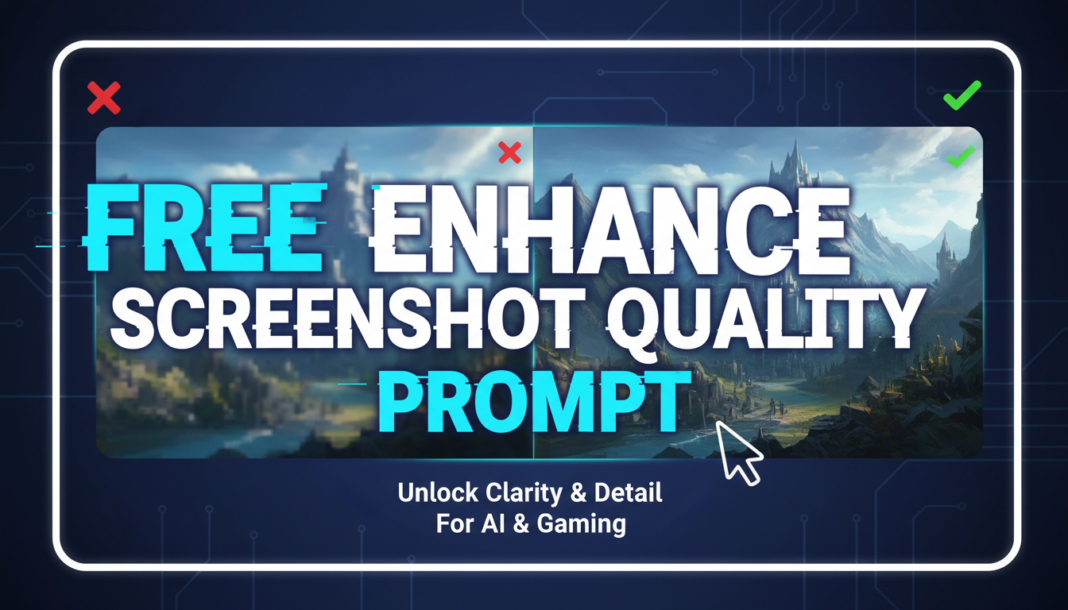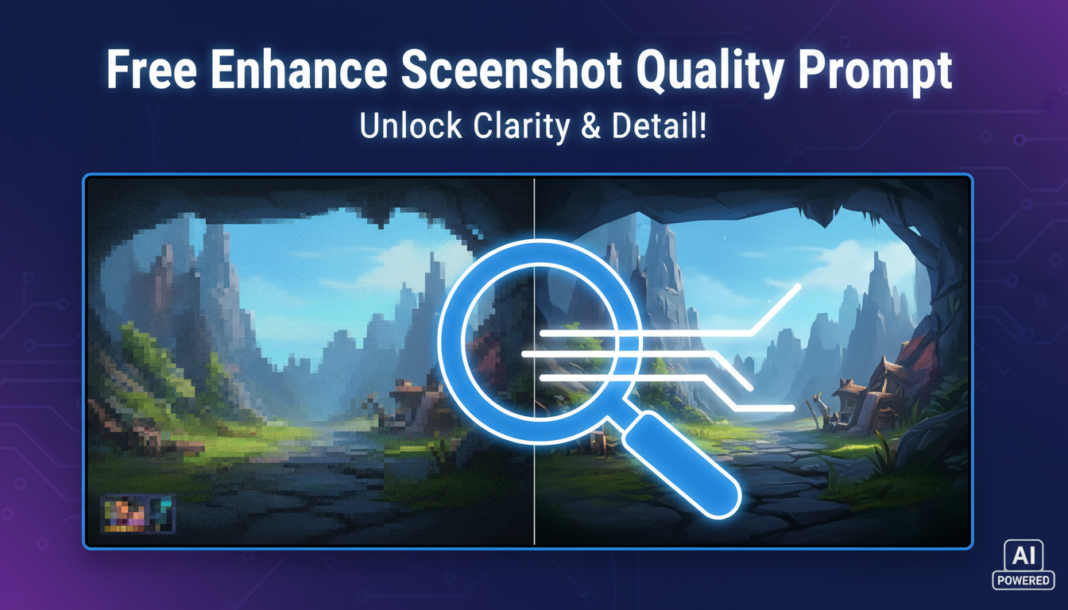
Executive Summary: The “Enhance Screenshot Quality Prompt” leverages AI upscaling and image processing algorithms to reconstruct detail, sharpen edges, and reduce artifacts in low-resolution or compressed screenshots. It guides models to infer missing pixel data, correct color imbalances, and apply stylistic enhancements, transforming suboptimal captures into high-fidelity visuals suitable for professional use, presentations, or digital publications by interpreting context and content within the image.
01. Triple Prompt Toolkit
V1 • Standard Correction
Upscale and enhance the provided screenshot. Focus on improving clarity, sharpness, and reducing pixelation. Maintain original color accuracy. Output at 4x resolution.
✍️ Editorial Tip: To adjust intensity, modify “4x resolution” to “2x resolution” for lighter upscale or “8x resolution” for more aggressive. You can also add “subtle noise reduction” for smoother results.
V2 • Cinematic High-Fidelity
Transform this screenshot into a cinematic, high-fidelity render. Apply intelligent anti-aliasing, subtle depth-of-field, and enhanced dynamic range. Introduce a professional color grade with rich tones and soft ambient lighting. Target a visually stunning, production-ready aesthetic.
✍️ Editorial Tip: Experiment with specific color grades (e.g., “warm vintage tones,” “cool sci-fi palette”) or lighting conditions (e.g., “golden hour lighting,” “dramatic chiaroscuro”) to refine the cinematic mood.
V3 • Hyper-Realistic Detail
Perform a hyper-realistic detail reconstruction and super-resolution on the screenshot. Analyze textures, sharpen micro-details, and articulate fine elements like text, fabric, or foliage with extreme precision. Ensure photo-realistic rendering, true-to-life reflections, and accurate material properties. Target ultra-sharp 8K output.
✍️ Editorial Tip: Vary the output resolution (e.g., “4K output,” “16K output”) based on required detail and processing power. Add specific material properties like “metallic sheen” or “rough concrete texture” to guide the AI further.
02. Pro Customization Table
| Variable | Replace With | Result | Impact |
|---|---|---|---|
| `[RESOLUTION]` | `2x resolution`, `4K output`, `16K` | Changes the target output size and detail level, affecting file size and render time. | High |
| `[STYLE_MODIFIER]` | `anime style`, `oil painting`, `game engine render` | Alters the artistic interpretation and visual aesthetic of the enhanced image. | High |
| `[DETAIL_FOCUS]` | `text clarity`, `facial features`, `fabric textures` | Directs the AI to prioritize specific elements within the image for detailed enhancement. | Medium |
| `[COLOR_PALETTE]` | `cool blues`, `vibrant neons`, `monochrome`, `sepia tones` | Influences the overall color scheme and emotional mood of the final enhanced image. | Medium |