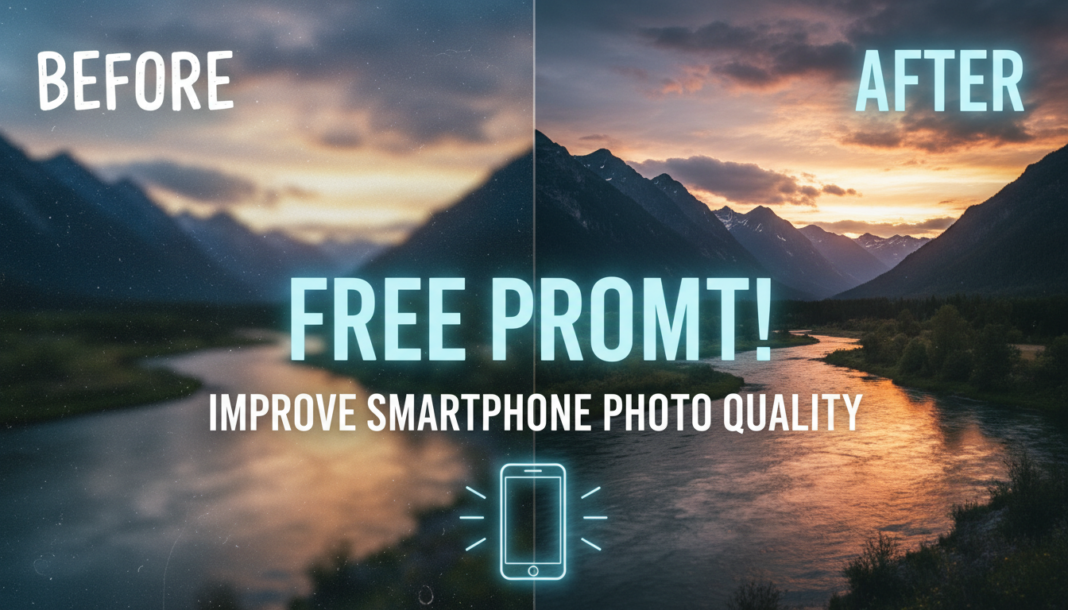
Executive Summary: The “Improve Smartphone Photo Quality Prompt” technically instructs an AI model to apply sophisticated image processing algorithms. It targets enhancements like noise reduction, dynamic range expansion, color correction, and sharpening, addressing inherent smartphone camera limitations. By articulating desired aesthetic and technical corrections, the prompt guides the AI to intelligently infer and reconstruct missing visual data, refining pixels and optimizing overall fidelity to transform a raw smartphone capture into a visually superior, high-quality output.
01. Triple Prompt Toolkit
V1 • Standard Correction
Enhance image quality: Apply noise reduction, sharpen details, adjust white balance for natural colors, optimize contrast and brightness, correct minor lens distortions. Target a clean, balanced, and vibrant aesthetic. Original: [description of original photo, e.g., “underexposed indoor portrait with warm lighting”].
✍️ Editorial Tip: To change the intensity, add `subtle`, `moderate`, or `aggressive` before specific adjustments like `noise reduction` or `sharpen details`. You can also specify a precise color temperature (e.g., `cool white balance`).
V2 • Cinematic High-Fidelity
Transform smartphone photo to cinematic high-fidelity: Implement advanced dynamic range recovery, gradient-aware sharpening, selective color grading for a teal-and-orange aesthetic, subtle film grain emulation, enhanced volumetric lighting. Focus on deep blacks, rich mid-tones, and smooth highlights. Original: [description of original photo, e.g., “cityscape at dusk”].
✍️ Editorial Tip: Modify the `color grading` (e.g., `muted earthy tones`, `vibrant cyberpunk blues`) or `film grain` (e.g., `fine`, `coarse`) to achieve different moods. Adjust `volumetric lighting` for stronger or softer effects.
V3 • Hyper-Realistic Detail
Process smartphone image for hyper-realistic detail: Utilize advanced super-resolution, micro-contrast enhancement, intelligent texture reconstruction, chromatic aberration correction, and perceptual sharpening. Preserve natural skin tones and fine object textures while eliminating digital artifacts. Achieve ultra-sharp, lifelike clarity. Original: [description of original photo, e.g., “close-up of a flower with dew drops”].
✍️ Editorial Tip: Specify the target output resolution (e.g., `4K`, `8K`) or focus on particular textures (e.g., `emphasize fabric texture`, `smooth skin`). Add `remove digital noise aggressively` if the source image is very noisy.
We are the Editorial Team at Bloggedge, a group of dedicated Tech Researchers and Data Analysts. Our mission is to break down complex AI and Global Tech developments into simple, easy-to-read guides. By utilizing our structured 'Information Hub,' we help readers worldwide stay ahead of digital trends without the confusion of technical jargon.