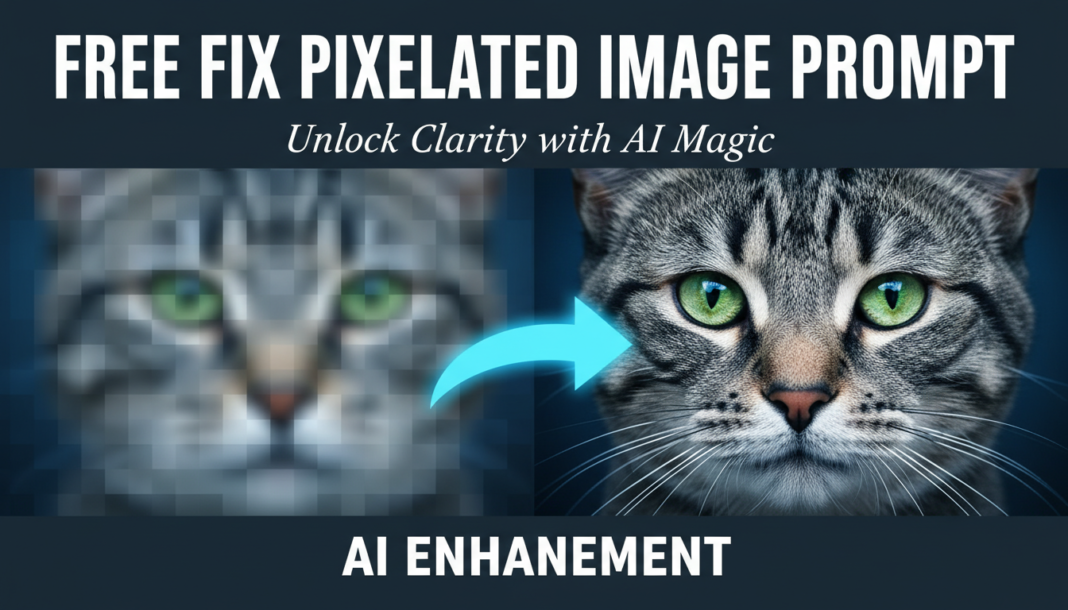
Executive Summary: The “Remove Image Artifacts Prompt” guides AI models to identify and eliminate undesirable visual distortions such as JPEG compression blocks, digital noise, chromatic aberration, or glitches. By specifying artifact types and desired correction levels, engineers instruct the AI to apply sophisticated algorithms for denoising, deblocking, and general image restoration, significantly enhancing visual quality and aesthetic fidelity in generative or upscaled outputs.
01. Triple Prompt Toolkit
V1 • Standard Correction
Clean image from artifacts: remove jpeg compression, eliminate pixelation, smooth noise, restore clarity, subtle denoising, deblock artifacts, general image enhancement, natural look.
✍️ Editorial Tip: To change intensity, add “minimal,” “moderate,” or “aggressive” before “denoising.” To target specific artifacts, swap “jpeg compression” with “chromatic aberration” or “banding.”
V2 • Cinematic High-Fidelity
Cinematic quality image restoration, remove all digital artifacts, preserve film grain, gentle noise reduction, anti-aliasing, de-banding, restore fine textures, enhance dynamic range, filmic aesthetic.
✍️ Editorial Tip: Modify “preserve film grain” to “remove all grain” for a smoother look, or adjust “gentle noise reduction” to “strong noise reduction” for cleaner surfaces at the cost of some micro-detail.
V3 • Hyper-Realistic Detail
Hyper-realistic image enhancement, completely remove pixelation and aliasing, intelligent noise suppression, precise texture reconstruction, deconvolution for sharpness, color fidelity restoration, deep learning artifact removal, forensic-level detail.
✍️ Editorial Tip: To fine-tune sharpness versus noise, experiment with terms like “mild deconvolution” or “aggressive noise suppression.” Add “preserve micro-detail” if the output loses too much fine structure.
02. Pro Customization Table
| Variable | Replace With | Result | Impact |
|---|---|---|---|
| Artifact Type | `chromatic aberration`, `banding`, `moiré patterns`, `scan lines` | Directs AI to target specific distortions, improving precision of removal. | High |
| Denoising Strength | `mild denoising`, `strong noise reduction`, `zero noise` | Controls the aggressiveness of noise removal, balancing smoothness with detail retention. | Medium |
| Detail Preservation | `preserve fine textures`, `restore micro-detail`, `smooth surfaces` | Dictates how much intricate detail the AI should retain during artifact correction. | High |
| Output Aesthetic | `natural look`, `cinematic aesthetic`, `photorealistic` | Guides the AI towards a desired overall visual style post-correction. | Medium |