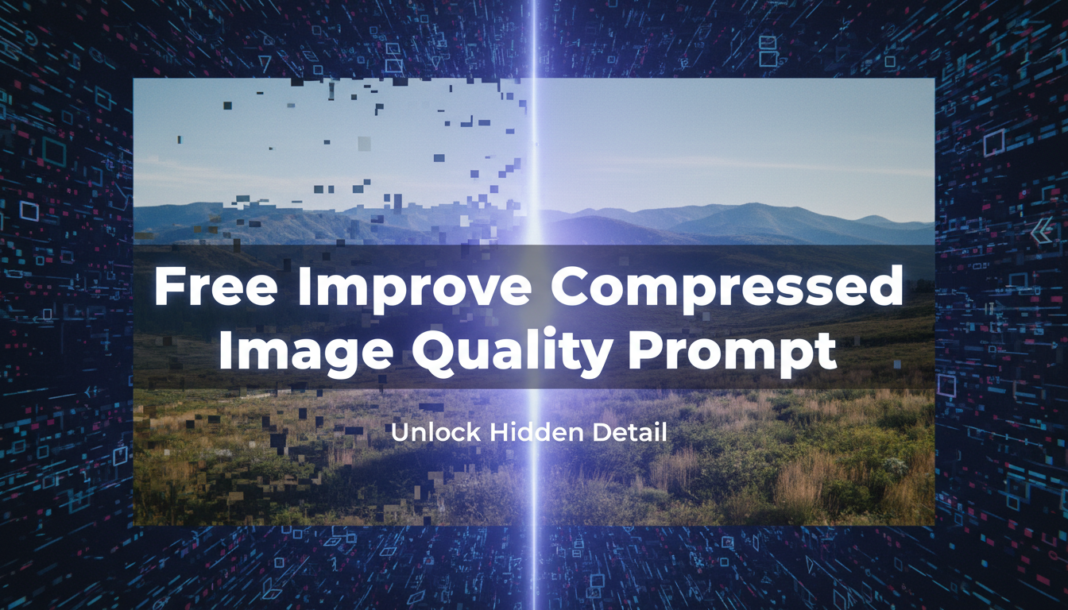
Executive Summary: The “Improve Compressed Image Quality Prompt” guides AI models to intelligently reconstruct and enhance visual data degraded by compression. It directs the AI to hallucinate lost details, reduce blockiness, noise, and color banding artifacts, and apply super-resolution techniques. This process leverages deep learning to generate a perceptually higher-quality image, restoring sharpness, color accuracy, and intricate textures beyond mere upscaling, effectively reversing compression damage.
01. Triple Prompt Toolkit
V1 • Standard Correction
Enhance clarity and reduce artifacts in the provided compressed image. Apply intelligent denoising, de-blocking, and subtle sharpness adjustments to restore original detail without introducing new elements.
✍️ Editorial Tip: To increase the effect, add “stronger denoising” or “crisper edges.” For a softer output, include “minimal sharpness” or “smooth gradients.”
V2 • Cinematic High-Fidelity
Re-render the compressed image with cinematic high-fidelity. Emphasize subtle grain, rich tonal depth, vibrant yet natural color grading, and soft, consistent lighting. Restore textures for a premium, film-like aesthetic, minimizing digital artifacts.
✍️ Editorial Tip: Modify “subtle grain” to “fine film grain” or “no grain” for desired texture. Adjust “vibrant yet natural” to “muted” or “saturated” for different color moods.
V3 • Hyper-Realistic Detail
Perform a hyper-realistic detail reconstruction of this compressed image. Focus on extreme textural accuracy, micro-detail enhancement, precise edge definition, and natural photographic rendering. Remove all compression artifacts, preserving authentic material properties and intricate surface information.
✍️ Editorial Tip: Specify key areas for detail (e.g., “enhance facial features,” “sharpen fabric textures”). Reduce “extreme textural accuracy” to “balanced realism” for less aggressive detail.
02. Pro Customization Table
| Variable | Replace With | Result | Impact |
|---|---|---|---|
| `Detail Level` | `minimal detail restoration`, `moderate detail enhancement`, `extreme micro-detail` | Controls the extent to which new, plausible details are synthesized by the AI. | High |
| `Artifact Reduction` | `subtle de-blocking`, `aggressive noise reduction`, `complete artifact removal` | Determines the strength and type of algorithms used to remove compression artifacts like blockiness, noise, and banding. | High |
| `Stylization` | `photorealistic`, `cinematic`, `artistic render`, `vintage aesthetic` | Influences the overall visual style, mood, and aesthetic of the final enhanced image. | Medium |
| `Color Profile` | `neutral color balance`, `vibrant colors`, `muted tones`, `warm color grading` | Adjusts the color saturation, temperature, contrast, and overall color grading of the image. | Medium |