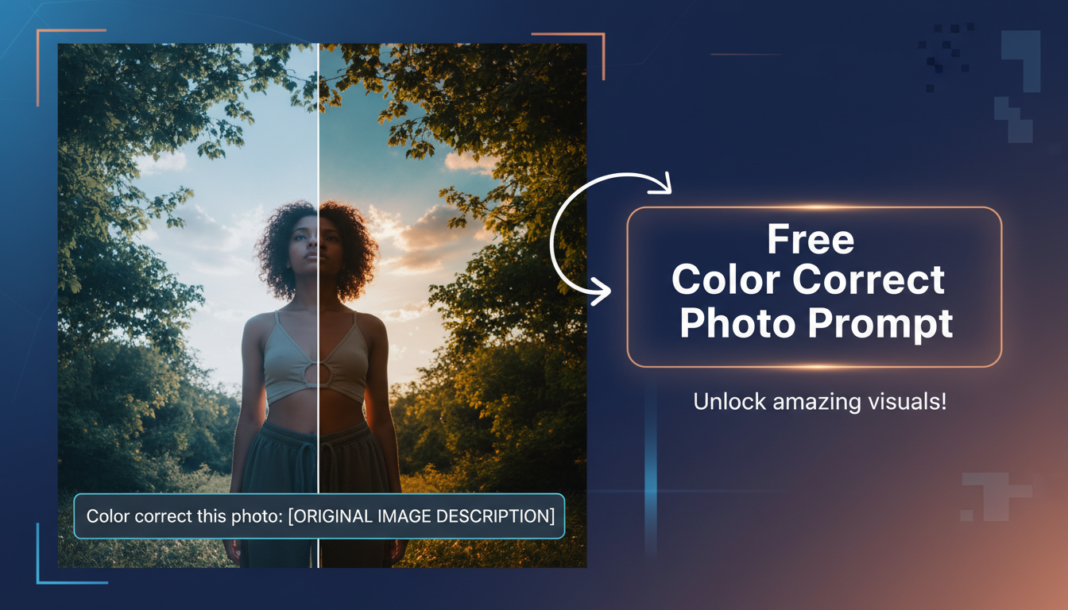
Executive Summary: Color Correct Photo Prompts leverage AI models to intelligently adjust photographic parameters like white balance, exposure, contrast, saturation, and tone. By analyzing the prompt’s instructions, the AI rectifies color casts, enhances visual fidelity, or applies specific artistic grading to achieve a desired aesthetic outcome. This technique optimizes image quality, ensuring naturalistic representation or stylized artistic expression through precise algorithmic manipulation of chromatic data.
01. Triple Prompt Toolkit
V1 • Standard Correction
Color correct photo: balanced exposure, neutral white balance, moderate contrast, natural saturation, subtle clarity boost, soft highlights, true-to-life colors.
✍️ Editorial Tip: To adjust intensity, swap “moderate contrast” for “gentle contrast” or “increased contrast,” and “natural saturation” for “minimal saturation” to achieve a desaturated look.
V2 • Cinematic High-Fidelity
Cinematic color grading, dramatic lighting, enhanced dynamic range, cool teal shadows and warm orange highlights, film grain, slightly crushed blacks, high contrast, golden hour ambiance.
✍️ Editorial Tip: Change the color palette by replacing “cool teal shadows and warm orange highlights” with “deep desaturated greens” or “vibrant neon blues” to explore different cinematic looks.
V3 • Hyper-Realistic Detail
Hyper-realistic color correction, exacting white balance, microscopic detail enhancement, true-to-life tonal rendition, pronounced clarity, minimal chromatic aberration, pristine shadows, professional studio light simulation.
✍️ Editorial Tip: To refine focus on specific elements, add “sharpness on textures” or “soft bokeh background” after “pronounced clarity,” influencing how detail is rendered across the image.
02. Pro Customization Table
| Variable | Replace With | Result | Impact |
|---|---|---|---|
| Color Palette/Grading | “cool blue tones,” “warm vintage sepia,” “vibrant pop colors,” “monochromatic grayscale” | Drastically shifts the overall mood, emotional resonance, and visual aesthetic of the image. | High |
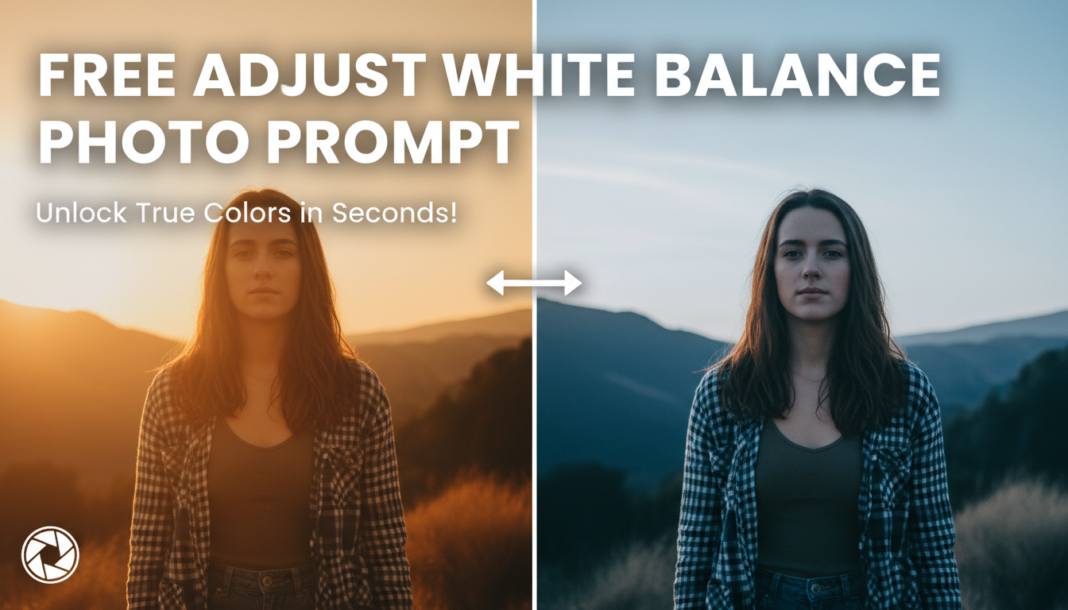
| White Balance/Temperature | “cool white balance,” “warm white balance,” “neutral D65,” “daylight corrected” | Adjusts the perceived color temperature, correcting or introducing color casts to define the scene’s ambiance. | Medium-High |
| Contrast/Dynamic Range | “low contrast,” “high dynamic range,” “crushed blacks,” “lifted shadows,” “soft contrast” | Controls the separation between light and dark areas, affecting depth, drama, and overall visual punch. | High |
| Saturation/Vibrancy | “desaturated,” “vibrant,” “muted tones,” “hyper-saturated,” “natural vibrance” | Determines the intensity and richness of colors, influencing how subdued or vivid the image appears. | Medium |