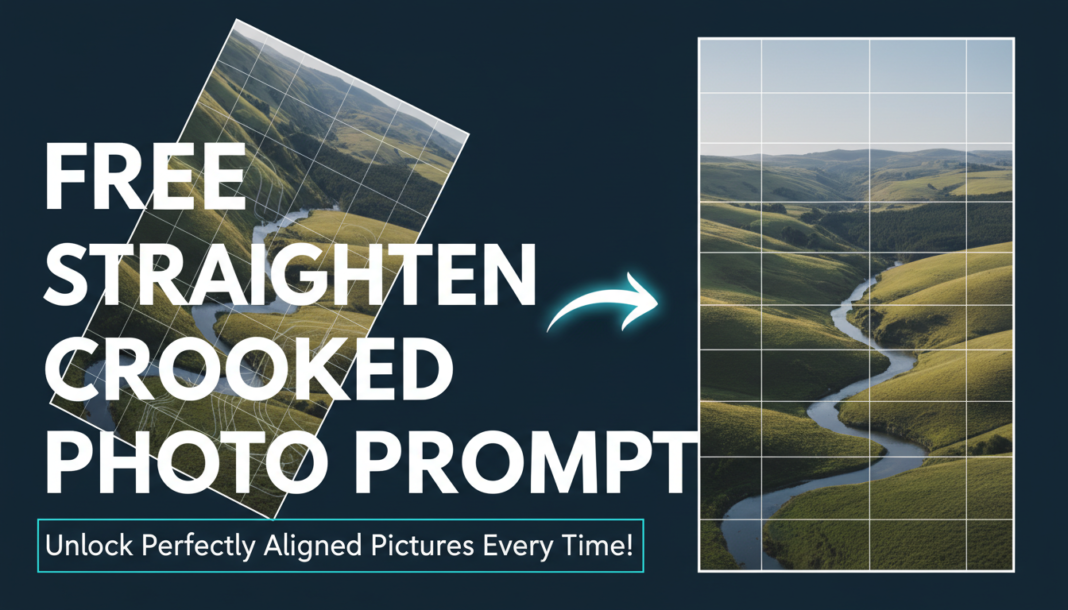
Executive Summary: AI photo straightening leverages computer vision to analyze image geometry, detecting misaligned horizons or objects. It calculates the necessary rotational correction angle and applies it, often employing content-aware fill algorithms to intelligently reconstruct any newly exposed background areas at the image edges. This process maintains image integrity while achieving perfect alignment, crucial for professional aesthetics and visual consistency in various media.
01. Triple Prompt Toolkit
V1 • Standard Correction
Straighten the subject and horizon line of the provided image. Apply a precise rotational adjustment to correct any tilt, then use basic content-aware fill to seamlessly patch newly exposed canvas areas.
✍️ Editorial Tip: To adjust the aggressiveness, add “subtle” or “aggressive” before “rotational adjustment.” For edge handling, specify “crop instead of fill.”
V2 • Cinematic High-Fidelity
Analyze the input image for rotational inconsistencies, specifically focusing on primary subject alignment and environmental horizontals. Execute an intelligent perspective and rotation correction, ensuring minimal distortion. Employ advanced generative filling for pristine edge reconstruction, preserving atmospheric integrity and maintaining a cinematic aspect ratio. High-resolution output.
✍️ Editorial Tip: Introduce “specific tilt angle X degrees” for manual override, or “focus on architectural lines” to refine the detection priority.
V3 • Hyper-Realistic Detail
Perform a pixel-perfect, sub-degree rotational correction on the image, identifying all significant horizontal and vertical elements for reference. Prioritize natural image boundary preservation. Utilize ultra-fine-grained content-aware interpolation for any required infill, maintaining texture, lighting, and detail fidelity across the entire canvas. Output at maximum available resolution and bit depth, suitable for print.
✍️ Editorial Tip: Specify “preserve all EXIF data” or “optimize for print DPI [X]” to influence output parameters. Add “prioritize [specific object/line]” for complex scenes.
02. Pro Customization Table
| Variable | Replace With | Result | Impact |
|---|---|---|---|
| Correction Intensity | `subtle`, `moderate`, `aggressive` | Controls the perceived strength or gentleness of the rotational adjustment. | High |
| Edge Infill Method | `crop`, `basic content-aware`, `AI generative expand` | Determines how newly exposed canvas areas after rotation are handled (removed or filled). | Medium |
| Alignment Reference | `horizon line`, `main subject’s base`, `grid system`, `architectural lines` | Directs the AI on which visual elements to prioritize for identifying the correct straight axis. | High |
| Output Quality | `web-optimized`, `high-res`, `print-ready`, `archival-grade` | Influences the final resolution, detail preservation, and compression of the output image. | Medium-High |