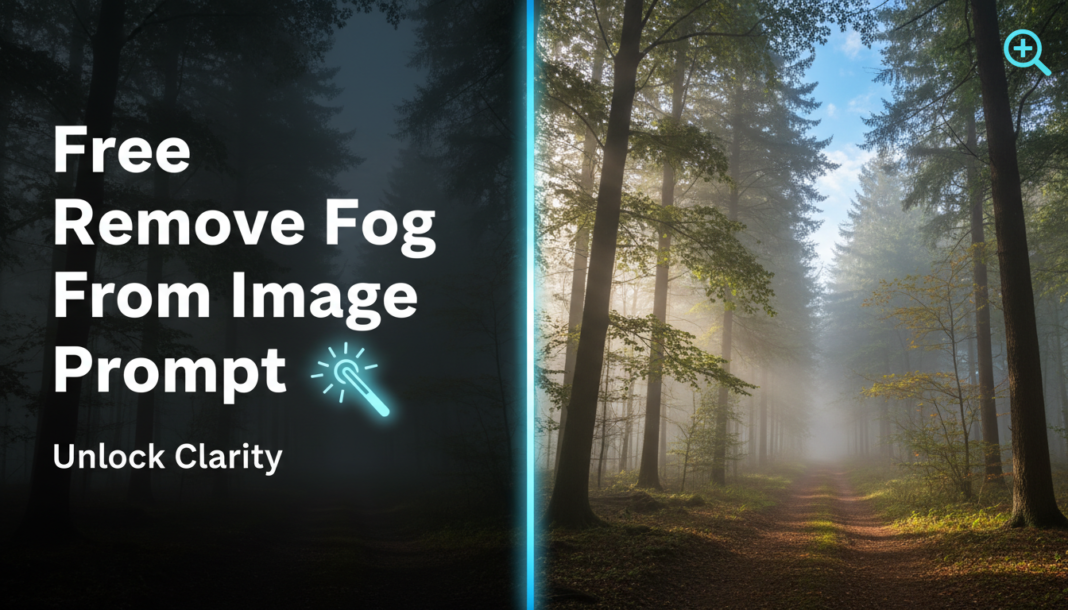
Executive Summary: Removing fog from images via AI prompts leverages sophisticated dehazing algorithms. These prompts guide generative models to analyze atmospheric scattering, estimate transmission maps, and reconstruct clear scene radiance. By instructing the AI to enhance contrast, recover obscured details, and correct color shifts, we effectively reverse the effects of atmospheric particulate matter, revealing hidden depth and sharpness in the final output.
01. Triple Prompt Toolkit
V1 • Standard Correction
A photograph, outdoor scene, remove fog, clear visibility, natural colors, sharp focus, dehazed.
✍️ Editorial Tip: To adjust defogging strength, add `slight dehazing` or `intense dehazing`. For a warmer or cooler tone, include `warm tones` or `cool tones`.
V2 • Cinematic High-Fidelity
Cinematic wide shot, landscape after heavy fog lifts, dramatic clarity, vibrant colors, deep shadows, atmospheric perspective, high dynamic range, film grain, professional photography.
✍️ Editorial Tip: Modify `vibrant colors` to `muted cinematic palette` or `rich teal and orange` for different color grades. Change `film grain` to `smooth digital` for a cleaner look.
V3 • Hyper-Realistic Detail
Hyper-realistic outdoor panorama, ultra-detailed, 8K resolution, micro-contrast enhancement, full atmospheric dehazing, pinpoint sharpness, true-to-life color accuracy, no artifacts, crisp textures, professional photorealistic render.
✍️ Editorial Tip: Adjust `8K resolution` to `4K` or `16K` based on desired output quality. Add specific elements like `wet foliage` or `rock texture` for even finer detail recovery.
02. Pro Customization Table
| Variable | Replace With | Result | Impact |
|---|---|---|---|
| Dehazing Intensity | `slight dehazing`, `moderate dehazing`, `intense dehazing`, `full atmospheric clarity` | Controls the degree of fog removal, from subtle clearing to complete elimination. | High |
| Color Profile | `natural colors`, `vibrant colors`, `muted palette`, `cinematic tones`, `cool color shift`, `warm color balance` | Influences the overall color rendition and mood of the defogged image. | Medium |
| Detail & Sharpness | `sharp focus`, `pinpoint sharpness`, `soft focus`, `micro-contrast enhancement`, `crisp textures` | Determines the level of detail recovery and edge definition in the scene. | High |
| Artistic Style | `photorealistic`, `cinematic`, `dreamy`, `gritty`, `painterly`, `digital art` | Modifies the aesthetic and overall visual language of the generated image. | High |