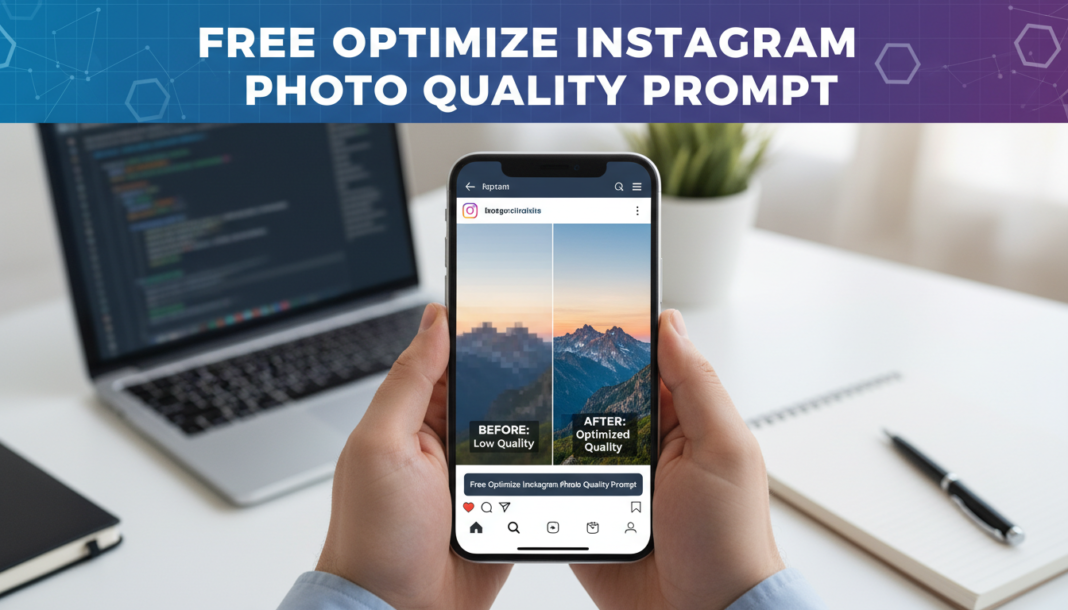
Executive Summary: The “Optimize Instagram Photo Quality Prompt” technically guides AI models to enhance image fidelity specifically for Instagram’s aggressive compression algorithms. It instructs the AI to prioritize elements like sharpness, dynamic range, color accuracy, and artifact reduction. This ensures details, tones, and textures are preserved, counteracting degradation often seen post-upload. The prompt is crucial for maintaining professional-grade visual impact and engagement on the platform, translating raw AI output into social media-ready assets.
01. Triple Prompt Toolkit
V1 • Standard Correction
Enhance the provided image for optimal Instagram upload. Focus on increasing sharpness, balancing exposure, reducing digital noise, and subtly boosting color vibrancy. Target a final output suitable for Instagram’s aspect ratios and compression, minimizing artifacting while preserving natural details. Output a clean, clear, and engaging photograph.
✍️ Editorial Tip: To adjust intensity, modify terms like “subtly boosting” to “significantly enhancing” for color or “minimizing artifacting” to “aggressively removing artifacts” for noise.
V2 • Cinematic High-Fidelity
Refine this image into a cinematic, high-fidelity visual optimized for Instagram’s feed. Apply sophisticated color grading with deep blacks and rich tones, enhance micro-contrast for textural depth, and ensure a wide dynamic range. Emphasize a filmic look, sharp focus, and minimal digital artifacts, creating an immersive and premium aesthetic that stands out on mobile displays.
✍️ Editorial Tip: Experiment with specific color palettes (e.g., “teal and orange grade,” “cool blues and warm highlights”) or film stocks (e.g., “Kodak Portra 400 aesthetic”) to shift the cinematic mood.
V3 • Hyper-Realistic Detail
Perform a hyper-realistic detail enhancement on the image, optimizing it for maximum visual fidelity on Instagram. Prioritize intricate texture recovery, edge definition without haloing, and accurate tonal reproduction. Ensure extremely fine details are rendered with clarity, sharpness, and depth, aiming for a lifelike quality that withstands Instagram’s compression while maintaining a natural, un-overprocessed appearance.
✍️ Editorial Tip: Adjust the intensity of “texture recovery” or “edge definition” by adding terms like “subtle” or “aggressive.” Specify elements for detail (e.g., “skin texture,” “fabric weave”) for targeted enhancement.
02. Pro Customization Table
| Variable | Replace With | Result | Impact |
|---|---|---|---|
| `Enhancement_Style` | `cinematic`, `vibrant`, `monochromatic`, `documentary` | Alters the overall aesthetic and mood of the output image. | High |
| `Detail_Level` | `micro-contrast`, `subtle texture`, `hyper-realistic sharpness`, `smooth bokeh` | Controls the granularity and intensity of detail rendering. | Medium-High |
| `Color_Grade` | `deep blacks and rich tones`, `natural vibrancy`, `muted desaturated`, `punchy and bright` | Defines the color palette and tonal response of the image. | High |
| `Artifact_Management` | `minimal digital artifacts`, `aggressive noise reduction`, `slight film grain`, `compression-resistant` | Dictates how the AI handles imperfections and prepares for compression. | Medium |