spot_imgspot_img

Top 5 This Week

spot_img

Related Posts

Image Generation PromptsImage Cleaning / EnhancementFree Improve Banner Image Quality Prompt

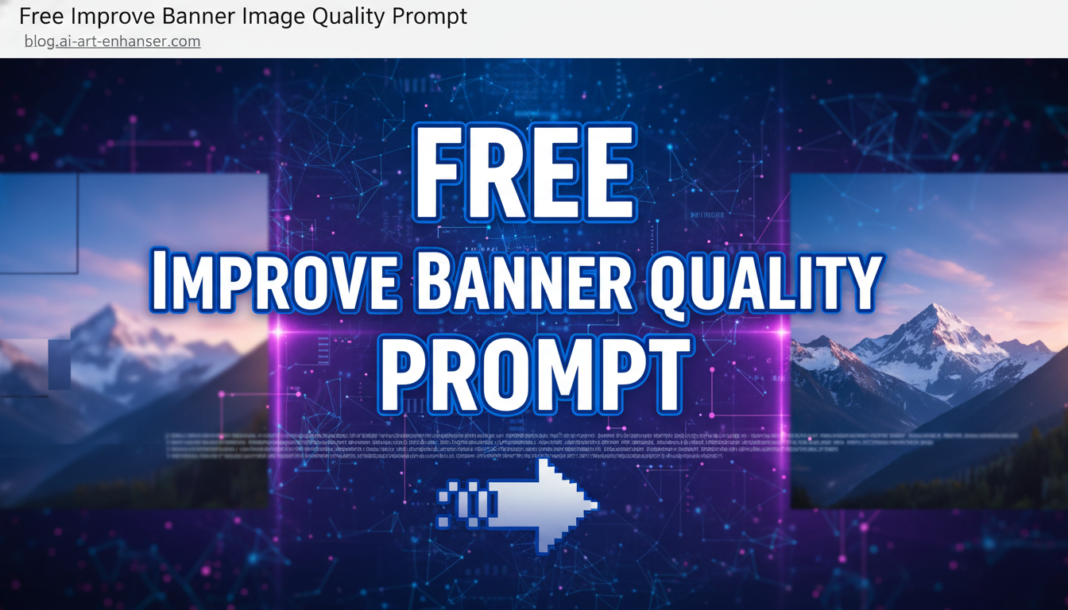
Free Improve Banner Image Quality Prompt

Executive Summary: The “Improve Banner Image Quality Prompt” leverages AI to enhance visual assets by targeting key parameters like resolution, sharpness, noise reduction, and color vibrancy. It instructs generative models to perform intelligent upscaling, texture refinement, and artifact removal, ensuring banners appear crisp and professional across diverse display environments. This process optimizes visual fidelity for maximum engagement, preserving artistic intent while boosting technical clarity.

01. Triple Prompt Toolkit

V1 • Standard Correction

Enhance banner image quality: upscale to 4K, reduce noise, sharpen details, adjust contrast and saturation for optimal web display. Maintain original composition.

✍️ Editorial Tip: To adjust intensity, modify “4K” to “8K” for higher resolution or explicitly state “subtle sharpening” for a less aggressive look. Add “vibrant colors” for more pop or “muted tones” for subtlety.

V2 • Cinematic High-Fidelity

Transform banner image into a cinematic high-fidelity masterpiece. Apply dramatic lighting, rich color grading, deep shadows, and fine grain texture for a premium, immersive feel. Ultra-detailed, 16:9 aspect ratio, professional film look.

✍️ Editorial Tip: Experiment with specific lighting (e.g., “golden hour lighting,” “neon glow”) or different film stocks (e.g., “Kodachrome aesthetic,” “noir style”) to tailor the cinematic mood. Change “16:9” to another desired ratio.

V3 • Hyper-Realistic Detail

Re-render banner image with hyper-realistic detail. Emphasize microscopic textures, crisp edges, accurate material properties, and photorealistic lighting. Eliminate all artifacts, achieving an ultra-sharp, lifelike, and pristine quality suitable for large prints.

✍️ Editorial Tip: Specify material types (e.g., “glossy metallic,” “rough concrete texture”) or environmental elements (e.g., “dew drops on leaves,” “fabric weave visible”) to refine the hyper-realistic outcome. Add specific camera lens effects like “bokeh background.”

02. Pro Customization Table

Variable Replace With Result Impact
Resolution/Upscaling `8K`, `Retina Display Optimized`, `Vector Graphics` Drastically alters output resolution and scalability, affecting clarity on different screens. High
Visual Style/Mood `minimalist`, `gritty`, `dreamy`, `vintage`, `abstract` Changes the overall aesthetic and emotional impact of the banner image. High
Detail Emphasis `subtle textures`, `smooth gradients`, `glossy surfaces`, `organic patterns` Controls the level and type of textural information and fine details rendered. Medium
Lighting/Color Profile `soft ambient light`, `vibrant pop-art colors`, `sepia tone`, `monochromatic` Manipulates the illumination, color palette, and overall brightness/contrast. High


BloggEdge Team Education & Research Desk
BloggEdge Team Education & Research Deskhttps://bloggedge.com
We are the Editorial Team at Bloggedge, a group of dedicated Tech Researchers and Data Analysts. Our mission is to break down complex AI and Global Tech developments into simple, easy-to-read guides. By utilizing our structured 'Information Hub,' we help readers worldwide stay ahead of digital trends without the confusion of technical jargon.

LEAVE A REPLY

Please enter your comment!
Please enter your name here

Popular Articles