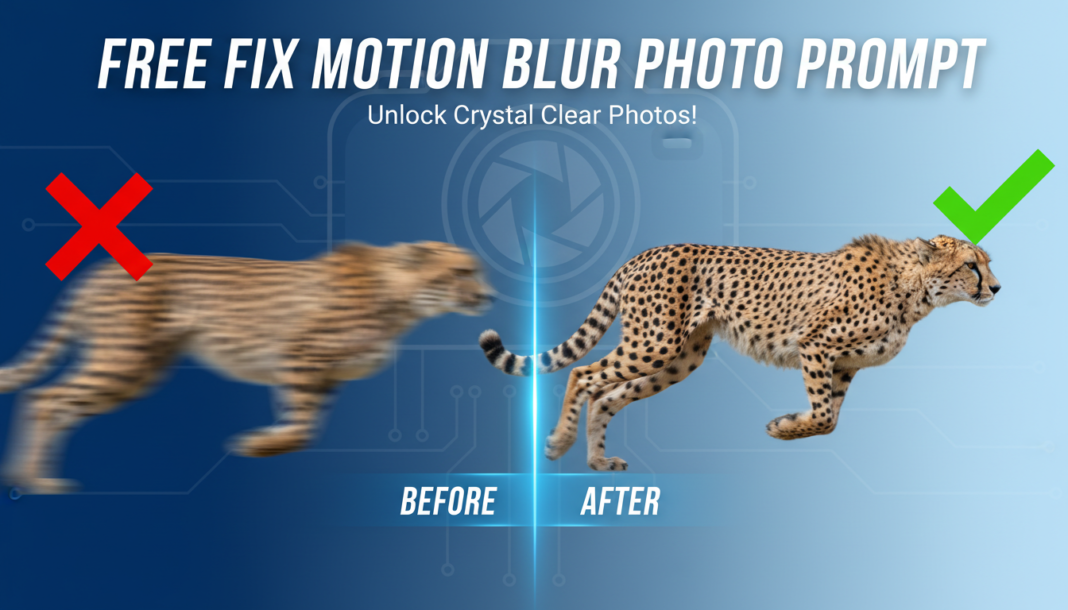
Executive Summary: AI prompts for fixing motion blur leverage advanced image processing models (e.g., GANs, diffusion models) to reconstruct sharp details from blurred input. These systems analyze blur patterns, estimate motion vectors, and apply deconvolution algorithms, often guided by high-level semantic understanding. The prompt steers the AI to prioritize sharpness, detail, and realistic texture generation, effectively reversing the blurring effect without introducing unwanted artifacts.
01. Triple Prompt Toolkit
V1 • Standard Correction
photo, motion blur removal, deblur, enhance sharpness, crisp details, natural lighting, realistic textures, without artifacts, 4k.
✍️ Editorial Tip: To adjust intensity, replace “crisp details” with “subtle details” for a softer effect, or add “aggressive deblurring” for stronger correction. Specify “outdoor scene” or “indoor portrait” for context.
V2 • Cinematic High-Fidelity
cinematic photography, high-fidelity motion blur fix, professional deblur, dramatic sharpness, fine film grain, enhanced contrast, atmospheric, volumetric lighting, epic, 8k.
✍️ Editorial Tip: Change “fine film grain” to “smooth gradient” for a cleaner digital look, or add specific artistic elements like “shallow depth of field” or “anamorphic lens flare.”
V3 • Hyper-Realistic Detail
hyper-realistic photo, extreme motion blur removal, forensic deblur, microscopic detail, ultra-sharp focus, precise edge definition, textural accuracy, HDR, professional studio lighting, 16k.
✍️ Editorial Tip: To refine focus, add phrases like “subject in sharp focus” or “background de-emphasized.” Experiment with different lighting, e.g., “natural sunlight” instead of “studio lighting.”
02. Pro Customization Table
| Variable | Replace With | Result | Impact |
|---|---|---|---|
| `[DEBLUR_AGGRESSION]` | `gentle deblur`, `aggressive deblur`, `subtle blur correction` | Controls how intensely the AI attempts to remove blur, affecting potential artifact generation. | High |
| `[DETAIL_RECOVERY]` | `fine texture`, `smooth surfaces`, `exaggerated detail` | Dictates the level of fine detail and texture reconstruction in the deblurred output. | High |
| `[OUTPUT_TONE]` | `vibrant colors`, `monochromatic`, `desaturated tones` | Influences the color grading and overall tonal aesthetic of the corrected image. | Medium |
| `[LIGHTING_STYLE]` | `soft studio light`, `harsh daylight`, `golden hour glow` | Shapes the illumination and shadow characteristics, impacting mood and realism. | Medium |