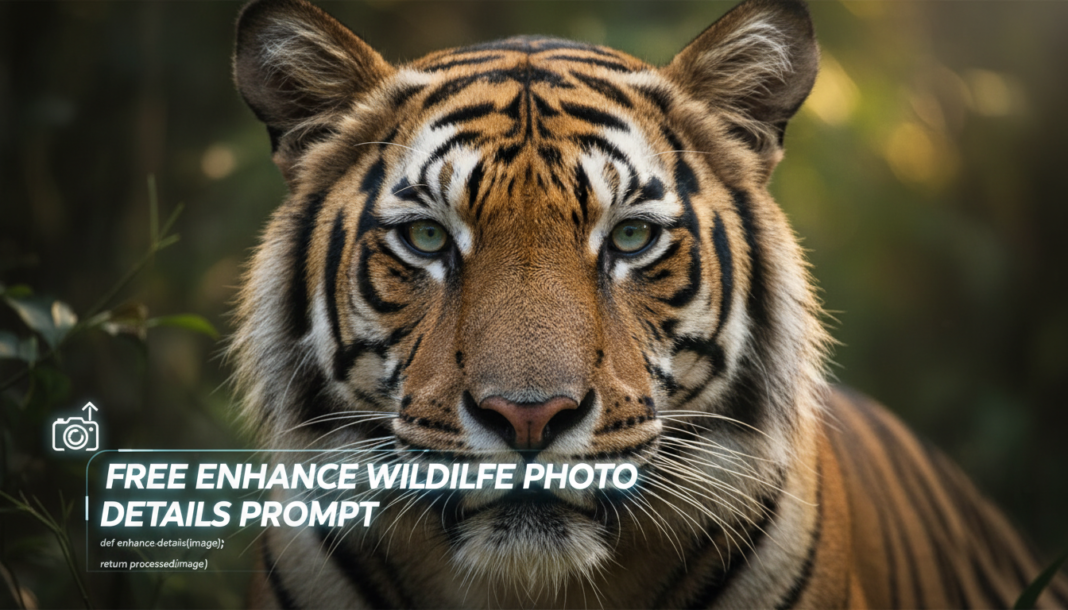
Executive Summary: The “Enhance Wildlife Photo Details Prompt” leverages advanced AI models for super-resolution and intelligent detail reconstruction. It analyzes image data, identifying subjects like fur, feathers, and eyes, then applies algorithms for sharpening, denoising, and texture synthesis. This process accentuates intricate patterns and fine structures, recovering lost fidelity and improving overall visual clarity, crucial for scientific observation and aesthetic appeal in nature photography.
01. Triple Prompt Toolkit
V1 • Standard Correction
RAW photo of a [animal_species] in [environment], natural lighting. Enhance details: sharp focus, subtle texture refinement, minimal noise reduction, balanced contrast. Realistic, high-resolution.
✍️ Editorial Tip: To adjust the intensity, add “moderate sharpening,” “gentle texture,” or “aggressive denoising.” Change “minimal” to “standard” for stronger noise reduction.
V2 • Cinematic High-Fidelity
Cinematic portrait of a majestic [animal_species] at [time_of_day] in [environment]. Apply high-fidelity detail enhancement: accentuate individual fur/feather strands, enhance eye catchlights, rich dynamic range, subtle vignette, filmic grain, 8K resolution, f/2.8.
✍️ Editorial Tip: Modify “[time_of_day]” for specific lighting (e.g., “golden hour,” “blue hour”). Tweak “filmic grain” to “smooth bokeh” for a cleaner, shallower depth of field look.
V3 • Hyper-Realistic Detail
Extreme close-up, hyper-realistic macro shot of a [animal_part, e.g., eagle’s eye, lion’s mane] of a [animal_species]. Intensely enhance micro-details: ultra-fine texture rendition, sub-pixel sharpening, extreme clarity, microscopic detail visibility, natural imperfections, RAW uncompressed, 16K resolution.
✍️ Editorial Tip: Adjust the “animal_part” for specific focus (e.g., “jaguar’s whiskers,” “hummingbird’s iridescent feathers”). Add specific lens types like “100mm macro lens” for further photographic realism.
02. Pro Customization Table
| Variable | Replace With | Result | Impact |
|---|---|---|---|
| `[animal_species]` | `Snow Leopard`, `Great Horned Owl`, `Puma` | Specifies the core subject, guiding AI’s texture and detail algorithms for fur, feathers, or scales. | High |
| `[environment]` / `[time_of_day]` | `dense jungle`, `golden hour`, `misty forest` | Contextualizes ambient lighting and background elements, influencing overall atmospheric detail and color grading. | Medium |
| Detail Intensity | `aggressive sharpening`, `gentle texture smoothing`, `extreme clarity` | Controls the algorithmic strength of detail enhancement, from subtle refinement to pronounced micro-texture visibility. | Critical |
| Output Resolution/Format | `4K TIFF`, `12K JPEG`, `Ultra HD PNG` | Defines the final image dimensions and compression, directly impacting the perceived sharpness and file fidelity. | High |