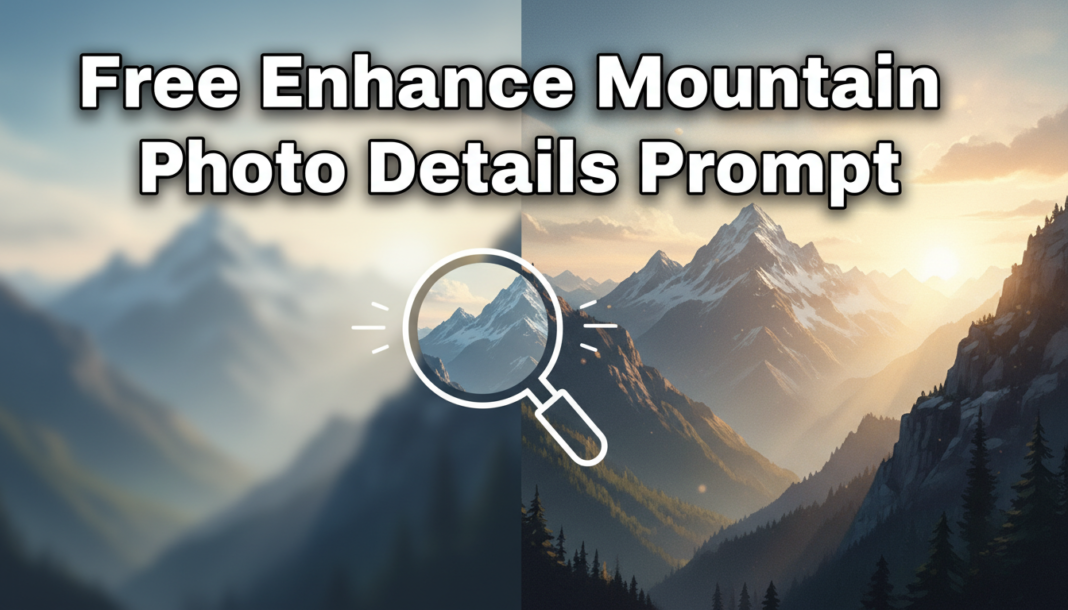
Executive Summary: Enhance Mountain Photo Details Prompts leverage AI to intelligently refine an image’s intricate textures, contours, and atmospheric depth. The AI analyzes geological features, vegetation, and sky elements, applying targeted sharpening, micro-contrast adjustments, and intelligent denoising. This process selectively augments fine lines, rock formations, snow patterns, and cloud structures, ensuring breathtaking clarity and visual realism, while preserving natural aesthetics and preventing over-processing artifacts, delivering a photo with heightened detail and dimensionality.
01. Triple Prompt Toolkit
V1 • Standard Correction
photorealistic mountain landscape, enhanced detail, subtle sharpening, natural contrast, clear atmosphere, realistic color balance, high resolution, professional photography.
✍️ Editorial Tip: To increase intensity, change “subtle sharpening” to “moderate sharpening” or add “vibrant” before “color balance” for more visual pop.
V2 • Cinematic High-Fidelity
epic mountain range, cinematic lighting, dramatic volumetric clouds, rich textures, deep shadows, bright highlights, enhanced micro-details, 4K, subtle film grain, color graded, ultra-realistic.
✍️ Editorial Tip: Adjust the mood by changing “cinematic lighting” to “golden hour lighting” or “blue hour.” Alter “subtle film grain” to “gritty film grain” for a more vintage look.
V3 • Hyper-Realistic Detail
extreme close-up of mountain rock face, hyper-realistic details, geological strata definition, crystalline snow texture, intricate ice formations, razor-sharp focus, professional macro photography, photorealistic, 8K, uncompressed RAW data quality.
✍️ Editorial Tip: Focus on different textures by replacing “crystalline snow texture” with “rugged foliage texture” or “craggy rock formations” to highlight other elements.
02. Pro Customization Table
| Variable | Replace With | Result | Impact |
|---|---|---|---|
| Detail Intensity | `mild sharpness`, `moderate detail`, `extreme clarity` | Controls the degree of visual detail enhancement, from subtle to aggressive. | High |
| Lighting/Atmosphere | `golden hour`, `misty morning`, `stormy skies`, `blue hour` | Alters the mood, time of day, and weather conditions, dramatically affecting the scene. | High |
| Specific Feature Focus | `rugged peaks`, `alpine meadows`, `dense forest`, `glacial rivers` | Directs the AI to prioritize detailing specific elements within the mountain scene. | Medium |
| Resolution/Fidelity | `2K`, `16K`, `photo-realistic`, `digital art` | Specifies the desired output quality, pixel density, and rendering style. | High |