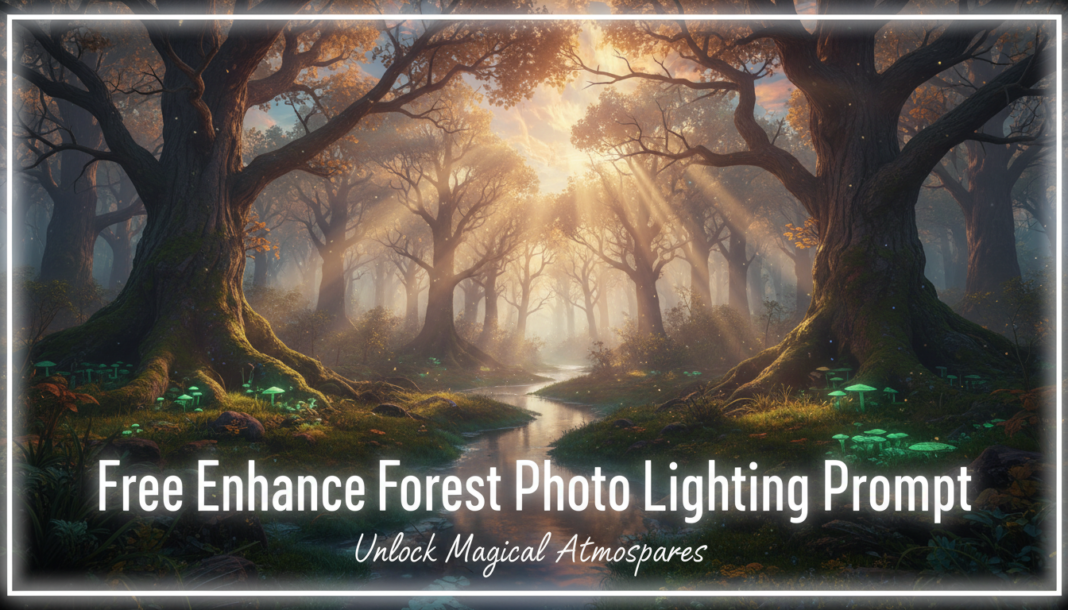
Executive Summary: “Enhance Forest Photo Lighting” prompts guide AI models to computationally optimize illumination within a sylvan scene. These directives manipulate parameters like dynamic range, color temperature, light source directionality, and shadow detail to improve visual fidelity or evoke specific moods. The core technical mechanism involves adjusting pixel values based on inferred light physics, enhancing textures, atmospheric effects, and overall scene depth for a more impactful or realistic rendering. This applies across generative art and image refinement workflows.
01. Triple Prompt Toolkit
V1 • Standard Correction
RAW photo, forest, dappled sunlight, enhance overall brightness, gentle shadow lift, balanced exposure, natural color saturation, soft ambient light, Nikon D850, 85mm lens, f/2.8, studio lighting techniques applied.
✍️ Editorial Tip: To adjust intensity, modify ‘gentle shadow lift’ to ‘moderate’ or ‘subtle’. Experiment with ‘natural color saturation’ vs. ‘vibrant’ for different moods.
V2 • Cinematic High-Fidelity
Cinematic forest scene, golden hour light shafts piercing dense canopy, volumetric mist, deep emerald foliage, atmospheric glow, enhanced specular highlights on wet leaves, rich shadows with subtle blue tones, anamorphic lens, low angle, film grain, Hollywood color grade.
✍️ Editorial Tip: Alter ‘golden hour’ to ‘blue hour’ or ‘moonlit’ to shift the primary light source and mood. Vary ‘volumetric mist’ to ‘dense fog’ for increased atmospheric density.
V3 • Hyper-Realistic Detail
Hyperrealistic macro shot of forest floor, intricate moss texture, dew drops glistening with refractive light, sharp focus on sunlit patches, diffuse ambient light illuminating shaded areas, accurate micro-shadows, photographic realism, Canon EOS R5, Laowa 100mm macro, focus stacking, PBR rendering.
✍️ Editorial Tip: Change ‘macro shot’ to ‘wide-angle panorama’ for a broader scene while retaining detail. Adjust ‘refractive light’ to ‘specular highlights’ for different surface interaction emphasis.
02. Pro Customization Table
| Variable | Replace With | Result | Impact |
|---|---|---|---|
| Light Source/Time | `golden hour`, `blue hour`, `moonlit`, `midday sun`, `overcast` | Drastically alters the scene’s primary illumination, color temperature, and shadow characteristics. | High |
| Atmospheric Effect | `volumetric mist`, `dense fog`, `light haze`, `rainy`, `clear crisp air` | Controls visibility, adds depth, and scatters light, influencing mood and contrast. | Medium-High |
| Color Grading/Tone | `Hollywood color grade`, `vintage film`, `monochromatic`, `vibrant autumn tones`, `subtle green shift` | Imposes a specific aesthetic filter, affecting overall color harmony and emotional resonance. | High |
| Detail Level/Focus | `hyperrealistic macro shot`, `sweeping panorama`, `medium shot`, `bokeh background` | Changes the camera’s perspective and the emphasis on fine textures versus broad scene composition. | Medium |