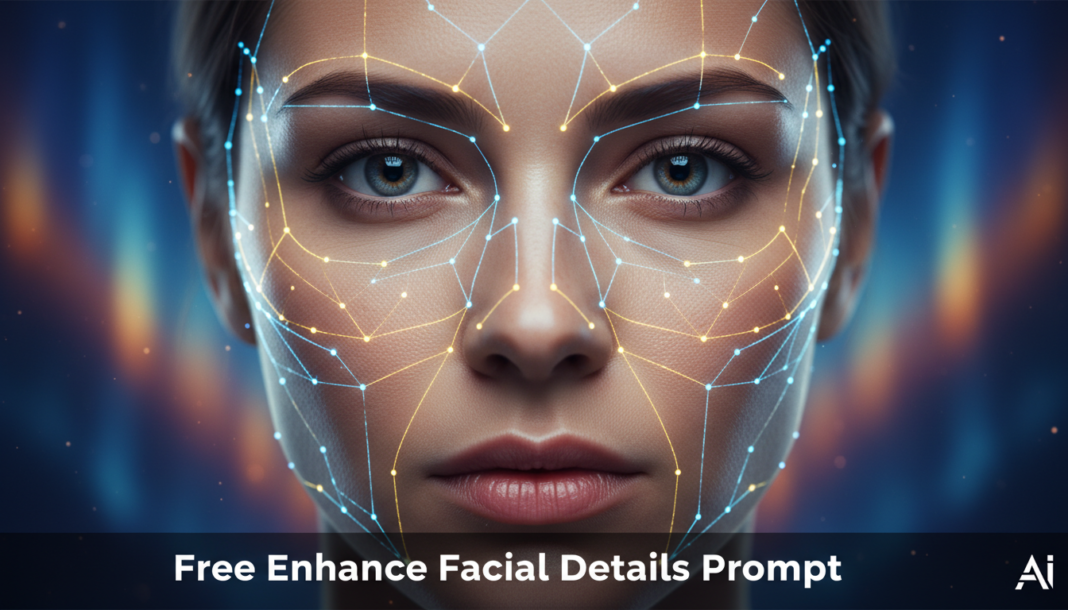
Executive Summary: The “Enhance Facial Details Prompt” directs AI models to meticulously refine and augment specific facial attributes. It leverages advanced rendering instructions to focus on elements like skin texture, pore definition, iris clarity, subtle expression lines, and individual hair strands. This process ensures high-fidelity output, improving perceived realism or stylistic refinement by guiding the model to generate or upscale intricate details rather than producing overly smooth or generic facial features, thereby enhancing visual depth and authenticity.
01. Triple Prompt Toolkit
V1 • Standard Correction
photo of a person, sharp focus, clear facial features, enhanced eyes, defined skin texture, natural lighting, subtle enhancements, studio quality.
✍️ Editorial Tip: To adjust the intensity of enhancement, add keywords like `lightly textured skin` for subtlety or `crisp details` for more pronounced definition. Consider adding `soft focus` as a negative prompt for gentler results.
V2 • Cinematic High-Fidelity
cinematic portrait, film grain, professional lighting, dramatic chiaroscuro, high-resolution facial capture, intricate skin pores, glistening eyes, individual eyelashes, fine hair strands, subtly enhanced realism, shot on ARRI ALEXA.
✍️ Editorial Tip: Modify `film grain` to `clean digital render` for a modern look, or vary `dramatic chiaroscuro` with `soft box lighting` for a gentler cinematic mood. Experiment with `anamorphic bokeh` for depth of field.
✍️ Editorial Tip: To temper the intensity, remove specific terms like `capillaries` or `sweat sheen`. For a pristine look, add `flawless skin, no imperfections` to the prompt, or use `ugly, blemishes` in a negative prompt.
We are the Editorial Team at Bloggedge, a group of dedicated Tech Researchers and Data Analysts. Our mission is to break down complex AI and Global Tech developments into simple, easy-to-read guides. By utilizing our structured 'Information Hub,' we help readers worldwide stay ahead of digital trends without the confusion of technical jargon.