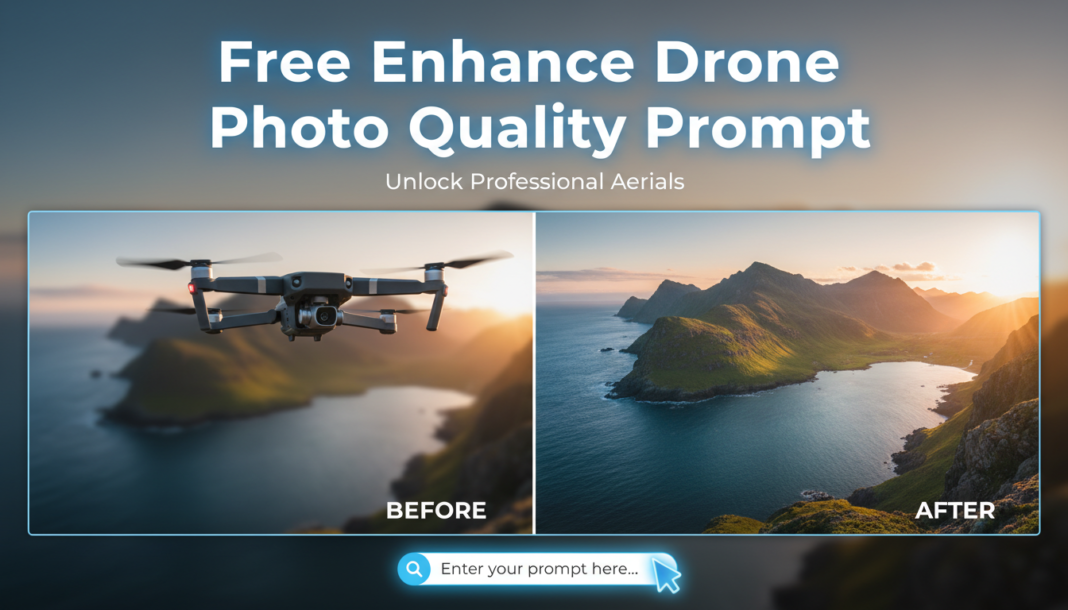
Executive Summary: AI prompts for enhancing drone photos direct models to apply advanced computational photography. They analyze aerial imagery to correct common imperfections like atmospheric haze, motion blur, and sensor noise. By specifying desired aesthetics—sharpening, color grading, dynamic range expansion—the AI reconstructs or refines pixels, improving resolution, detail, and overall visual fidelity, transforming raw captures into stunning, professional-grade visuals with precision and efficiency.
01. Triple Prompt Toolkit
V1 • Standard Correction
Enhance drone photo: remove noise, sharpen details, correct color balance, improve exposure. Natural, clear, crisp image, slight vignette.
✍️ Editorial Tip: Adjust “natural” to “vibrant” for more saturation or “subtle” for a less aggressive enhancement. Modify “slight vignette” to “no vignette” or “strong vignette” as desired.
V2 • Cinematic High-Fidelity
Transform drone aerial shot into cinematic high-fidelity image. Emphasize dramatic dynamic range, rich color grading, deep shadows, bright highlights. Apply subtle film grain, smooth motion blur compensation, fine-tuned clarity. Professional, film-like aesthetic.
✍️ Editorial Tip: Modify “rich color grading” to “cool blue tones” or “warm golden hour” to target a specific mood. Change “subtle film grain” to “no grain” or specify its intensity.
V3 • Hyper-Realistic Detail
Upscale and enhance drone photograph to hyper-realistic detail. Maximize sharpness, reveal intricate textures, boost micro-contrast. Apply advanced noise reduction, chromatic aberration correction, and artifact removal. Emphasize fine architectural elements, natural landscapes. Ultra-high resolution, stunning clarity, lifelike realism.
✍️ Editorial Tip: Specify the type of detail, e.g., “fine foliage detail” or “water ripple textures.” Adjust “boost micro-contrast” to “gentle micro-contrast” if the result is too harsh.
02. Pro Customization Table
| Variable | Replace With | Result | Impact |
|---|---|---|---|
| Aesthetic Style | `Vibrant`, `Moody`, `Documentary`, `HDR`, `Vintage` | Changes overall visual style, color saturation, contrast, and emotional tone. | High |
| Detail Level | `Soft focus`, `Accentuate foliage details`, `Minimize texture`, `Geometric clarity` | Controls the perceived sharpness, tactile quality of surfaces, and emphasis on specific elements. | Medium-High |
| Color Profile | `Monochromatic`, `Sepia-toned`, `Desaturated`, `Warm golden hour`, `Cool blue tones` | Alters the dominant color palette and emotional feel of the image, from full color to grayscale. | High |
| Correction Type | `Reduce haze`, `Correct lens distortion`, `Fix rolling shutter`, `Add subtle grain` | Targets specific optical or digital imperfections unique to aerial photography, or introduces stylistic effects. | Medium |