01. Triple Prompt Toolkit
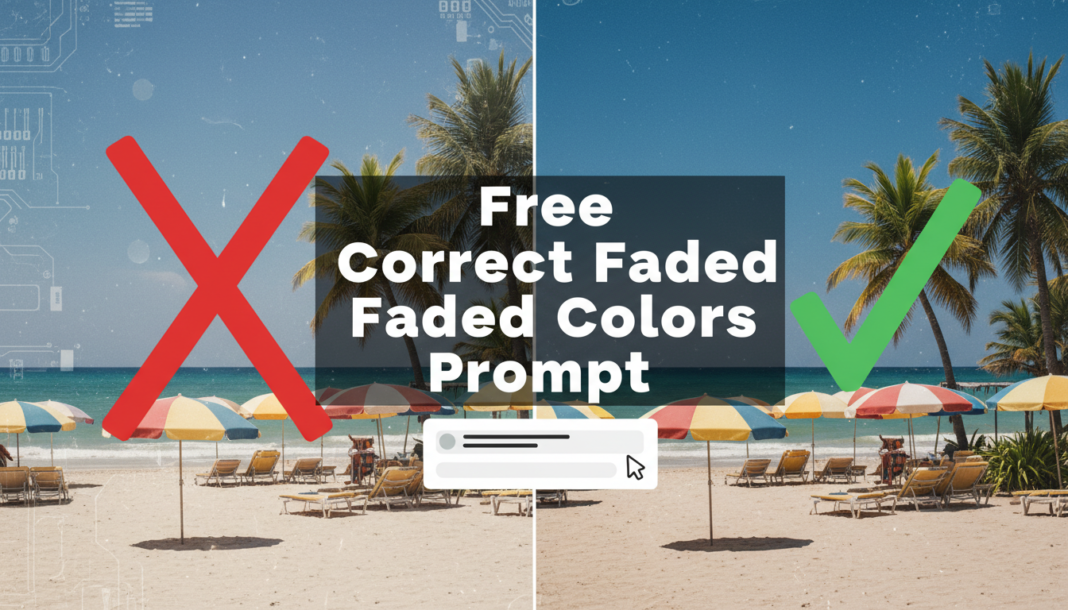
✍️ Editorial Tip: Adjust “subtle” or “moderate” to “strong” or “minimal” to control the intensity of the correction. You can also specify particular color areas, e.g., “restore faded blues and greens.”
<div style=”box-sizing: border=”box” !important; border: 1px solid #ddd !important; padding: 15px !important; background: #f9f9f9 !important; margin-bottom: 20px !important;”>
V2 • Cinematic High-Fidelity
✍️ Editorial Tip: Modify “filmic grain” to “digital noise reduction” for a cleaner look. You can also specify a particular cinematic style, like “vintage Technicolor” or “modern blockbuster aesthetic.”
✍️ Editorial Tip: Change “RAW photo quality” to “studio lighting” or “outdoor natural light” to influence the overall lighting and tone. Specify types of detail, e.g., “fine texture recovery” or “skin tone accuracy.”
02. Pro Customization Table
| Variable | Replace With | Result | Impact |
|---|---|---|---|
| Correction Intensity | `subtle` → `dramatic` | Controls the magnitude of color and contrast adjustments. | High |
| Color Tone Preference | `balanced white point` → `warm tones` / `cool hues` | Shifts the overall color temperature post-correction. | Medium |
| Detail Enhancement | `micro-contrast` → `smooth textures` / `sharp focus` | Influences the rendering of fine details and image clarity. | Medium |
| Output Aesthetic | `natural light` → `vintage film` / `HDR render` | Defines the final visual style, beyond just color correction. | High |