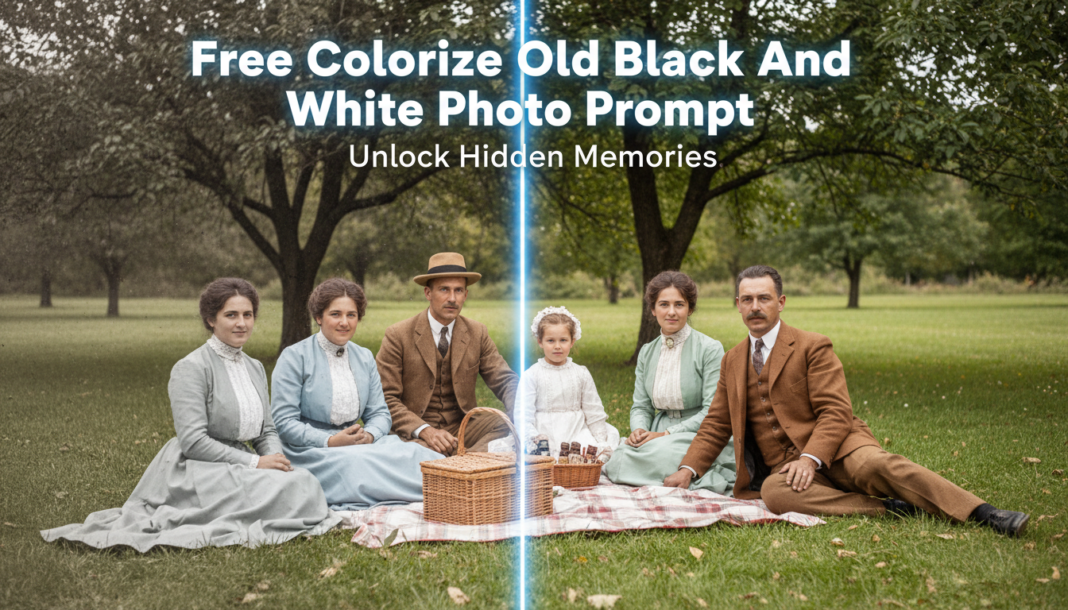
Executive Summary: AI colorization of black and white photos leverages deep learning models, typically Generative Adversarial Networks (GANs) or diffusion models. These networks are trained on vast datasets of paired color and grayscale images, learning to infer and apply plausible color information based on learned statistical patterns, object context, and luminance values. The prompt guides the AI to reconstruct missing chromatic data, transforming monochrome inputs into vibrant, perceptually realistic color images.
01. Triple Prompt Toolkit
V1 • Standard Correction
Input a black and white photograph. Apply standard AI colorization to restore natural, lifelike hues. Enhance clarity and subtly balance exposure for optimal visual fidelity, maintaining historical authenticity.
✍️ Editorial Tip: To adjust the color saturation, add “with [low/medium/high] saturation” to the prompt. For a warmer or cooler tone, specify “with a [warm/cool] color palette.”
V2 • Cinematic High-Fidelity
Colorize the vintage black and white photo with a cinematic, high-fidelity aesthetic. Emphasize rich, deep colors and nuanced shadow detail. Apply a subtle film grain overlay and a gently desaturated, evocative color grade reminiscent of classic cinema.
✍️ Editorial Tip: Experiment with different “color grade” descriptions like “sepia-toned,” “cool blue,” or “vibrant golden hour” to alter the mood. Adjust “film grain” intensity or remove it entirely.
V3 • Hyper-Realistic Detail
Perform hyper-realistic AI colorization on this black and white image. Prioritize accurate material representation, precise skin tones, and subtle environmental lighting. Ensure intricate detail restoration and minimal artifacting, targeting photorealistic output with PBR textures.
✍️ Editorial Tip: To push realism further, specify material types explicitly, e.g., “metallic sheen on objects,” “fabric texture definition.” For an older feel, add “with natural imperfections and patina.”
02. Pro Customization Table
| Variable | Replace With | Result | Impact |
|---|---|---|---|
| Colorization Style | `standard / cinematic / hyper-realistic / artistic / vibrant / muted` | Alters the overall approach to color application, from neutral to highly stylized. | High |
| Color Palette/Tone | `warm / cool / sepia-toned / vivid / pastel / desaturated` | Shifts the dominant color temperature and saturation, setting the emotional mood. | Medium-High |
| Detail Enhancement | `enhance clarity / soft focus / intricate detail restoration / smooth textures` | Controls the level of sharpness, fine detail, and texture rendering in the output. | Medium |
| Output Medium/Effect | `film grain / crisp digital / painterly / vintage photo aesthetic / PBR textures` | Adds specific stylistic overlays or rendering techniques to mimic different media or artistic looks. | Medium |