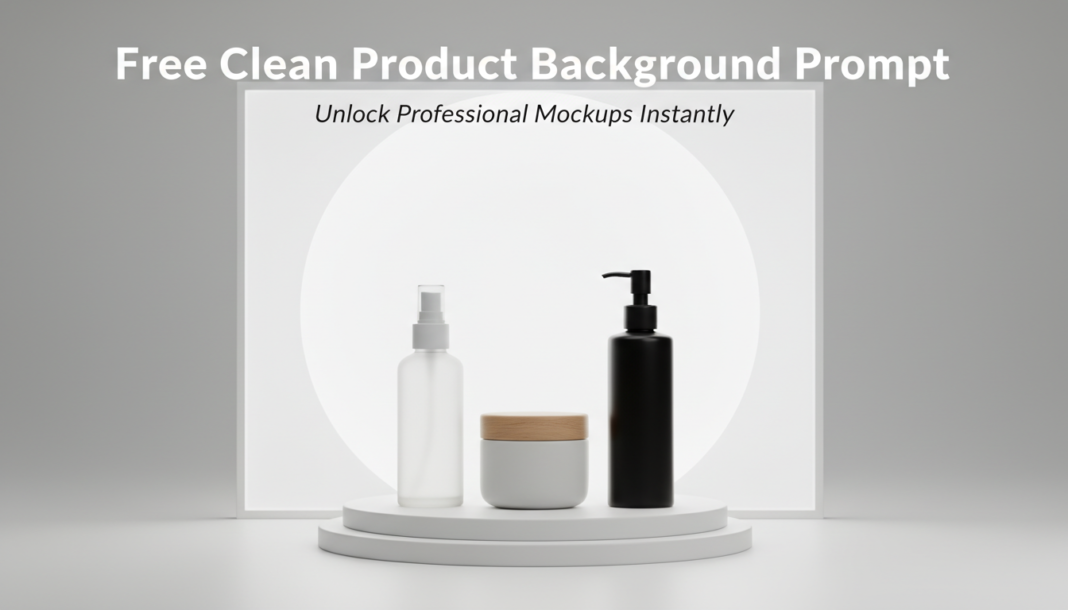
Executive Summary: The “Clean Product Background Prompt” directs AI image models to render products with simplified, consistent, and distraction-free backgrounds. Technically, it leverages negative prompting, explicit background descriptors (e.g., “studio backdrop,” “solid white”), and precise lighting instructions to isolate the subject. This ensures the product stands out, enhancing its visual appeal for e-commerce, advertising, or catalog display, by minimizing visual noise and maximizing focus on product features.
01. Triple Prompt Toolkit
V1 • Standard Correction
[PRODUCT_NAME] product shot, clean white studio background, diffused soft lighting, isolated, centered, professional e-commerce photography.
✍️ Editorial Tip: To change the background color, replace “white” with “grey,” “black,” or a specific hex code like “#F4F4F4” for a soft base, maintaining “clean studio background.”
V2 • Cinematic High-Fidelity
High-resolution studio photograph of a [PRODUCT_NAME], minimalist environment, shallow depth of field, dramatic studio lighting with subtle rim light, volumetric dust particles barely visible, professional product photography, editorial magazine quality, clean and polished, against a neutral, seamless gradient background.
✍️ Editorial Tip: Adjust “dramatic studio lighting” to “soft ambient lighting” or “hard directional light” to control mood, and vary “gradient background” to specific colors or textures like “subtle concrete.”
V3 • Hyper-Realistic Detail
Ultra-detailed macro product photography of [PRODUCT_NAME], on a pristine, micro-textured seamless backdrop, precise focus on product surface, natural studio lighting with emphasis on material shaders, crisp edges, physically based rendering, 8K resolution, zero imperfections in background, hyperrealistic.
✍️ Editorial Tip: Modify “micro-textured seamless backdrop” to describe specific textures like “polished concrete,” “brushed metal,” or “velvet” to add a subtle tactile quality without overwhelming the product.
02. Pro Customization Table
| Variable | Replace With | Result | Impact |
|---|---|---|---|
| `[PRODUCT_NAME]` | `sleek smartphone`, `rustic ceramic mug`, `vintage leather wallet` | Tailors the AI’s rendering to the specific object’s characteristics and materials, ensuring accurate details. | High |
| `Background Type` | `solid white`, `seamless grey`, `bokeh studio`, `minimalist abstract` | Changes the visual style and complexity of the environment behind the product. | High |
| `Lighting` | `diffused soft lighting`, `dramatic rim light`, `hard direct lighting`, `natural daylight` | Controls shadows, reflections, and the overall mood and dimensionality of the product. | High |
| `Camera Angle/Focus` | `eye-level shot`, `low-angle perspective`, `macro photography`, `full-frame` | Alters the viewer’s perspective and emphasizes specific details or the product’s scale. | Medium |