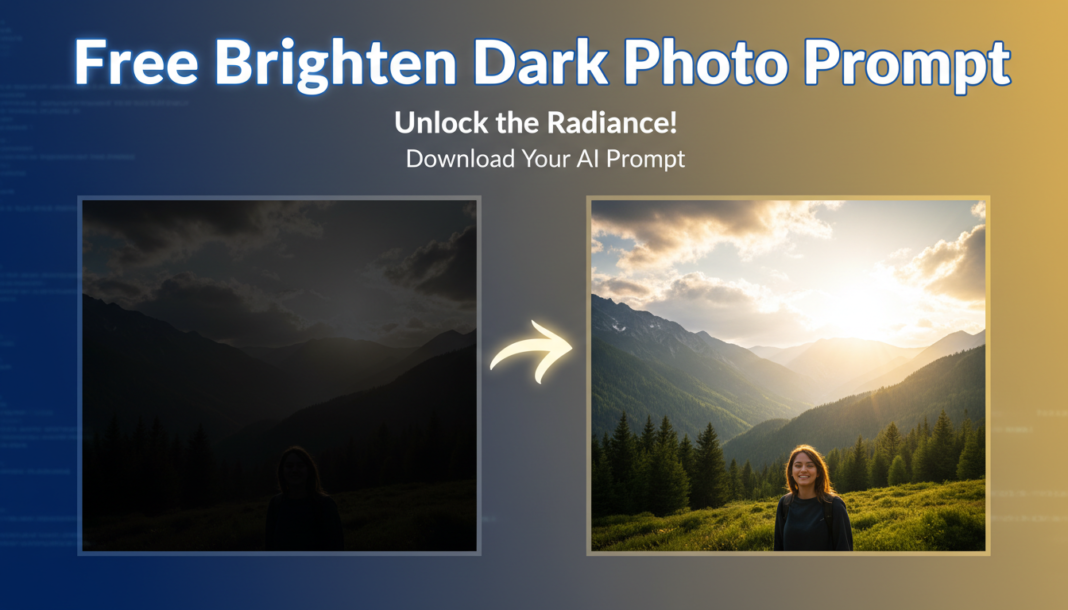
Executive Summary: The “Brighten Dark Photo Prompt” instructs AI models to execute intelligent tonal mapping. It analyzes image luminance histograms, specifically targeting underexposed pixels to increase their values. This involves adjusting exposure, lifting shadow detail, and applying gamma correction, often with local adaptive algorithms, to enhance overall visibility and perceived brightness while striving to prevent highlight clipping and minimize noise in reconstructed dark areas.
01. Triple Prompt Toolkit
V1 • Standard Correction
Brighten dark image, increase global exposure, lift shadows significantly, apply moderate gamma correction, preserve natural colors.
✍️ Editorial Tip: Adjust “significantly” to “slightly” or “drastically” for shadow lift intensity, and change “moderate gamma correction” to “slight” or “strong” to control overall image glow.
V2 • Cinematic High-Fidelity
Refine underexposed photo into cinematic masterpiece: subtle shadow recovery, dynamic range expansion, warm ambient lighting, preserved deep blacks, film grain texture, soft glow.
✍️ Editorial Tip: Experiment with changing “warm ambient lighting” to “cool moonlight” or “golden hour glow” to alter the mood. You can also modify “film grain texture” to “clean, noiseless” for a smoother look.
V3 • Hyper-Realistic Detail
Professional dark image reconstruction: intelligent local exposure adjustments, deep shadow recovery with minimal noise, precise highlight preservation, enhanced micro-contrast, accurate color rendition, ultra-sharp detail.
✍️ Editorial Tip: Tweak “minimal noise” to “aggressive noise reduction” if artifacts are prominent, or “no noise reduction” to retain natural texture. Adjust “enhanced micro-contrast” to “subtle micro-contrast” for a softer appearance.
02. Pro Customization Table
| Variable | Replace With | Result | Impact |
|---|---|---|---|
| Exposure | `increase exposure by 1.5 stops` | A uniform brightening across the entire image. | High |
| Shadow Lift | `recover deepest shadows by 70%` | Selectively brightens only the darkest areas, preserving midtones and highlights. | Critical |
| Contrast | `add slight local contrast` | Enhances perceived sharpness and detail without making the image harsh. | Medium |
| Color Temperature | `adjust white balance to 5500K` | Shifts the overall color cast of the image (e.g., warmer or cooler). | Low |