spot_imgspot_img

Top 5 This Week

spot_img

Related Posts

Image Generation PromptsImage Cleaning / EnhancementFree Add Soft Lighting To Image Prompt

Free Add Soft Lighting To Image Prompt

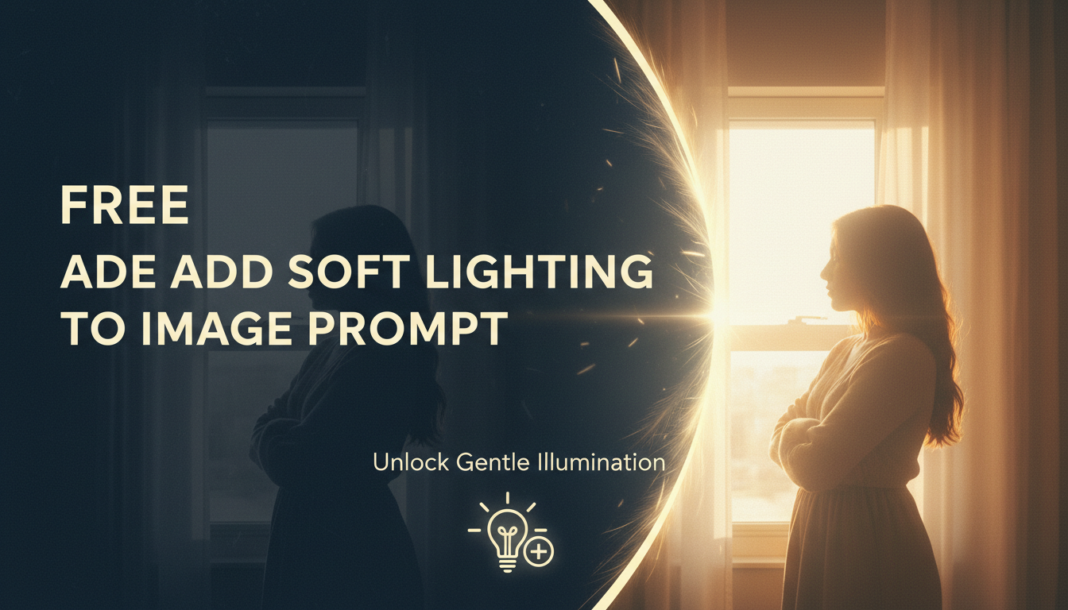
Executive Summary: Applying “soft lighting” in AI image generation involves guiding the model to simulate diffuse, gentle illumination. This reduces harsh shadows and specular highlights, promoting smoother tonal transitions and a more flattering, less contrasty aesthetic. It often leverages keywords related to light source diffusion, environmental fill, and color temperature to achieve an ethereal or natural, well-lit scene, enhancing visual appeal by minimizing visual noise from intense light.

01. Triple Prompt Toolkit

V1 • Standard Correction

A [SUBJECT/SCENE], soft studio lighting, diffused light source, gentle shadows, subtle highlights, even illumination, photorealistic.

✍️ Editorial Tip: To change intensity, replace “gentle shadows” with “barely-there shadows” for softer or “soft, long shadows” for more definition. Experiment with light source variations like “window light” or “cloudy sky light”.

V2 • Cinematic High-Fidelity

[SUBJECT/SCENE], cinematic soft lighting, volumetric haze, ethereal glow, subtle rim light with diffused falloff, low contrast, professional grading, film grain, emotional atmosphere.

✍️ Editorial Tip: Adjust the “emotional atmosphere” by adding color temperature modifiers like “warm golden hour” or “cool blue twilight”. Enhance the cinematic feel with lens effects such as “shallow depth of field” or “anamorphic bokeh”.

V3 • Hyper-Realistic Detail

Ultra-detailed [SUBJECT/SCENE], hyperrealistic soft ambient light, subsurface scattering, minute light reflections on textures, subtle environmental occlusion, perfect global illumination, physically based rendering (PBR), octane render.

✍️ Editorial Tip: To further refine detail, specify material properties like “soft velvet texture” or “dewy skin”. Introduce subtle atmospheric effects such as “morning mist” or “dust motes in sunbeam” to enhance realism.

02. Pro Customization Table

Variable Replace With Result Impact
[SUBJECT/SCENE] `a portrait of a woman`, `a serene forest`, `a still life of fruit` Defines the main subject or setting for the soft lighting to apply to. High
Light Source Descriptor `natural window light`, `large softbox`, `overcast sky`, `candlelight glow` Controls the apparent origin and quality of the diffuse light, altering mood. Medium
Shadow Detail `barely-there shadows`, `gentle dappled shadows`, `long feathered shadows` Fine-tunes the intensity and edge softness of shaded areas for depth. Medium
Atmospheric Effect `ethereal glow`, `subtle volumetric haze`, `dreamlike mist`, `soft bokeh` Adds environmental elements that interact with light, enhancing the overall softness and mood. Medium


BloggEdge Team Education & Research Desk
BloggEdge Team Education & Research Deskhttps://bloggedge.com
We are the Editorial Team at Bloggedge, a group of dedicated Tech Researchers and Data Analysts. Our mission is to break down complex AI and Global Tech developments into simple, easy-to-read guides. By utilizing our structured 'Information Hub,' we help readers worldwide stay ahead of digital trends without the confusion of technical jargon.

LEAVE A REPLY

Please enter your comment!
Please enter your name here

Popular Articles