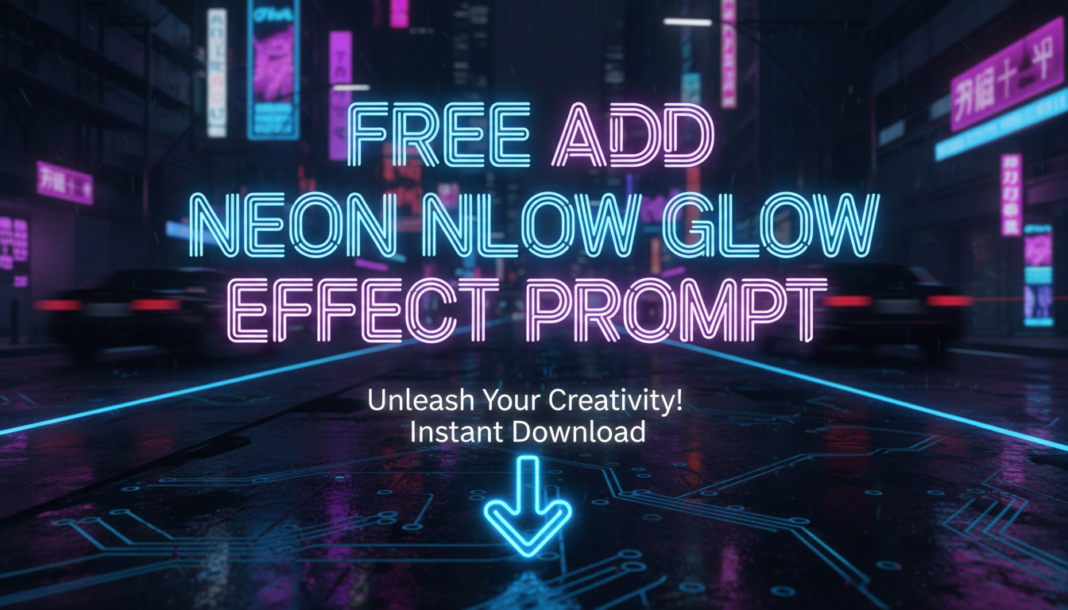
Executive Summary: Adding a ‘neon glow effect’ prompt leverages AI models’ understanding of light emission, color saturation, and diffusion. It instructs the model to render objects or outlines with vibrant, self-illuminated light, typically characterized by strong chromatic aberration, bloom, and a halo-like aura. The effect simulates gas-discharge lighting, enhancing visual drama and focus by introducing intense, localized light sources and environmental reflections, often with a cyberpunk or retro-futuristic aesthetic.
01. Triple Prompt Toolkit
V1 • Standard Correction
A cyberpunk city street at night, heavy rain, glowing neon signs reflecting on wet pavement. Add strong neon glow effect to all signs. Focus on red and blue hues.
✍️ Editorial Tip: Adjust “strong” to “subtle” or “intense” to control the glow’s prominence, and change “red and blue hues” to specify different color palettes.
V2 • Cinematic High-Fidelity
Cinematic shot, lone figure walking through a futuristic alleyway, volumetric fog, digital rain, intricate neon glow effect emanating from holographic advertisements and structural outlines. Emphasize soft light diffusion, vibrant electric blues and purples, subtle chromatic aberration, 8K, octane render.
✍️ Editorial Tip: Modify “volumetric fog” or “digital rain” for different atmospheric conditions, and tweak “electric blues and purples” to explore alternative color themes for the glow.
V3 • Hyper-Realistic Detail
Close-up macro shot of a complex circuit board, individual traces illuminated by a hyper-realistic neon glow effect, vibrant lime green and electric pink. Observe precise light falloff, subtle lens flare, light spill onto surrounding components, photographic detail, shallow depth of field, f/1.8, studio lighting, highly detailed.
✍️ Editorial Tip: Alter the “vibrant lime green and electric pink” to experiment with different hyper-realistic color combinations, and adjust aperture (e.g., f/4) for varied depth of field.
02. Pro Customization Table
| Variable | Replace With | Result | Impact |
|---|---|---|---|
| `neon glow effect` | `soft aura`, `hard light bloom`, `luminous trail` | Changes the fundamental quality and diffusion of the light emission. | High |
| `red and blue hues` | `emerald green`, `radiant orange`, `bioluminescent teal` | Alters the specific color palette of the neon light source. | Medium |
| `strong neon glow` | `subtle glow`, `intense bloom`, `faint luminescence` | Controls the perceived brightness, intensity, and saturation of the effect. | Medium |
| `volumetric fog` | `mist`, `smoke`, `dust particles`, `rain` | Introduces environmental elements that interact with and diffuse the glow. | Low |