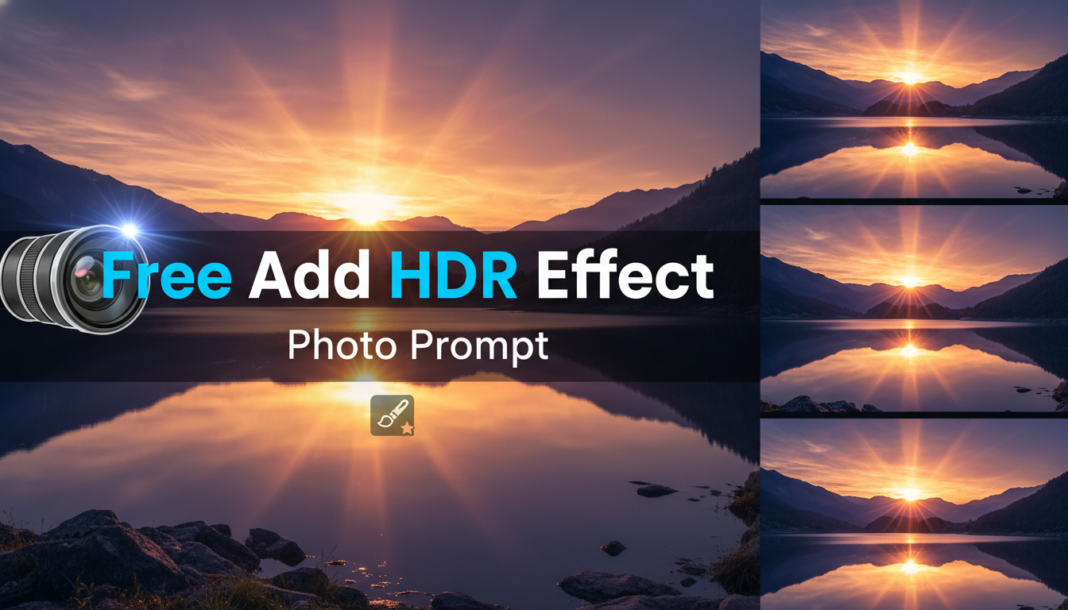
Executive Summary: The “Add HDR Effect Photo Prompt” instructs AI models to synthesize images with High Dynamic Range characteristics. This involves expanding the perceived tonal range, revealing intricate details in both intensely lit and deeply shadowed areas, and enhancing local contrast. Technically, it simulates advanced tone mapping algorithms, accentuating micro-textures and chromatic vibrancy to create a visually rich, impactful, and often hyper-realistic output that transcends standard exposure limits.
01. Triple Prompt Toolkit
V1 • Standard Correction
A landscape photograph of a mountain range at sunrise, add HDR effect, high dynamic range, detailed highlights and shadows, vibrant colors, clear sky, 8k.
✍️ Editorial Tip: To adjust intensity, replace “high dynamic range” with “subtle HDR” or “pronounced HDR.” For a different mood, swap “sunrise” with “overcast” or “golden hour.”
V2 • Cinematic High-Fidelity
Cinematic portrait of an explorer in a dense jungle, filmic HDR, dramatic chiaroscuro, deep shadows, glowing sun shafts, rich moss textures, high-fidelity, octane render, 16k.
✍️ Editorial Tip: Change “dramatic chiaroscuro” to “soft ambient lighting” for a less intense look, or swap “jungle” with “urban cityscape” for a different environment.
V3 • Hyper-Realistic Detail
Hyper-realistic close-up of a weathered ancient stone statue, extreme HDR, intricate micro-details, razor-sharp textures, profound depth of field, expanded tonal range, photorealistic, Unreal Engine, 32k.
✍️ Editorial Tip: To soften the realism, remove “Unreal Engine” or change “razor-sharp textures” to “smooth textures.” Adjust “extreme HDR” to “realistic HDR” for a more natural look.
02. Pro Customization Table
| Variable | Replace With | Result | Impact |
|---|---|---|---|
| HDR Intensity | `subtle HDR`, `pronounced HDR`, `extreme HDR` | Controls the overall “pop” and visible dynamic range. | High |
| Lighting Style | `golden hour`, `dramatic chiaroscuro`, `soft ambient light` | Defines the mood and how light/shadow interact with the HDR effect. | High |
| Detail/Texture Emphasis | `intricate micro-details`, `smooth textures`, `razor-sharp textures` | Modulates the perceived sharpness and tactile quality of surfaces. | Medium |
| Artistic Rendering Style | `photorealistic`, `cinematic`, `Unreal Engine`, `octane render` | Influences the overall aesthetic and realism level of the generated image. | High |