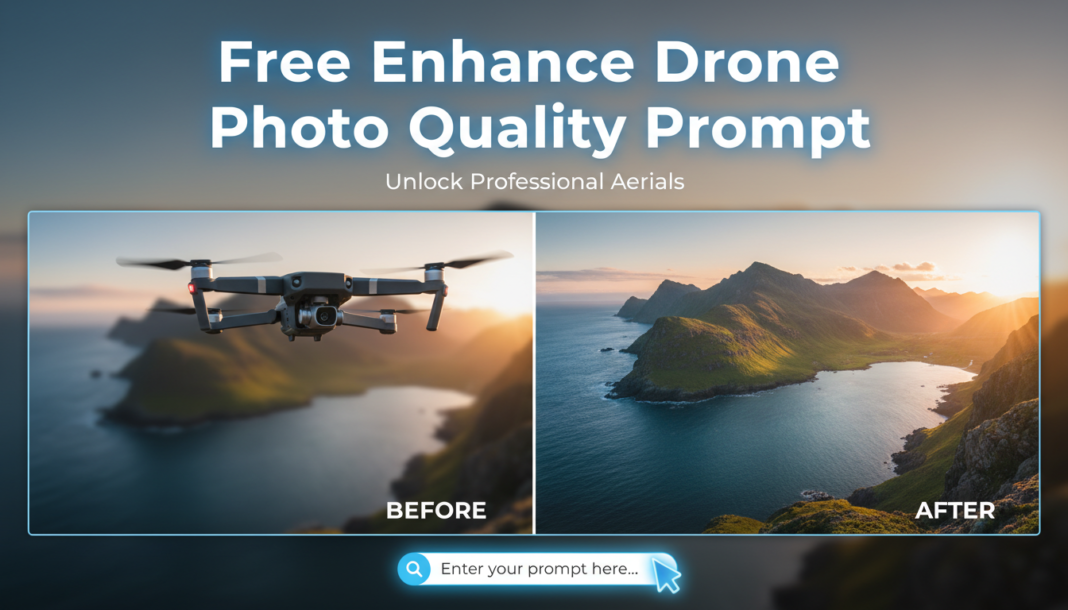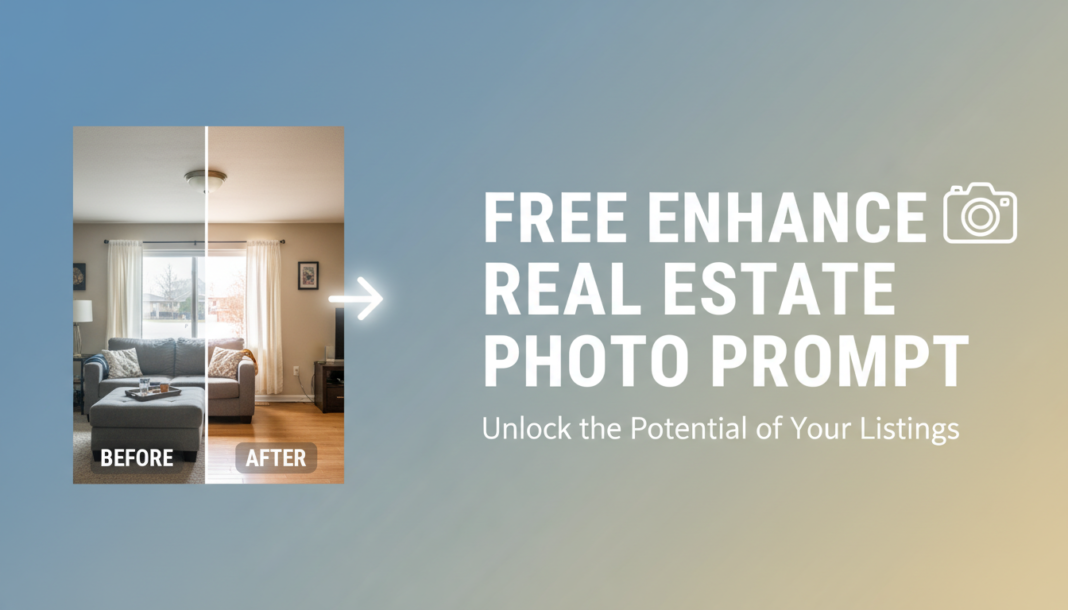
01. Triple Prompt Toolkit
✍️ Editorial Tip: To adjust intensity, modify terms like ‘optimal’ to ‘subtle’ or ‘strong’, and add specific percentage values (e.g., ‘15% contrast boost’) or specific color temperature (e.g., ‘6500K white balance’).
✍️ Editorial Tip: Experiment with different ‘color grading’ specifics (e.g., ‘warm autumn tones’, ‘cool nordic palette’) or substitute ‘subtle vignette’ with ‘soft radial gradient’ for varied mood effects. Add specific camera lens effects like ‘bokeh’.
✍️ Editorial Tip: To fine-tune, add specifics like ‘slight texture sharpening on stone facades’ or specify ‘minimal noise reduction in shadows’ to avoid over-processing. Include object-specific enhancements, e.g., ‘enhance wood grain detail’ or ‘crispen fabric textures’.
02. Pro Customization Table
| Variable | Replace With | Result | Impact |
|---|---|---|---|
| `[Correction/Enhancement Type]` | `exposure, white balance, contrast, sharpness, dynamic range, color grading, noise reduction, geometric correction` | Directly controls the type and focus of image manipulation applied by the AI. | High |
| `[Aesthetic Style]` | `natural, vibrant, muted, cinematic, editorial, minimalist, luxurious, warm, cool` | Defines the overall visual mood, ambiance, and professional aesthetic of the output image. | High |
| `[Specific Detail/Element]` | `vertical lines, reflections, textures, shadows, highlights, sky replacement, lawn greening, furniture staging` | Targets specific visual components for focused improvement, alteration, or addition within the scene. | Medium |
| `[Output Quality/Format]` | `8K, 4K, high-resolution, photorealistic, RAW quality, web-optimized, 16:9, 4:3, JPEG, PNG` | Determines the technical output specifications, resolution, perceived fidelity, and file format. | Medium |