spot_imgspot_img

Top 5 This Week

spot_img

Related Posts

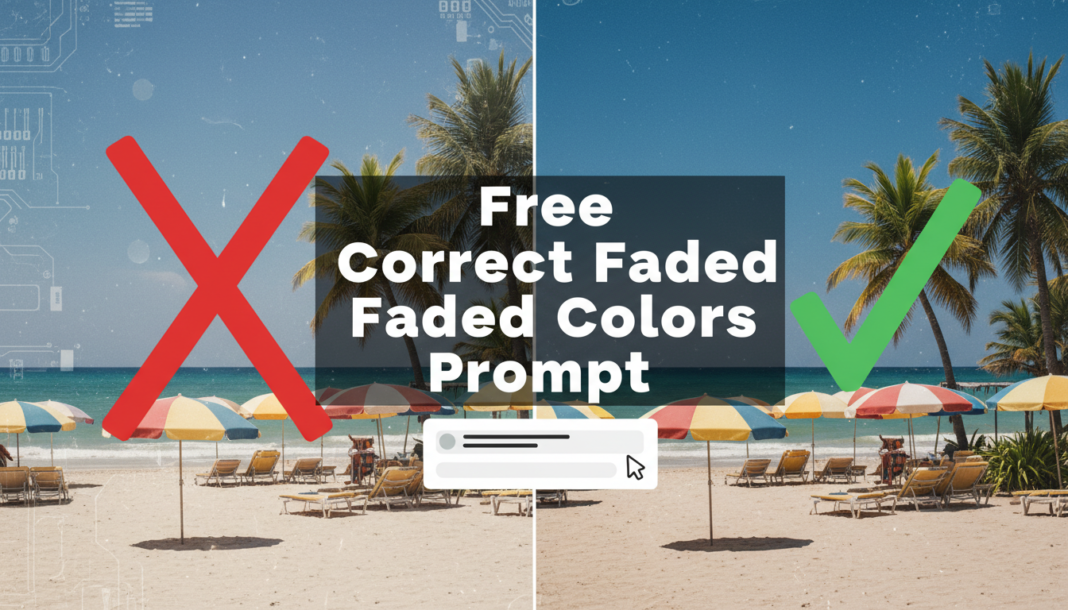
Free Correct Faded Colors Prompt

Executive Summary: The “Correct Faded Colors Prompt” guides AI models to analyze image color histograms, identify low saturation and contrast, and apply targeted adjustments. It typically involves remapping color values, enhancing luminosity, and restoring chromatic vibrancy. This process aims to revert deterioration caused by age, poor lighting, or improper capture, bringing visual data back to its intended or a desired vivid state without over-saturating or introducing artifacts.

01. Triple Prompt Toolkit

V1 • Standard Correction

/imagine prompt: restore faded colors, enhance vibrancy, subtle saturation increase, balanced white point, moderate contrast adjustment, natural light

✍️ Editorial Tip: Adjust “subtle” or “moderate” to “strong” or “minimal” to control the intensity of the correction. You can also specify particular color areas, e.g., “restore faded blues and greens.”

<div style=”box-sizing: border=”box” !important; border: 1px solid #ddd !important; padding: 15px !important; background: #f9f9f9 !important; margin-bottom: 20px !important;”>
V2 • Cinematic High-Fidelity

/imagine prompt: cinematic color grade, transform faded image to high-fidelity, deep saturation, rich blacks, nuanced mid-tones, balanced highlights, authentic filmic grain, dynamic range enhancement, professional color science

✍️ Editorial Tip: Modify “filmic grain” to “digital noise reduction” for a cleaner look. You can also specify a particular cinematic style, like “vintage Technicolor” or “modern blockbuster aesthetic.”

V3 • Hyper-Realistic Detail

/imagine prompt: hyper-realistic color restoration, precision color accuracy, minute detail recovery, micro-contrast enhancement, eliminate color shift, true-to-life luminosity, photographic clarity, advanced image algorithms, RAW photo quality

✍️ Editorial Tip: Change “RAW photo quality” to “studio lighting” or “outdoor natural light” to influence the overall lighting and tone. Specify types of detail, e.g., “fine texture recovery” or “skin tone accuracy.”

02. Pro Customization Table

Variable Replace With Result Impact
Correction Intensity `subtle` → `dramatic` Controls the magnitude of color and contrast adjustments. High
Color Tone Preference `balanced white point` → `warm tones` / `cool hues` Shifts the overall color temperature post-correction. Medium
Detail Enhancement `micro-contrast` → `smooth textures` / `sharp focus` Influences the rendering of fine details and image clarity. Medium
Output Aesthetic `natural light` → `vintage film` / `HDR render` Defines the final visual style, beyond just color correction. High


BloggEdge Team Education & Research Desk
BloggEdge Team Education & Research Deskhttps://bloggedge.com
We are the Editorial Team at Bloggedge, a group of dedicated Tech Researchers and Data Analysts. Our mission is to break down complex AI and Global Tech developments into simple, easy-to-read guides. By utilizing our structured 'Information Hub,' we help readers worldwide stay ahead of digital trends without the confusion of technical jargon.

LEAVE A REPLY

Please enter your comment!
Please enter your name here

Popular Articles