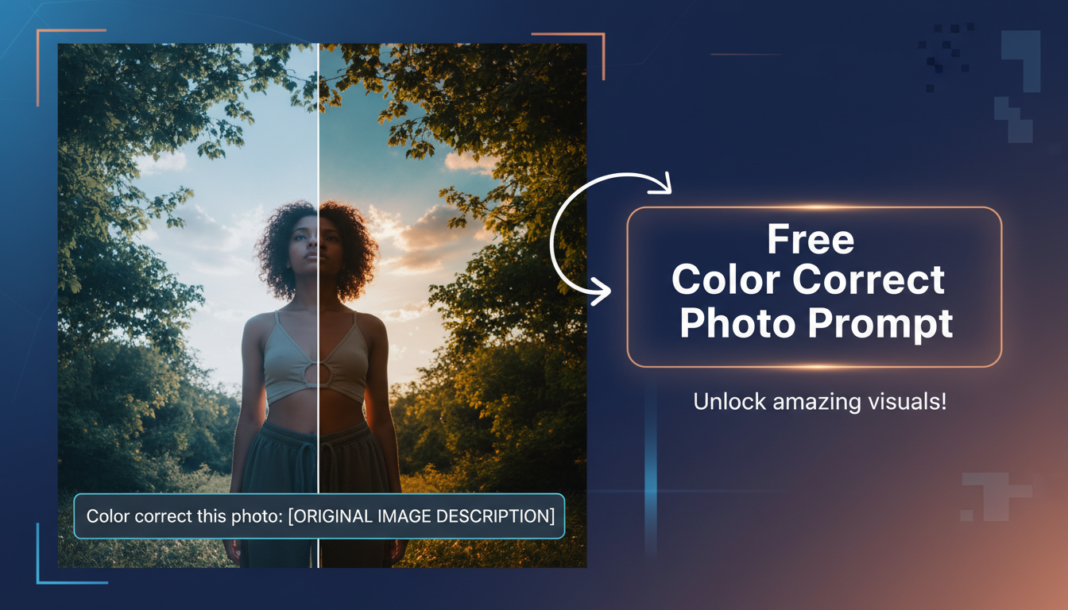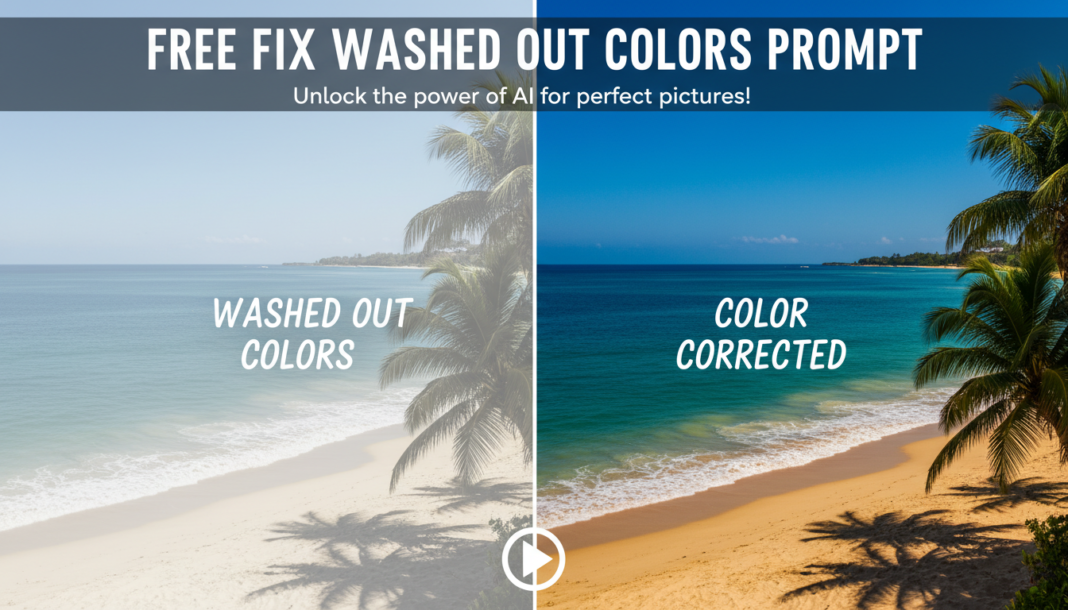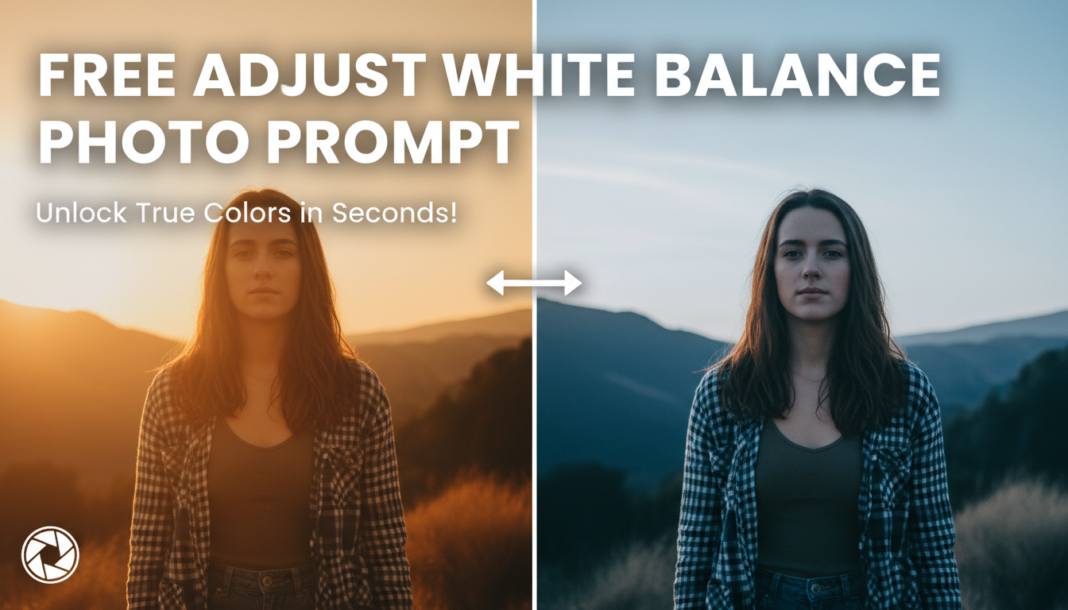
Executive Summary: White balance adjustment in AI photo prompts technically instructs the model to perceive and render neutral colors (whites, grays) accurately, irrespective of the ambient light source’s color temperature. This process involves counteracting color casts—like blues from shade or oranges from incandescent bulbs—to ensure that all other colors in the image appear true-to-life, achieving perceptual neutrality and correcting undesirable color shifts for a balanced visual output.
01. Triple Prompt Toolkit
V1 • Standard Correction
Photo of a serene landscape at dusk, forest path leading to a lake, soft light. Adjust white balance for accurate color representation; neutralize any dominant cool blue cast, ensuring natural greens and sky tones.
✍️ Editorial Tip: To change the intensity, replace “neutralize any dominant cool blue cast” with “subtly warm the image” or “aggressively remove magenta cast.”
V2 • Cinematic High-Fidelity
Portrait of a subject in a dimly lit cafe, warm overhead lights. Apply cinematic white balance, emphasizing a golden-hour warmth (6500K equivalent) while retaining deep, slightly cool shadows. Enhance skin tones with a subtle magenta shift for filmic aesthetic.
✍️ Editorial Tip: Adjust “golden-hour warmth (6500K equivalent)” to specific Kelvin values like “cool blue (4000K)” or “tungsten ambiance (2800K)” to fine-tune the color temperature.
V3 • Hyper-Realistic Detail
Still life photograph of intricate mechanical components under studio lighting. Execute precise white balance calibration: analyze and correct all color temperature and tint shifts to achieve absolute perceptual neutrality across metals and plastics, ensuring maximum detail fidelity without any color bleed or residual cast.
✍️ Editorial Tip: Introduce specific instructions like “target a 5500K daylight white point” or “compensate for subtle green fluorescent shift” for granular control over hyper-realism.
02. Pro Customization Table
| Variable | Replace With | Result | Impact |
|---|---|---|---|
| `Color Cast` | `orange`, `green`, `magenta`, `blue` | Specifies which dominant color shift to correct or introduce. | High |
| `Desired Tone` | `warm`, `cool`, `neutral`, `vibrant`, `vintage` | Defines the overall emotional feel or stylistic temperature of the image. | High |
| `Light Source` | `daylight`, `tungsten`, `fluorescent`, `cloudy`, `shade` | Provides contextual cues for the AI to emulate typical white balance corrections for that specific lighting condition. | Medium |
| `Correction Intensity` | `subtle`, `moderate`, `strong`, `aggressive`, `precisely` | Controls the degree to which the white balance adjustment is applied, from a gentle nudge to a dramatic shift. | Medium |