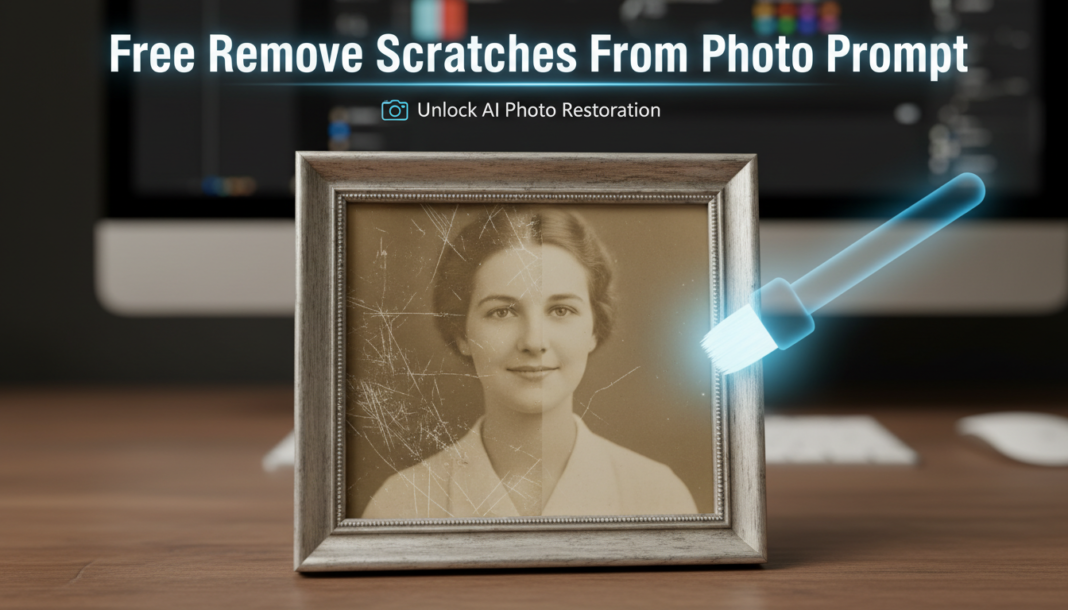
Executive Summary: AI scratch removal prompts leverage advanced generative models, often diffusion-based, for intelligent inpainting. These models analyze surrounding pixel data and semantic context to synthesize realistic textures and details, effectively reconstructing damaged areas. By identifying linear disruptions and anomalies, the AI predicts plausible content to seamlessly fill gaps, restoring photographic integrity without visible patching. This process is crucial for digital restoration and enhancing visual quality.
01. Triple Prompt Toolkit
V1 • Standard Correction
photo of [subject], remove all scratches, subtle restoration, clean image, natural texture, soft lighting, 4k
✍️ Editorial Tip: To increase the intensity of removal, add “thoroughly remove all visible scratches” or specify “minor scratches” for a lighter touch.
V2 • Cinematic High-Fidelity
cinematic portrait of [subject], professional scratch removal, digitally restored, film grain retained, enhanced clarity, deep color grading, atmospheric, photorealistic, 8k, –ar 16:9
✍️ Editorial Tip: Adjust “film grain retained” to “smooth skin texture” if a perfect, flawless look is desired. Experiment with different “color grading” terms like ‘vintage’ or ‘modern’.
V3 • Hyper-Realistic Detail
extreme close-up of [subject]’s face, meticulous scratch and dust removal, forensic detail, sharp focus, natural skin pores, high dynamic range, intricate textures, studio lighting, hyperrealistic, 16k, –style raw
✍️ Editorial Tip: Vary the `[subject]’s face` to `[object]’s surface` or `[landscape feature]` to adapt the detail-oriented restoration to different subjects. Adding `–s [value]` can control stylization.
02. Pro Customization Table
| Variable | Replace With | Result | Impact |
|---|---|---|---|
| `[subject]` | `old family portrait`, `vintage car`, `historical document` | Directs AI to contextually repair scratches based on the specified subject type, ensuring relevant texture reconstruction. | High |
| `Restoration Intensity` | `gentle repair`, `aggressive removal`, `minimal cleanup` | Controls the degree of AI intervention, from light corrections to extensive pixel reconstruction. | Medium to High |
| `Texture Preservation` | `retain original film grain`, `smooth out all imperfections`, `add slight texture noise` | Dictates whether the AI preserves existing textures (like grain) or aims for a completely smooth, digital look. | Medium |
| `Output Resolution` | `2K`, `8K`, `upscaled to 4K` | Specifies the target resolution of the restored output, often correlating with detail fidelity. | Medium |