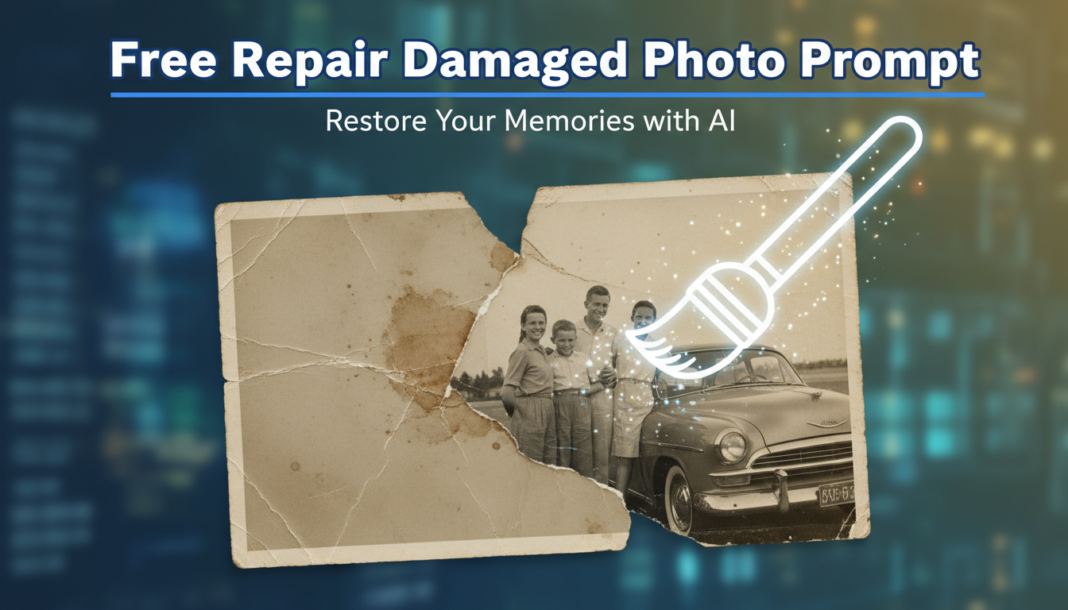
Executive Summary: Repair Damaged Photo Prompt leverages AI’s generative capabilities to restore imperfections in images. It guides models to analyze photographic damage like cracks, tears, missing sections, and color degradation. Through advanced inpainting, denoising, and contextual reconstruction algorithms, the AI synthesizes plausible details, reconstructs missing data, and corrects tonal shifts, effectively ‘healing’ the image. This process often involves understanding historical aesthetics or photographic physics to achieve an authentic restoration.
01. Triple Prompt Toolkit
V1 • Standard Correction
Restore a heavily damaged vintage photograph of [Subject/Scene]. Focus on repairing scratches, dust spots, slight tearing, and color fading. Maintain original photo style, aiming for a clean, natural restoration without altering subject’s features or background significantly. Apply subtle denoising and minor sharpness enhancement.
✍️ Editorial Tip: Adjust ‘heavily damaged’ to ‘moderately damaged’ or ‘lightly damaged’ to control the AI’s aggressiveness. Specify color temperature (e.g., ‘warm tone restoration’) for specific aesthetic outputs.
V2 • Cinematic High-Fidelity
Reconstruct a severely degraded historic portrait of [Subject]. Infuse a cinematic, high-fidelity aesthetic, enhancing facial details, fabric textures, and atmospheric depth. Repair extensive cracks, water damage, and severe discoloration. Introduce a subtle, dramatic lighting effect and film grain to achieve a modern, artistic restoration. Focus on expressive eyes and realistic skin tones.
✍️ Editorial Tip: Modify ‘dramatic lighting effect’ to ‘soft, diffused light’ or ‘chiaroscuro’ for different mood. Experiment with ‘film grain’ to ‘digital noise reduction’ to change the texture.
V3 • Hyper-Realistic Detail
Perform an forensic-grade restoration on an extremely fragmented antique document photograph depicting [Specific details, e.g., ‘a 19th-century street scene with horse-drawn carriages’]. Meticulously repair severe creasing, missing sections, pixelation, and lens aberrations. Reconstruct intricate textual elements and architectural details with hyper-realistic precision. Ensure natural light, accurate historical colors, and absolute clarity, aiming for a museum-quality output with maximum detail recovery.
✍️ Editorial Tip: For specific material textures, add ‘reconstruct [material] texture with utmost accuracy’. Change ’19th-century street scene’ to specific historical periods or photographic styles for targeted results.
02. Pro Customization Table
| Variable | Replace With | Result | Impact |
|---|---|---|---|
| Damage Extent | “lightly damaged”, “moderately damaged”, “severely degraded”, “extremely fragmented” | Controls the AI’s perceived level of damage and restoration effort. | High |
| Restoration Style | “natural restoration”, “cinematic high-fidelity”, “hyper-realistic detail”, “vintage aesthetic”, “modern polished look” | Defines the overall artistic direction and finish of the repaired photo. | High |
| Specific Damage Type | “scratches, dust spots, tearing”, “water damage, discoloration”, “creasing, missing sections, pixelation” | Directs the AI to prioritize specific types of damage repair, improving accuracy. | Medium |
| Subject/Scene Detail | “[Specific subject like a ‘child’s face’], [Specific scene like a ‘mountain landscape’], [Specific details like ‘architectural elements’]” | Guides the AI on critical areas to preserve or enhance during reconstruction. | Medium |