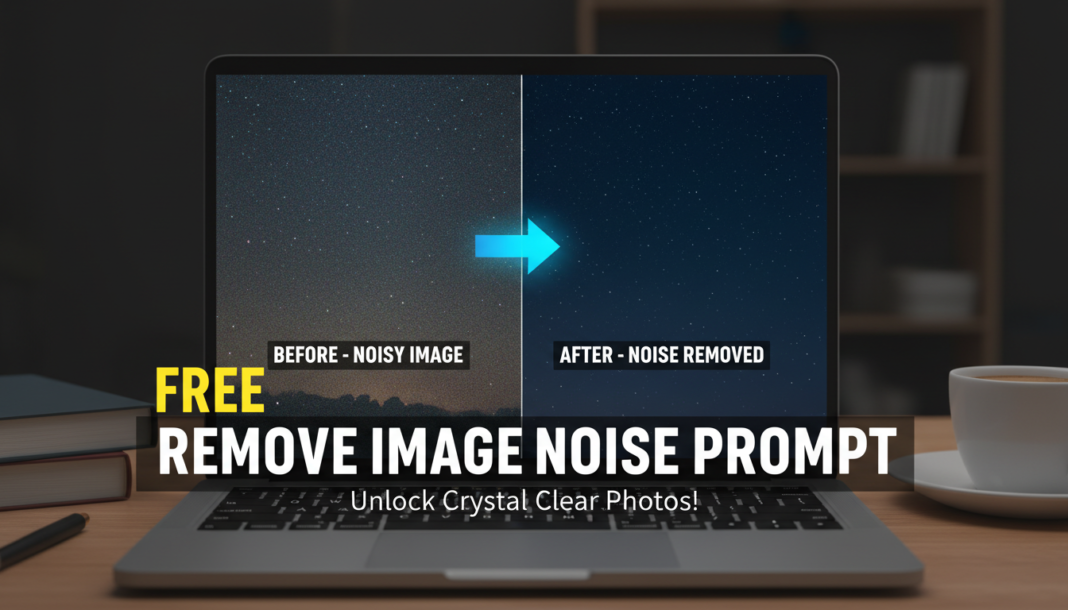
Executive Summary: Noise removal prompts instruct AI models, often diffusion-based, to intelligently identify and mitigate unwanted visual artifacts like grain, speckles, or digital distortion within an image. By guiding the model to differentiate between true image signal and random noise patterns, these prompts facilitate the reconstruction of cleaner pixel information, enhancing clarity, preserving essential details, and significantly improving overall image quality through advanced computational denoising.
01. Triple Prompt Toolkit
V1 • Standard Correction
Remove all digital noise and grain. Enhance clarity and sharpness gently. Restore natural textures.
✍️ Editorial Tip: To adjust intensity, prepend “subtly” or “aggressively” to “remove noise.” For specific noise types, specify “chroma noise” or “luminance noise.”
V2 • Cinematic High-Fidelity
Denoise image with a cinematic aesthetic, preserving fine filmic grain where natural. Enhance dynamic range and visual depth, ensuring high-fidelity detail without over-smoothing. Apply a subtle professional color grade.
✍️ Editorial Tip: Vary “fine filmic grain” to “minimal grain” or “slight texture” to control the residual film aesthetic. Adjust “subtle professional color grade” for specific tones like “warm vintage” or “cool modern.”
V3 • Hyper-Realistic Detail
Aggressively remove all discernible noise, including digital artifacts and sensor grain, while meticulously reconstructing hyper-realistic fine details and intricate textures. Prioritize absolute clarity and sharpness, creating a pristine, photo-realistic output with deep contrast.
✍️ Editorial Tip: Modify “aggressively” to “thoroughly” for a less intense but still comprehensive denoising. Experiment with adding specific texture types like “skin pores” or “fabric weave” to guide detailed reconstruction.
02. Pro Customization Table
| Variable | Replace With | Result | Impact |
|---|---|---|---|
| Noise Removal Intensity | `subtly`, `moderately`, `aggressively` | Controls the degree and strength of noise reduction applied. | High |
| Detail & Texture Preservation | `preserving fine textures`, `maintaining natural grain`, `smoothing surfaces` | Dictates how the AI balances noise removal with retaining crucial image details. | High |
| Aesthetic Output Style | `cinematic`, `photo-realistic`, `clean and crisp`, `artistic` | Influences the overall visual feel and desired finish of the denoised image. | Medium |
| Specific Noise Target | `luminance noise`, `chroma noise`, `JPEG artifacts`, `sensor grain` | Directs the AI to focus on and mitigate particular types of image degradation. | Medium |