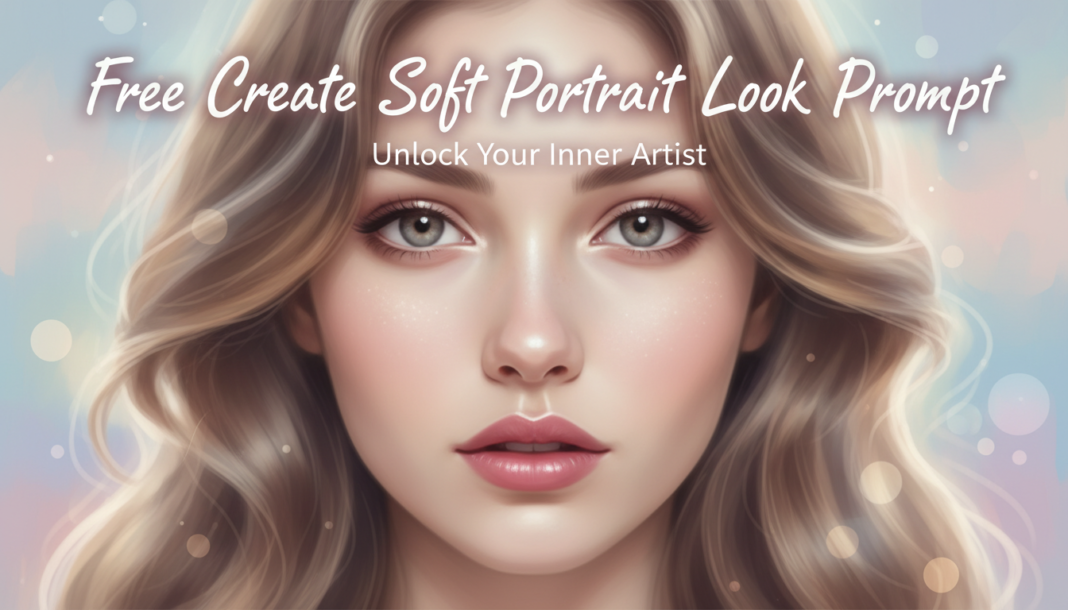
Executive Summary: Creating a “Soft Portrait Look” in AI involves instructing diffusion models to de-emphasize sharp details, introduce subtle light diffusion and bloom, and render smooth tonal transitions. This is achieved by keywords manipulating lighting quality (e.g., softbox, diffused), depth of field (e.g., shallow, bokeh), skin texture (e.g., smooth, luminescent), and overall atmospheric effects to evoke a gentle, often dreamy aesthetic, minimizing harsh shadows and overly defined features.
01. Triple Prompt Toolkit
V1 • Standard Correction
portrait of [subject], soft focus, diffused natural light, smooth skin, gentle shadows, shallow depth of field, warm tone, subtle bloom, studio background
✍️ Editorial Tip: Adjust “soft focus” to “slight blur” or “dreamy focus” for varying levels of sharpness. Change “warm tone” to “cool tone” for a different color mood.
V2 • Cinematic High-Fidelity
cinematic portrait of [subject], bokeh, shot on Canon 85mm f/1.2, ethereal glow, volumetric lighting, diffused key light, soft rim lighting, delicate skin luminescence, pastel color grade, 4K, film grain
✍️ Editorial Tip: Experiment with different lens specifications like “Sony GM 135mm f/1.8” or “Hasselblad XCD 80mm f/1.9” to alter bokeh and depth characteristics. Modify “pastel color grade” to “sepia tone” for a vintage feel.
V3 • Hyper-Realistic Detail
hyper-realistic portrait of [subject], skin translucency, very subtle atmospheric haze, soft window light, crisp details in eyes and hair with diffused surroundings, gentle chromatic aberration, perfect skin, 8k, photorealistic, Vogue editorial
✍️ Editorial Tip: To balance detail and softness, increase or decrease “subtle atmospheric haze.” Change “soft window light” to “golden hour light” for a natural, warm glow with diffused qualities.
02. Pro Customization Table
| Variable | Replace With | Result | Impact |
|---|---|---|---|
| Softness Intensity | `dreamlike blur`, `hyper-detailed soft focus`, `slight diffusion` | Controls the degree of blur and glow applied, from subtle to pronounced. | High |
| Lighting Quality | `backlit`, `golden hour`, `maternity lighting`, `chiaroscuro` | Alters the direction, color, and intensity of light, fundamentally changing mood. | High |
| Depth of Field | `creamy bokeh`, `f/2.8`, `deep focus background`, `miniature tilt-shift` | Manages what is in focus and how blurred the background/foreground appears. | Medium |
| Skin Texture Detail | `porcelain skin`, `visible pores`, `glowing skin`, `matte finish` | Refines the surface appearance of the subject’s skin, impacting realism vs. idealism. | Medium |