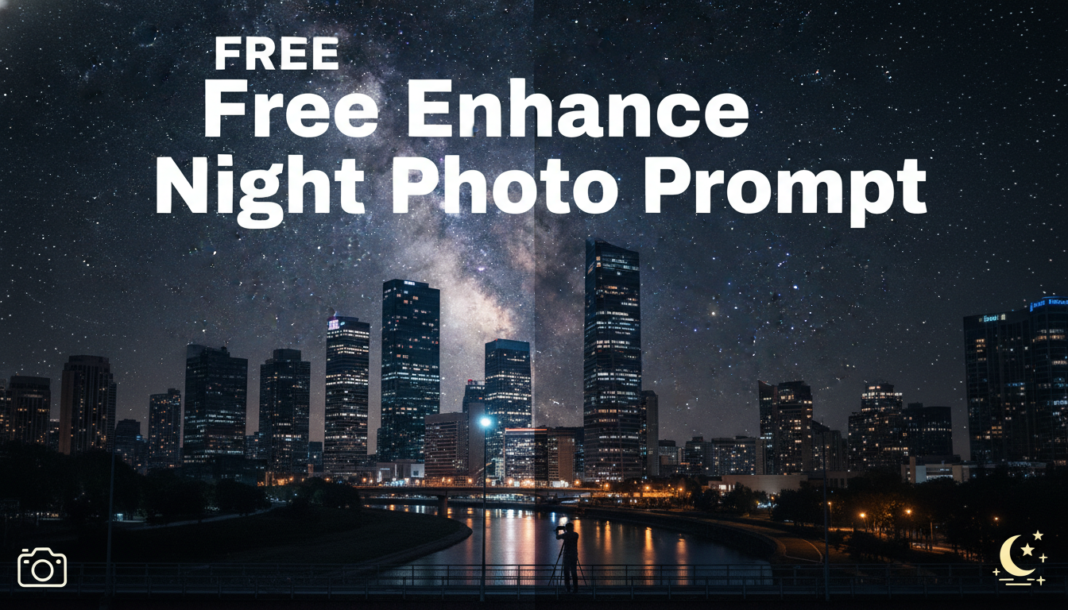
Executive Summary: The “Enhance Night Photo Prompt” leverages generative AI to intelligently reconstruct and optimize visual data captured in low-light environments. It instructs models to reduce noise, correct color shifts, boost luminosity, and infer missing details, effectively transforming underexposed or grainy images into sharper, brighter, and more aesthetically pleasing outputs by applying learned stylistic and perceptual adjustments based on extensive training data.
01. Triple Prompt Toolkit
V1 • Standard Correction
photograph of a city street at night, enhanced, low light correction, noise reduction, balanced exposure, natural colors, slightly brighter, sharp details, realistic.
✍️ Editorial Tip: To adjust the overall brightness, modify ‘slightly brighter’ to ‘moderate brightness’ or ‘subtle illumination’. For stronger noise control, add ‘aggressive noise suppression’.
V2 • Cinematic High-Fidelity
cinematic night photograph, ethereal street scene, dramatic contrast, deep shadows, neon glow, volumetric lighting, rich color grading, film grain, shallow depth of field, high resolution, moody atmosphere, subtle lens flare.
✍️ Editorial Tip: Alter ‘neon glow’ to ‘warm streetlights’ or ‘cool moonlight’ to shift the primary light source’s color temperature. Adjust ‘film grain’ to ‘digital clean’ for a modern aesthetic.
V3 • Hyper-Realistic Detail
hyper-realistic night cityscape, extreme detail, intricate textures on buildings, sharp focus, ultra-definition, minimal noise, vibrant reflections on wet asphalt, deep blacks, high dynamic range, architectural photography, professional grade, 8k.
✍️ Editorial Tip: To emphasize specific textures, insert descriptive adjectives like ‘gritty concrete’ or ‘smooth glass’. Reduce ‘8k’ to ‘4k’ for faster rendering or adjust the desired level of ultimate sharpness.
02. Pro Customization Table
| Variable | Replace With | Result | Impact |
|---|---|---|---|
| Lighting Style | `soft ambient glow`, `harsh spotlights`, `moonlit` | Changes the dominant light source and its characteristics, affecting mood. | High |
| Noise/Grain | `heavy noise`, `clean image`, `subtle digital grain` | Controls the presence and type of visual noise, influencing image texture. | Medium |
| Color Palette | `monochromatic`, `cool tones`, `desaturated` | Modifies the overall color scheme and intensity, dramatically shifting emotional tone. | High |
| Detail/Sharpness | `soft focus`, `painterly blur`, `crisp lines` | Adjusts the clarity and sharpness of edges and textures, impacting realism. | High |