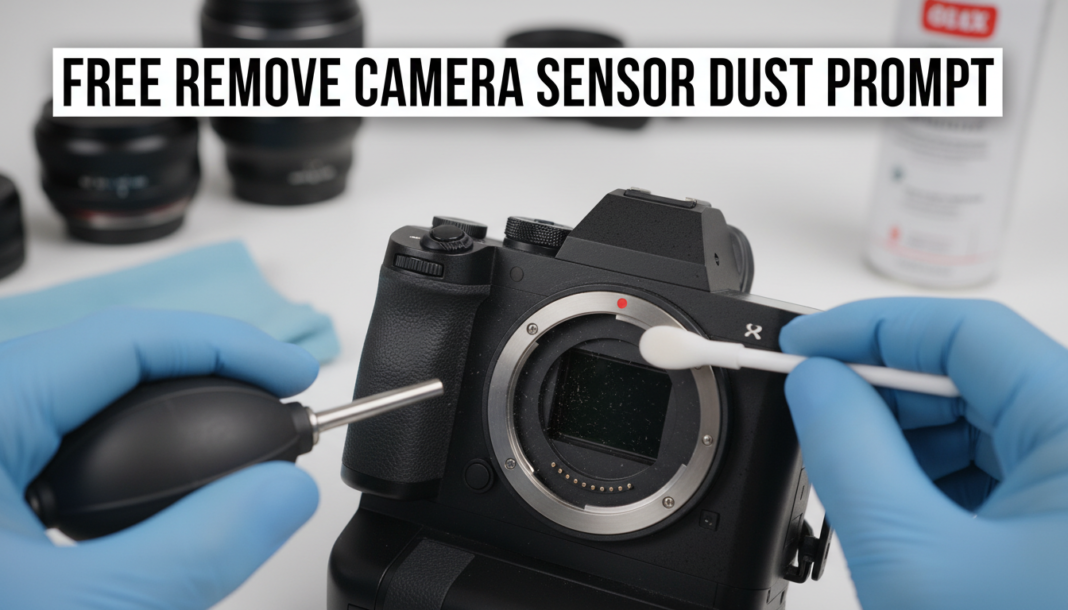
Executive Summary: The “Remove Camera Sensor Dust Prompt” instructs AI image processing models to identify and meticulously eliminate visible dust spots and sensor imperfections from digital photographs. It leverages AI’s computer vision and generative inpainting capabilities to analyze image data, detect anomalies characteristic of sensor dust (e.g., dark, soft-edged circular artifacts), and intelligently reconstruct affected areas using contextual information, preserving original image integrity and texture for a clean output.
01. Triple Prompt Toolkit
V1 • Standard Correction
Analyze the input image for circular or amorphous dark artifacts indicative of camera sensor dust. Isolate these imperfections, then apply contextual inpainting to seamlessly remove each detected dust particle, ensuring original background textures and colors are preserved. Output a clean, dust-free image.
✍️ Editorial Tip: To increase aggressiveness, add “aggressively identify and remove.” To soften the effect, specify “subtly detect and blend” for a more gentle correction.
V2 • Cinematic High-Fidelity
Process the provided RAW-like image data. Identify minute and prominent sensor dust anomalies, prioritizing their removal with a cinematic-grade inpainting algorithm. Ensure artifact elimination maintains subject sharpness, background bokeh, and color grading without introducing noticeable smoothing or blur, reflecting a high-fidelity, professional clean plate suitable for film.
✍️ Editorial Tip: Adjust “cinematic-grade” to “fine-art grade” or “broadcast-quality” to shift the aesthetic focus. Modify “minute and prominent” to “all visible” for broader dust detection.
V3 • Hyper-Realistic Detail
Perform a forensic-level analysis of the image pixel data to locate all instances of dust, debris, and micro-scratches attributable to sensor imperfections. For each detected anomaly, execute a localized, texture-aware neural inpainting operation that meticulously reconstructs the underlying image information, prioritizing the preservation of hyper-realistic grain, fine details, and focal sharpness across the entire frame. The output must be indistinguishable from a perfectly clean original.
✍️ Editorial Tip: Emphasize specific texture preservation like “skin texture” or “fabric weave” for highly detailed subjects. To limit the scope of detection, add “only major dust spots” after “micro-scratches.”
02. Pro Customization Table
| Variable | Replace With | Result | Impact |
|---|---|---|---|
| `Artifact Focus` | “large smudges and hairs”, “pinpoint specs only” | Targets specific types or sizes of dust/debris, ignoring others. | High |
| `Inpainting Method` | “generative fill”, “content-aware patch”, “AI healing” | Changes the underlying algorithm’s approach to reconstruction, affecting blend quality. | Medium |
| `Detail Preservation` | “color accuracy”, “bokeh quality”, “edge sharpness” | Prioritizes different visual elements to maintain during the reconstruction process. | High |
| `Output Intensity` | “subtle correction”, “aggressive removal”, “flawless restoration” | Defines the degree of correction applied and the desired final appearance/cleanliness. | Medium |