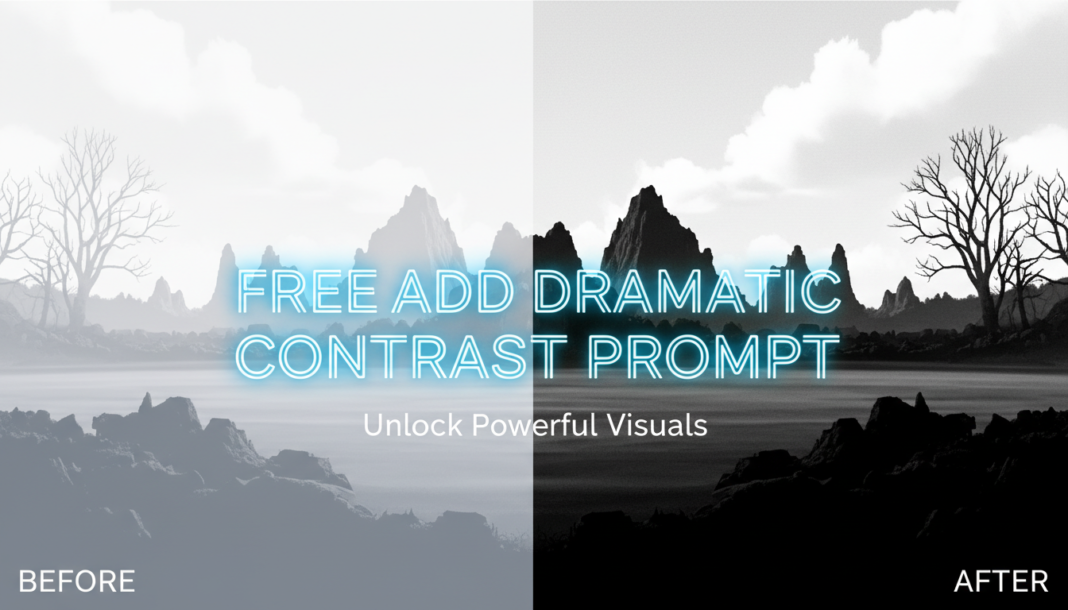
Executive Summary: “Add Dramatic Contrast” prompts instruct AI models to render visuals with intensified light-dark separation, increased tonal variance, and deeper shadows, often elevating highlight prominence. This technique enhances visual impact, creates depth, and draws attention to key subject matter by manipulating the image’s dynamic range and local contrast. It’s crucial for achieving striking, emotionally resonant aesthetics in AI-generated art.
01. Triple Prompt Toolkit
V1 • Standard Correction
RAW photo, [subject], intense contrast, sharp focus, deep shadows, bright highlights, vivid colors, photographic quality, studio lighting.
✍️ Editorial Tip: To adjust intensity, modify “intense contrast” to “moderate contrast” or add a weight like “dramatic contrast:1.3”. Experiment with different lighting descriptors for varied shadow/highlight emphasis.
V2 • Cinematic High-Fidelity
Cinematic still, [subject] in a moody environment, volumetric lighting, chiaroscuro effect, high dynamic range, crushed blacks, glowing highlights, film grain, 8K, shot on Arri Alexa, masterfully graded.
✍️ Editorial Tip: Vary “moody environment” to describe specific settings (e.g., “dystopian street,” “ancient forest”). Adjust or remove “film grain” for different textural finishes or ultra-clean visuals.
V3 • Hyper-Realistic Detail
Ultra-realistic photo of [subject], intricate textures, hyper-detailed, strong directional lighting, profound shadow play, exaggerated specular highlights, crisp edges, photorealistic rendering, Canon EOS R5.
✍️ Editorial Tip: Fine-tune the “directional lighting” (e.g., “rim light,” “backlight,” “hard sunlight”) to precisely control shadow placement and highlight impact. Add specific material descriptions to “intricate textures” for enhanced detail.
02. Pro Customization Table
| Variable | Replace With | Result | Impact |
|---|---|---|---|
| `[subject]` | `a lone wolf on a snowy peak`, `a futuristic cityscape` | Changes the core image content and how contrast applies to its forms and textures. | High |
| `contrast intensity` (e.g., `intense`) | `subtle contrast`, `extreme contrast:1.5`, `mildly contrasting` | Directly controls the degree of light-dark separation, tonal vibrancy, and overall visual punch. | High |
| `lighting style` (e.g., `studio lighting`) | `noir lighting`, `dramatic backlight`, `diffused ambient`, `hard chiaroscuro` | Alters shadow placement, highlight emphasis, and the overall mood or dramatic tone of the image. | High |
| `camera/film aesthetic` | `anamorphic lens`, `vintage film`, `digital rendering`, `Canon R5`, `cinematic 70mm` | Modifies the visual fidelity, textural elements, color science, and stylistic finish of the output. | Medium |