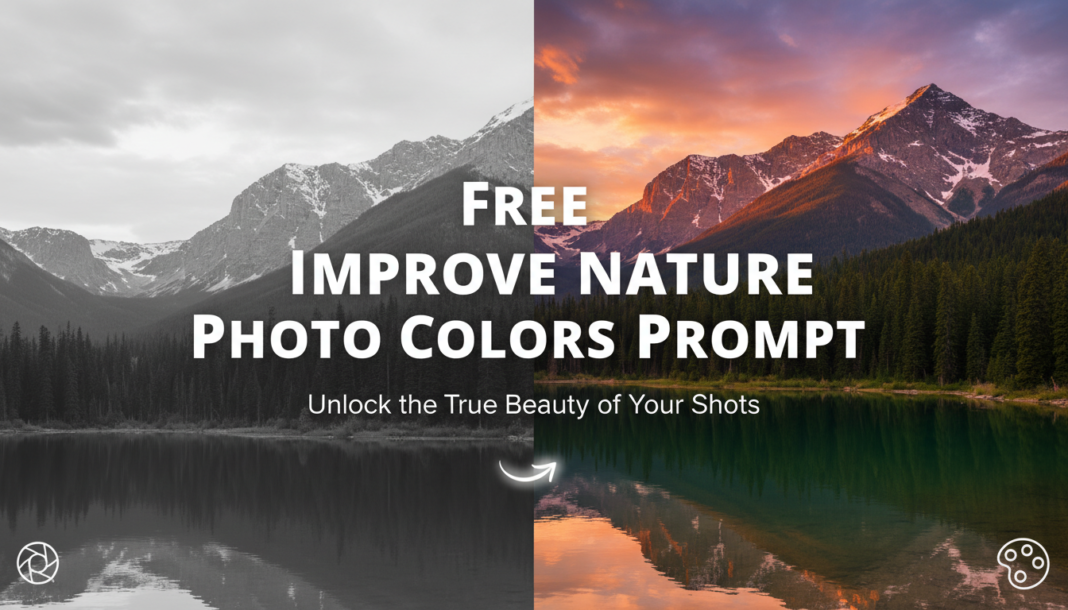
Executive Summary: AI color enhancement prompts technically instruct models to apply specific image processing operations. This involves adjusting hue, saturation, luminosity (HSL), contrast, dynamic range, and white balance to create more visually appealing and true-to-life nature scenes. The goal is to correct color casts, deepen vibrancy without oversaturation, and highlight environmental nuances, resulting in images that resonate with the desired aesthetic, from subtle realism to dramatic cinematic flair.
01. Triple Prompt Toolkit
V1 • Standard Correction
Enhance colors of a nature photograph, focusing on natural vibrance and balanced exposure. Apply gentle saturation increase, correct white balance for true-to-life tones, and slightly boost contrast to add depth. Preserve realistic hues of greens, blues, and earth tones without over-processing.
✍️ Editorial Tip: Adjust “gentle saturation increase” to “moderate saturation boost” or “subtle vibrance enhancement” to control the intensity of color pop. Modify “true-to-life tones” to “warm tones” or “cool tones” to shift the overall color temperature.
V2 • Cinematic High-Fidelity
Render a nature scene with cinematic high-fidelity colors. Implement a rich, desaturated yet vibrant palette, strong contrast for dramatic mood, deep shadows, and luminous highlights. Introduce a subtle color grade, like teal-and-orange or muted greens, for a refined, filmic aesthetic with enhanced texture and atmospheric depth.
✍️ Editorial Tip: Experiment with different “color grade” descriptions, such as “sepia warmth,” “cool blue tones,” or “golden hour glow,” to drastically alter the mood and atmospheric quality of the cinematic output.
V3 • Hyper-Realistic Detail
Process a nature photograph for hyper-realistic detail and precise color accuracy. Optimize dynamic range to reveal intricate textures in both shadows and highlights. Apply localized contrast and sharpness enhancements to foliage, water, and rock formations. Ensure micro-contrast is perfected, and colors are rendered with absolute fidelity, avoiding any artificial stylization for a truly photographic outcome.
✍️ Editorial Tip: To refine realism, specify elements for localized enhancement, e.g., “sharpen water ripples” or “enhance bark texture.” Control “absolute fidelity” by adding constraints like “maintain natural color shifts based on light source.”
02. Pro Customization Table
Variable
Replace With
Result
Impact
Saturation Intensity
`subtle`, `moderate`, `vibrant`, `oversaturated`
Controls the overall richness and intensity of colors in the image.
We are the Editorial Team at Bloggedge, a group of dedicated Tech Researchers and Data Analysts. Our mission is to break down complex AI and Global Tech developments into simple, easy-to-read guides. By utilizing our structured 'Information Hub,' we help readers worldwide stay ahead of digital trends without the confusion of technical jargon.