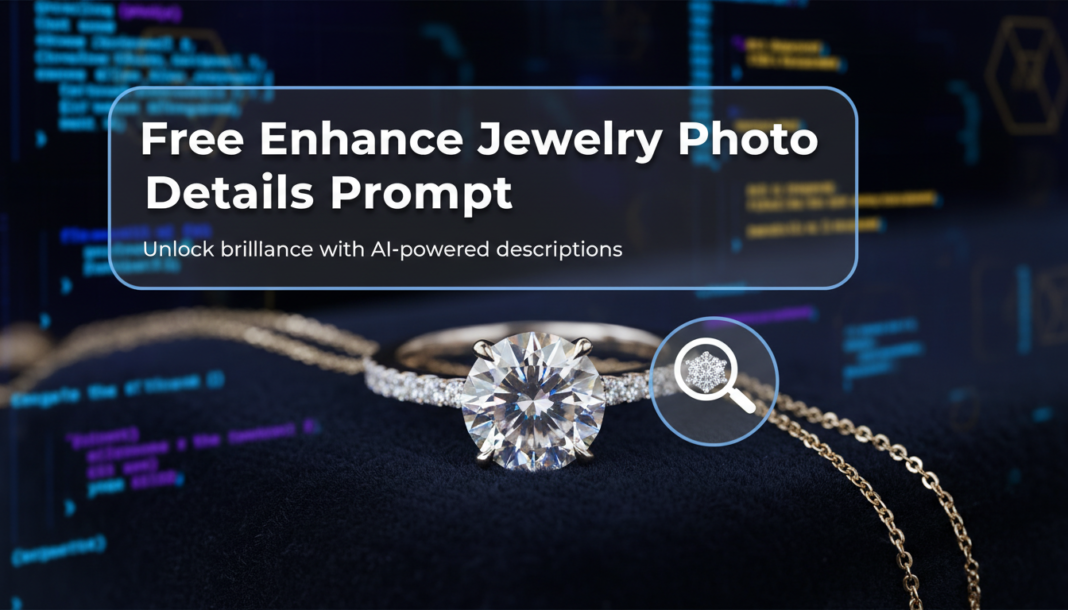
Executive Summary: The “Enhance Jewelry Photo Details Prompt” leverages AI to meticulously refine visual attributes in jewelry images. It instructs models to improve clarity, sharpen facets, intensify metallic sheen, and optimize gemstone brilliance. By targeting micro-textures, reflections, and color accuracy, the prompt ensures product photos exhibit exceptional realism and appeal, overcoming common photographic limitations like soft focus or flat lighting, crucial for high-conversion e-commerce visuals.
01. Triple Prompt Toolkit
V1 • Standard Correction
Enhance jewelry photo, focus on detail correction. Improve sharpness, clarity, and subtle light reflections on metal surfaces. Remove minor imperfections, soft focus blur, and dust. Balanced natural lighting, white background. High resolution, photo studio quality.
✍️ Editorial Tip: To adjust intensity, modify terms like “sharpness” to “ultra-sharp” or “subtle sharpness.” For a softer look, remove “remove minor imperfections” or “dust.”
V2 • Cinematic High-Fidelity
Cinematic jewelry photography enhancement. Elevate gemstone brilliance and metal sheen with dramatic, diffused studio lighting. Accentuate diamond facets, pearl luster, and gold texture. Deep focus, rich contrast, elegant bokeh background. Volumetric light, professional grade.
✍️ Editorial Tip: Experiment with different lighting keywords like “softbox lighting” or “rim lighting.” Change “bokeh background” to a specific material or scene, e.g., “velvet background.”
V3 • Hyper-Realistic Detail
Ultra-realistic jewelry detail enhancement, macro photography style. Achieve absolute clarity on gemstone inclusions, metal grain, and intricate engravings. Photorealistic rendering of light refraction, dispersion, and exact color grading. No motion blur, flawless surface, scientific precision.
✍️ Editorial Tip: Specify a particular gemstone or metal, e.g., “emerald inclusions,” “platinum grain.” Add specific camera lens effects like “anamorphic bokeh” or “tilt-shift.”
02. Pro Customization Table
| Variable | Replace With | Result | Impact |
|---|---|---|---|
| `[Lighting]` | `soft studio light`, `dramatic spotlight`, `natural window light` | Alters overall mood, highlights, and shadows. | High |
| `[Metal Type]` | `platinum`, `rose gold`, `silver`, `titanium` | Refines specific metallic properties, sheen, and color accuracy. | Medium |
| `[Gemstone Brilliance]` | `intense sparkle`, `subtle glimmer`, `opulent glow` | Controls the level of light return and refractive quality of stones. | High |
| `[Background]` | `velvet`, `marble slab`, `dark wood`, `silk fabric` | Changes the backdrop, influencing contrast and presentation style. | Medium |