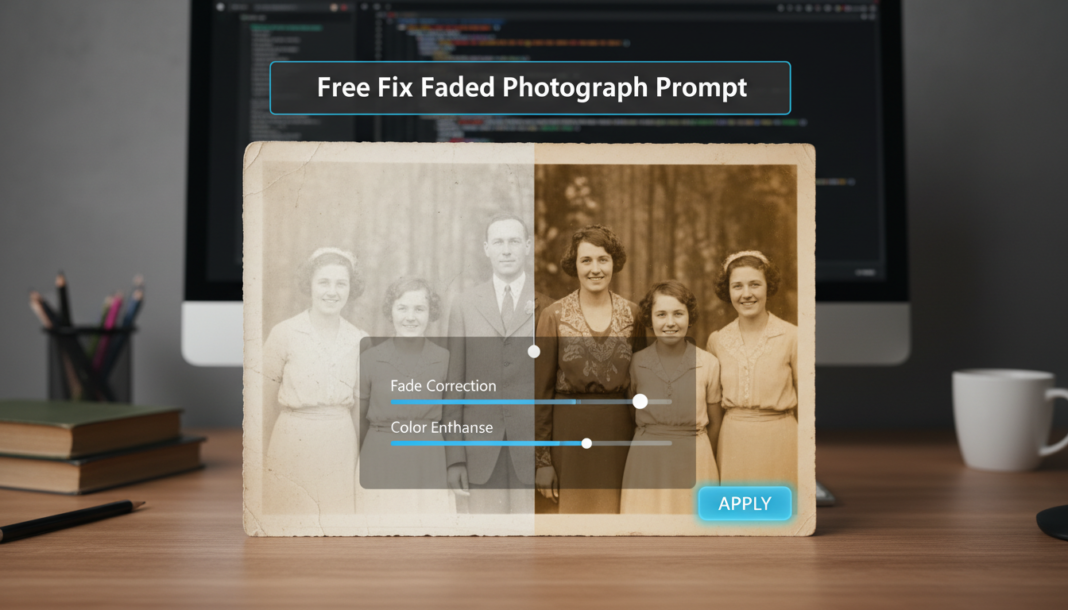
Executive Summary: The core of “Fix Faded Photograph Prompt” involves instructing AI models to apply advanced image restoration algorithms. This includes color correction, contrast enhancement, detail recovery, noise reduction, and de-yellowing. Prompts guide the AI to analyze pixel data, identify degraded areas, and intelligently reconstruct missing or weakened visual information, effectively revitalizing an image’s original vibrancy and sharpness by simulating light and chemical stability.
01. Triple Prompt Toolkit
V1 • Standard Correction
RESTORE: faded photograph, digital scan quality, increase contrast, correct color balance, reduce yellow tint, sharpen edges, natural tones, minimal noise reduction, 4K.
✍️ Editorial Tip: To increase the intensity of color correction, add specific color descriptors like `vibrant blues` or `rich greens`. For stronger sharpening, append `ultra-sharp focus` or increase the resolution.
V2 • Cinematic High-Fidelity
ENHANCE: faded vintage portrait, cinematic color grading, high dynamic range, subtle film grain, deep blacks, accurate skin tones, atmospheric lighting, professional restoration, volumetric depth, 8K, Kodak Portra 400 aesthetic.
✍️ Editorial Tip: Adjust `Kodak Portra 400 aesthetic` to `Fuji Velvia` or `Agfa Chrome` for different film-like color palettes. Remove `subtle film grain` for a cleaner, more digital look.
V3 • Hyper-Realistic Detail
RECONSTRUCT: severely faded archival photograph, forensic detail recovery, ultra-sharp textures, micro-contrast enhancement, neutral white balance, intelligent noise suppression, precise color calibration, photorealistic rendering, extreme resolution, 16K, professional studio lighting.
✍️ Editorial Tip: Modify `forensic detail recovery` to `subtle texture enhancement` for a less aggressive restoration. Change `16K` to `DPI 600` for specific print-focused resolution instructions.
02. Pro Customization Table
| Variable | Replace With | Result | Impact |
|---|---|---|---|
| RESOLUTION | `4K`, `8K`, `16K`, `300 DPI`, `600 DPI` | Controls the output image’s resolution and the level of detail the AI attempts to reconstruct. | High |
| COLOR_PROFILE | `vibrant`, `sepia`, `warm`, `cool`, `monochromatic`, `Fuji Velvia aesthetic` | Defines the overall color balance, tint, and aesthetic mood of the restored image. | High |
| RESTORATION_INTENSITY | `subtle`, `moderate`, `aggressive`, `forensic`, `light` | Dictates how strongly the AI applies corrections like sharpening, noise reduction, and detail reconstruction. | Medium to High |
| NOISE_MANAGEMENT | `minimal noise`, `slight grain`, `heavy grain`, `noise suppression`, `film grain` | Manages the presence of visual noise or introduces film-like grain for artistic effect. | Medium |