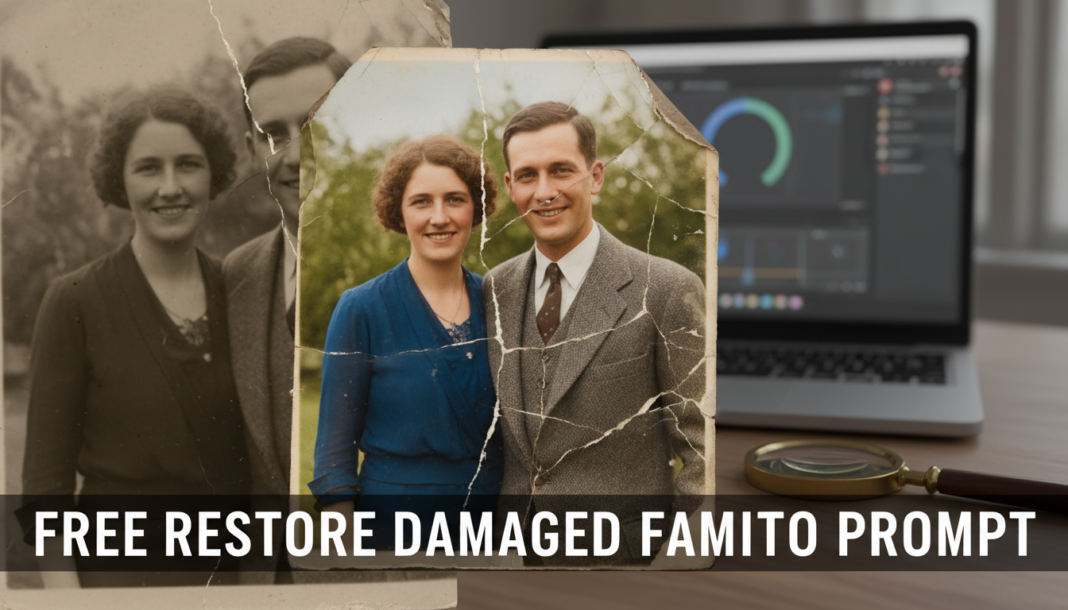
Executive Summary: The “Restore Damaged Family Photo Prompt” leverages advanced AI models, primarily Generative Adversarial Networks (GANs) and Diffusion models, to intelligently reconstruct and enhance deteriorated images. These systems analyze visual input to detect and rectify imperfections like scratches, tears, fading, and color shifts. Techniques such as inpainting, super-resolution, and intelligent denosing are applied to synthesize missing pixel data, sharpen details, and ensure color accuracy, effectively reviving the photograph’s original visual integrity.
01. Triple Prompt Toolkit
V1 • Standard Correction
Restore severely damaged old family photograph, clear scratches, remove creases, repair tears, correct color fading, enhance facial details, maintain original photographic style, 4K, sharp focus.
✍️ Editorial Tip: To adjust the level of damage addressed, add or remove specific damage types like ‘water stains’ or ‘mold spots’. Vary ‘4K’ to ‘8K’ for higher resolution output.
V2 • Cinematic High-Fidelity
Digitally restore a heavily faded 1950s family portrait, cinematic quality, soft natural lighting, volumetric light, reduce grain, subtle skin texture enhancement, vibrant but authentic colors, elegant composition, high-fidelity render, film grain emulation, UHD.
✍️ Editorial Tip: Experiment with specific decades (e.g., ‘1920s sepia tone’) to influence color palette and aesthetic. Adjust ‘soft natural lighting’ to ‘dramatic studio lighting’ for a different mood.
V3 • Hyper-Realistic Detail
Hyper-realistic restoration of a vintage 1970s group photo, meticulously remove all blemishes and dust, reconstruct fine fabric textures, individual hair strands detailed, accurate skin pore replication, crisp edges, balanced exposure, photorealistic, 16K, professional studio lighting, macro details.
✍️ Editorial Tip: Specify the type of camera or lens (e.g., ‘shot with a Leica lens’) to influence depth of field or sharpness. Add specific material details like ‘worn leather jacket texture’ for added realism.
02. Pro Customization Table
| Variable | Replace With | Result | Impact |
|---|---|---|---|
| Damage Type | “scratches”, “tears”, “fading”, “water stains”, “mold”, “creases”, “dust spots” | Directly targets specific types of photo degradation for repair. | High |
| Output Resolution | “4K”, “8K”, “UHD”, “16K” | Controls the final image resolution and level of detail. | Medium |
| Aesthetic Style | “cinematic”, “photorealistic”, “vintage”, “sepia tone”, “monochrome”, “vibrant”, “muted” | Modifies the overall artistic look and feel of the restored image. | High |
| Lighting Condition | “soft natural lighting”, “dramatic studio lighting”, “golden hour”, “diffused light” | Influences the mood, shadows, and highlights in the final image. | Medium |