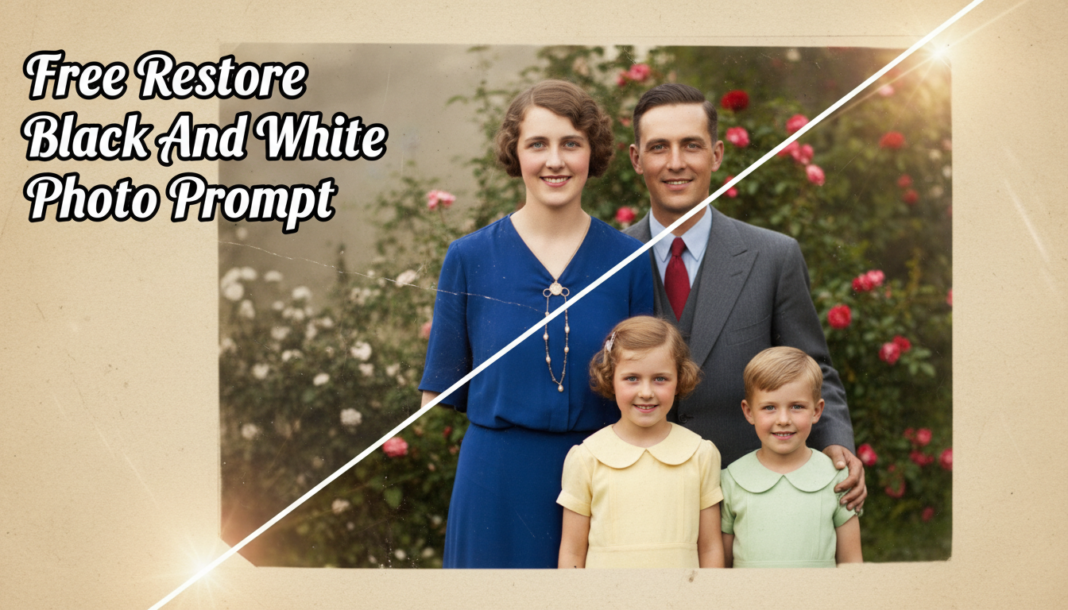
Executive Summary: AI photo restoration leverages deep learning models, often Generative Adversarial Networks (GANs) or diffusion models, to analyze grayscale images. It infers plausible color information based on learned patterns from vast datasets of color photographs, simultaneously enhancing lost details, reducing noise, and repairing artifacts. The prompt guides the AI in accurately re-introducing chromatic data and improving image integrity and authenticity.
01. Triple Prompt Toolkit
V1 • Standard Correction
Restore and colorize the provided black and white photo. Enhance subtle details, remove minor blemishes like dust and slight scratches, and apply natural, balanced colors suitable for a vintage photograph. Prioritize general clarity, authentic historical feel, and a clean, gentle color profile.
✍️ Editorial Tip: To adjust color vibrancy or temperature, add “with [high/low] vibrancy” or specify “warm tones” vs. “cool tones” to the prompt.
V2 • Cinematic High-Fidelity
Transform the black and white photo into a high-fidelity cinematic scene. Colorize with rich, deep, and subtly desaturated hues, enhancing textures and lighting for dramatic depth and atmosphere, akin to a meticulously restored classic film still. Introduce a touch of subtle film grain and maintain period-appropriate color accuracy with refined contrast.
✍️ Editorial Tip: Refine the cinematic aspect by adding specific stylistic keywords like “noir ambiance,” “sepia overlay,” or “Kodachrome palette,” and adjust the intensity of the film grain.
V3 • Hyper-Realistic Detail
Achieve hyper-realistic restoration and colorization of the black and white photograph. Maximize detail resolution, sharpen edges without introducing artifacts, and accurately reproduce true-to-life colors. Systematically correct all defects: severe scratches, dust, fading, and tears, ensuring archival-grade quality with pristine clarity, natural skin tones, and texture preservation.
✍️ Editorial Tip: For targeted enhancements, specify elements like “with emphasis on delicate facial expressions” or “meticulously detailing fabric textures and patterns” to guide the AI’s focus.
02. Pro Customization Table
| Variable | Replace With | Result | Impact |
|---|---|---|---|
| `Color Palette` | `Vibrant Hues`, `Muted Tones`, `Warm Tones`, `Cool Tones`, `Sepia Tint` | Alters the overall chromatic theme and emotional feel of the colorization. | High |
| `Restoration Intensity` | `Minor`, `Moderate`, `Extensive`, `Pristine` | Controls the degree of defect removal (scratches, dust, tears, fading). | High |
| `Detail Enhancement` | `Subtle`, `Sharp`, `Hyper-realistic`, `Soft-focus` | Influences the sharpness, texture reproduction, and overall clarity of fine details. | Medium |
| `Output Aesthetic` | `Vintage`, `Photorealistic`, `Artistic`, `Dreamy`, `Documentary` | Defines the stylistic mood and final presentation quality of the image. | High |