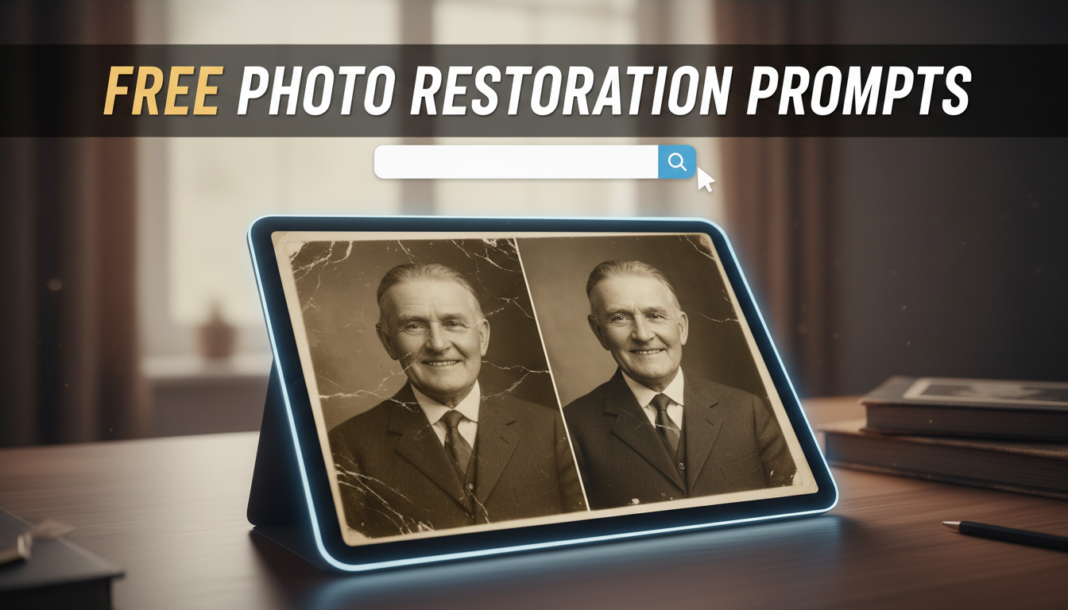
Executive Summary: Photo Restoration Prompts guide AI models to reconstruct, repair, and enhance damaged or aged photographs. These prompts leverage advanced neural networks, often employing Generative Adversarial Networks (GANs) or diffusion models, to intelligently infill missing data, remove scratches, correct discoloration, and sharpen blurry details. By specifying desired outcomes, users direct the AI’s restorative algorithms, enabling precise, high-quality digital revival of historical or personal images.
01. Triple Prompt Toolkit
V1 • Standard Correction
restore old photograph, remove scratches, creases, dust spots, slight color correction, sharpen blurry areas, natural lighting, [subject_description] –ar 3:2 –v 5.2
✍️ Editorial Tip: To adjust the intensity of the repair, add “subtly” or “aggressively” before “remove scratches.” Specify “sepia tone correction” for targeted color adjustments in older images.
V2 • Cinematic High-Fidelity
vintage photograph restoration, cinematic color grade, soft volumetric lighting, remove severe damage, enhance facial expressions, film grain texture, high dynamic range, muted palette, 8K, [subject_description] –ar 16:9 –style raw –v 5.2
✍️ Editorial Tip: Modify “cinematic color grade” to “sepia cinematic grade” or “warm cinematic grade” to alter the aesthetic. Adjust “film grain texture” by adding “subtle” or “pronounced” to control its visibility.
V3 • Hyper-Realistic Detail
hyper-realistic photo restoration, reconstruct severe degradation, forensic detail, sharp focus, natural skin texture, accurate historical colorization (if b&w), minimal artifacting, high resolution, professional studio light, [subject_description] –ar 4:3 –quality 2 –v 5.2
✍️ Editorial Tip: To focus on specific elements, add “emphasize textile details” or “reconstruct background elements with precision.” For color, change “accurate historical colorization” to “vibrant modern colorization” or “monochromatic deep contrast.”
02. Pro Customization Table
| Variable | Replace With | Result | Impact |
|---|---|---|---|
| `[subject_description]` | `young woman, smiling, 1920s` | Directs AI to specific person/era for accurate reconstruction. | High |
| `remove severe damage` | `remove minor imperfections` | Focuses on lighter damage, preserving more original texture. | Medium |
| `cinematic color grade` | `classic black and white` | Converts or restores the image to a timeless monochrome aesthetic. | High |
| `natural lighting` | `professional studio lighting` | Creates a controlled, polished studio look post-restoration. | Medium |