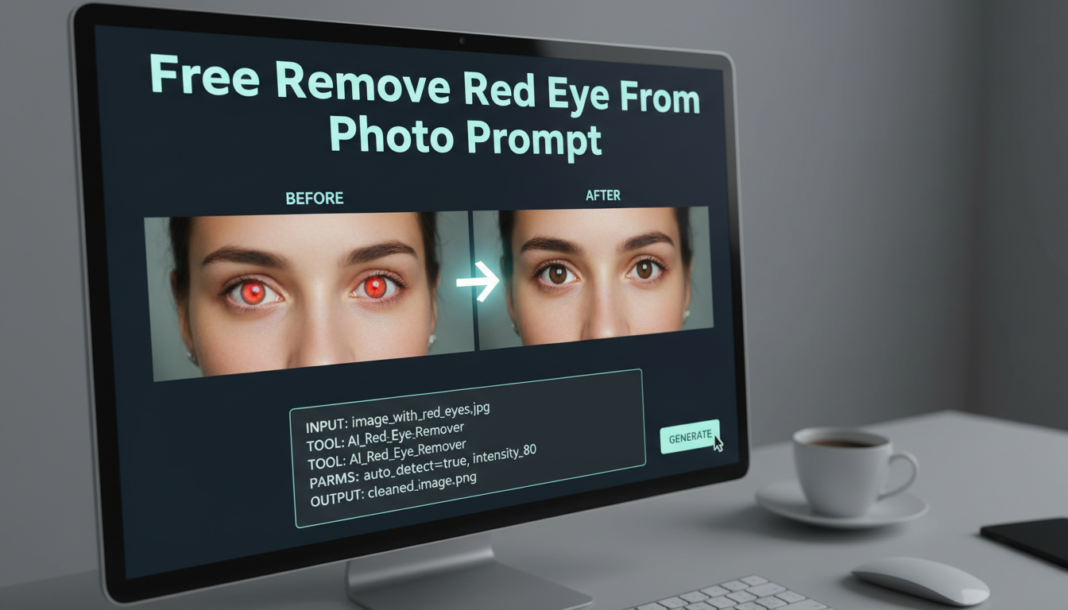
Executive Summary: AI red-eye removal leverages advanced image processing, often powered by deep learning, to detect and correct the characteristic red reflection in pupils caused by camera flash. The prompt guides the AI to segment the affected area, then apply a sophisticated blend of desaturation, color inversion, and texture synthesis. This process aims to restore natural pupil pigmentation and detail, ensuring the corrected eyes seamlessly integrate with the overall photo without appearing artificial or blurred.
01. Triple Prompt Toolkit
V1 • Standard Correction
Correct red eye in the subject’s pupils, ensuring natural black or dark brown color. Apply a subtle and balanced adjustment, maintaining existing eye clarity.
✍️ Editorial Tip: To adjust correction intensity, add modifiers like “minimal correction” or “aggressive removal”. Specify “deep black pupils” for a more intense color.
V2 • Cinematic High-Fidelity
Enhance photographic quality by removing all red eye, restoring natural pupil color with a subtle, realistic sheen. Maintain sharp iris detail and natural-looking catchlights for a cinematic effect.
✍️ Editorial Tip: Tweak “subtle, realistic sheen” to “pronounced glint” or “matte finish” to control eye moisture appearance. Adding “soft ambient lighting” can influence the quality of reflections.
V3 • Hyper-Realistic Detail
Achieve ultra-realistic red eye removal. Meticulously correct pupil color to a natural, deep shade, ensuring preservation of micro-detail in iris texture and accurate reflections. Avoid any artificial blurring, color bleed, or unnatural reconstruction. High-fidelity output.
✍️ Editorial Tip: Emphasize “crystalline sharpness” or “photorealistic fidelity” for ultimate detail. To prioritize blending over sharpness, use “seamless contextual integration.”
02. Pro Customization Table
| Variable | Replace With | Result | Impact |
|---|---|---|---|
| Pupil Color | “deep black”, “dark brown”, “natural shade” | Controls the specific color applied to the pupil post-correction. | High |
| Correction Intensity | “subtle”, “aggressive”, “minimal”, “complete” | Determines how strongly the AI processes and changes the red areas. | High |
| Eye Detail Preservation | “sharp iris detail”, “soft pupil texture”, “micro-detail in iris” | Influences the level of sharpness and texture maintained in the iris and pupil. | Medium |
| Reflection/Sheen | “subtle sheen”, “natural catchlights”, “glossy finish”, “matte appearance” | Controls the presence and quality of light reflections on the eye surface. | Medium |