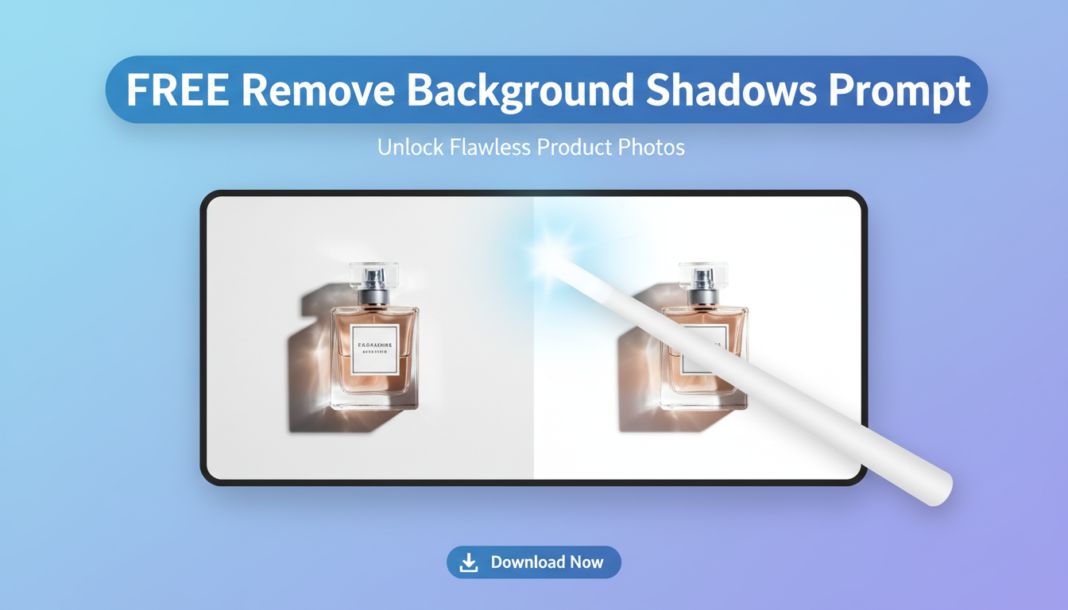
Executive Summary: The “Remove Background Shadows Prompt” leverages AI’s semantic segmentation and inpainting capabilities. It directs the model to identify regions classified as unwanted shadows within the background, analyze their luminance and contrast profiles, and intelligently reconstruct those areas using surrounding pixel data or a specified lighting model. This process aims to neutralize distracting shadows without compromising subject integrity or introducing artifacts, ensuring a clean, uniform visual presentation.
01. Triple Prompt Toolkit
V1 • Standard Correction
`A photo of [SUBJECT_DESCRIPTION], isolated against a clean, shadow-free background. Ensure all harsh and soft background shadows cast by the subject are completely removed, leaving a pristine, evenly lit, neutral backdrop.`
✍️ Editorial Tip: To adjust intensity, replace “completely removed” with “softened” or “subtly reduced.” You can also specify “white background” for a starker removal.
V2 • Cinematic High-Fidelity
`Cinematic portrait of [SUBJECT_DESCRIPTION] with volumetric lighting. The background features a deep, even gradient, with all environmental shadows and cast subject shadows meticulously removed. Implement a subtle, uniform fill light to eliminate any shadow artifacts, ensuring a high-fidelity, polished aesthetic.`
✍️ Editorial Tip: Modify “even gradient” to “seamless blurred bokeh” or “muted studio backdrop” for different background textures, or specify light temperature like “warm fill light.”
V3 • Hyper-Realistic Detail
`Hyper-realistic studio shot of [SUBJECT_DESCRIPTION] on an infinite seamless background. Execute precise shadow reconstruction; eliminate all background shadows, including micro-shadows and subtle light spill. The background should exhibit pristine, uniform illumination and texture, maintaining pixel-perfect detail and dynamic range.`
✍️ Editorial Tip: Insert a specific background color (e.g., “alabaster white infinite seamless background”) or material (e.g., “matte grey backdrop”) to influence the final reconstruction.
02. Pro Customization Table
| Variable | Replace With | Result | Impact |
|---|---|---|---|
| `[SUBJECT_DESCRIPTION]` | `a vintage motorcycle` | Defines the foreground element for shadow removal. | High |
| `background shadows removed` | `background shadows subtly reduced` | Controls the intensity of shadow mitigation. | Medium |
| `neutral backdrop` | `light grey infinite seamless backdrop` | Specifies the desired appearance/color of the cleared background. | Medium |
| `uniform fill light` | `soft ambient light` | Influences the re-lighting and blending style after shadow removal. | Low-Medium |