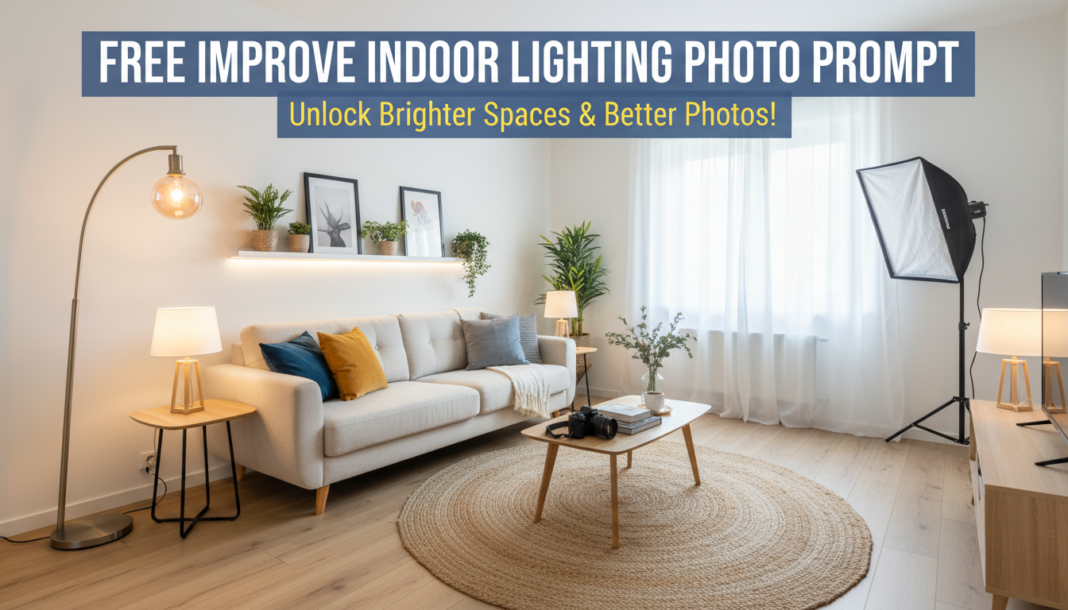
Executive Summary: The ‘Improve Indoor Lighting Photo Prompt’ technically guides AI models to generate images with optimal illumination. It instructs the AI on light sources, directionality, intensity, and color temperature. This ensures balanced exposure, minimizes harsh shadows, enhances depth, and corrects undesirable color casts, resulting in aesthetically superior and perceptually accurate indoor scene renderings. It leverages specific photographic and lighting terminology to refine generative output.
01. Triple Prompt Toolkit
V1 • Standard Correction
Indoor scene, well-lit, soft natural light diffusing from a large window, balanced exposure, minimal harsh shadows, bright ambient light, natural color rendition, clear details, photojournalism style, 8K, high resolution.
✍️ Editorial Tip: To increase light intensity, add terms like “abundant light” or “brightly illuminated.” To change mood, specify “warm glow” or “cool light.”
V2 • Cinematic High-Fidelity
Cinematic indoor shot, dramatic chiaroscuro lighting, softbox diffusion from a key light, subtle rim light outlining subject, warm incandescent glow, volumetric light rays penetrating dust, shallow depth of field, film grain, Anamorphic lens, professional studio photography, 16K, photorealistic.
✍️ Editorial Tip: Adjust the type of lighting (e.g., “spotlight,” “backlight”) or diffusion (e.g., “hard light,” “gelled light”) to achieve different dramatic effects or color palettes.
V3 • Hyper-Realistic Detail
Hyper-realistic indoor photography, meticulously illuminated, global illumination, subtle bounce light from reflective surfaces, precise specular highlights, true-to-life color temperature 3200K, f/2.8 aperture, 50mm lens, highly detailed textures catching light, realistic shadows with subtle light wrap, volumetric dust particles, RAW photo, ultra-high resolution, DSLR.
✍️ Editorial Tip: Modify aperture (f-stop) for depth of field control or lens type (e.g., “macro lens”) for extreme detail. Experiment with color temperature (Kelvin values) for precise white balance.
02. Pro Customization Table
| Variable | Replace With | Result | Impact |
|---|---|---|---|
| `[Light Source/Type]` | `studio strobe`, `window light`, `overhead LED` | Changes the primary origin and characteristic of illumination. | High |
| `[Light Quality]` | `harsh`, `diffused`, `soft`, `intense` | Controls the sharpness of shadows and overall mood of the scene. | Medium-High |
| `[Color Temperature]` | `5500K (daylight)`, `2700K (warm)`, `gelled blue` | Alters the white balance and emotional tone (e.g., cool, warm). | Medium |
| `[Lens/Aperture]` | `85mm f/1.4`, `wide-angle f/8`, `macro lens` | Modifies depth of field, perspective, and detail focus. | Medium |