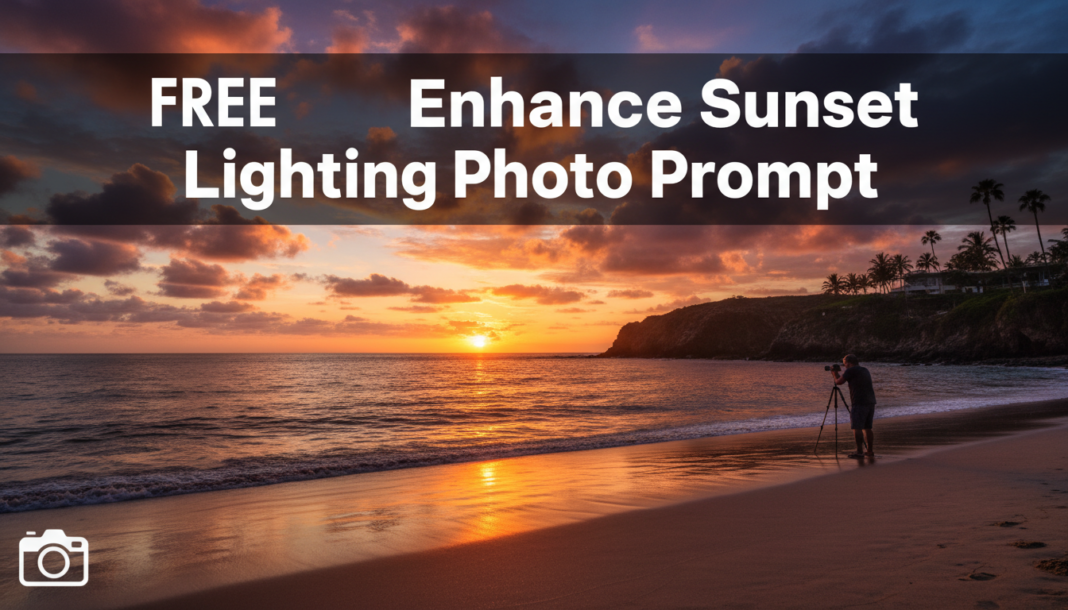
Executive Summary: AI enhances sunset lighting by recalibrating image parameters such as color temperature, pushing it towards warmer spectral outputs (e.g., 2000K-3500K). It increases the saturation of red, orange, and gold channels, while optimizing dynamic range to accentuate highlights and deepen shadows. Advanced prompts can direct the AI to simulate atmospheric scattering, volumetric light shafts, and lens flares, creating a more pronounced, vibrant, and emotionally resonant golden hour aesthetic by algorithmically manipulating luminance and chromatic values.
01. Triple Prompt Toolkit
V1 • Standard Correction
A vibrant sunset landscape, golden hour light, warm glow, enhanced color saturation, soft shadows, clear sky, natural tones. –ar 16:9 –v 5.2
✍️ Editorial Tip: To adjust intensity, add “subtle” or “intense” before “enhanced color saturation”. For a different mood, specify “serene” or “dramatic” at the beginning of the prompt.
V2 • Cinematic High-Fidelity
Cinematic wide shot, epic sunset over rugged mountains, intensely vibrant golden light, rich volumetric atmospheric haze, deep orange and crimson hues, film grain, anamorphic lens flare, sharp focus, f/2.8, professional cinematography, 8k. –ar 21:9 –style raw –v 5.2
✍️ Editorial Tip: Experiment with “anamorphic lens flare” alternatives like “sunburst effect” or “diffused glow”. Modify “film grain” to “clean image” for a digital look.
V3 • Hyper-Realistic Detail
Ultra-detailed photograph, close-up of a beach at sunset, hyper-realistic reflections on wet sand, crisp golden hour lighting, intricate light refractions through sea spray, vibrant chromatic aberration, deep shadows, bokeh background, Canon EOS R5, 85mm f/1.4, meticulously rendered. –ar 3:2 –v 5.2 –s 750
✍️ Editorial Tip: Change camera details (e.g., “Sony Alpha A7III, 50mm f/1.8”) to influence sharpness and depth of field. Adjust “chromatic aberration” to “pristine clarity” for a different optical effect.
02. Pro Customization Table
| Variable | Replace With | Result | Impact |
|---|---|---|---|
| `color saturation` | `desaturated`, `vivid`, `muted` | Alters the intensity of colors, from understated to eye-popping. | Medium |
| `volumetric atmospheric haze` | `clear crisp air`, `thick fog`, `smoky ambiance` | Controls the atmospheric density and visibility, influencing mood and depth. | High |
| `anamorphic lens flare` | `starburst effect`, `diffused glow`, `no lens effects` | Changes the type or absence of light artifacts, affecting cinematic feel. | Medium |
| `Canon EOS R5, 85mm f/1.4` | `Sony Alpha A7III, 35mm f/2.8`, `Hasselblad X1D, 90mm f/3.2` | Modifies perceived camera equipment and lens characteristics, impacting depth of field, sharpness, and overall photographic style. | High |