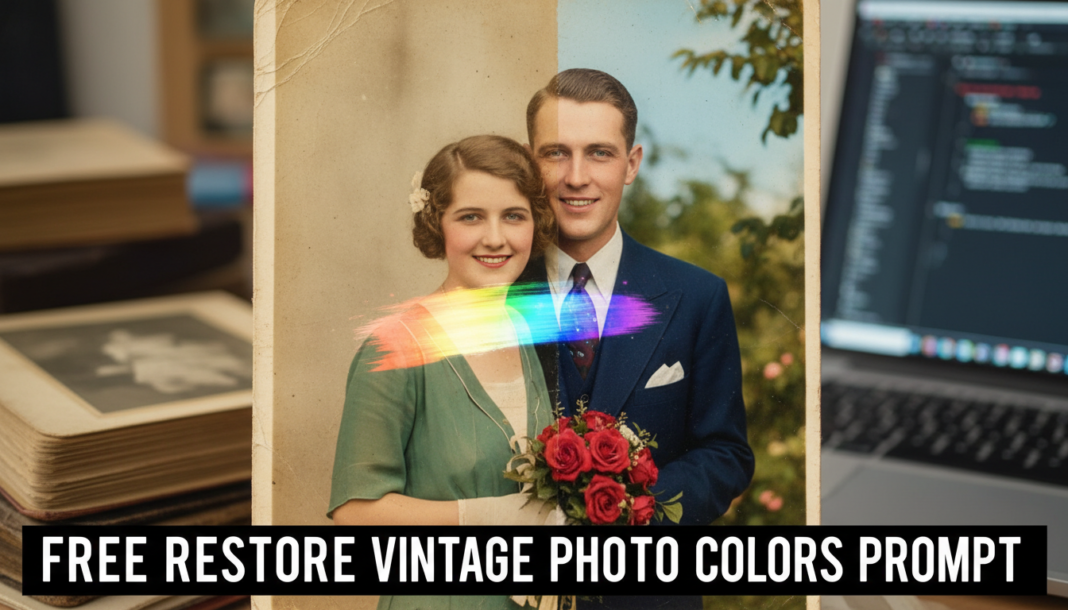
Executive Summary: The ‘Restore Vintage Photo Colors Prompt’ leverages deep learning models trained on vast datasets of color and historical imagery. AI analyzes faded or desaturated vintage photographs, identifying objects, textures, and lighting conditions. By mapping these features to learned color representations, it intelligently interpolates and reintroduces historically plausible and aesthetically pleasing colors, correcting color shifts, enhancing vibrancy, and improving overall visual fidelity and authenticity.
01. Triple Prompt Toolkit
V1 • Standard Correction
Restore colors to a vintage photograph, enhancing natural hues and correcting overall fade, maintaining original character and subtle vibrancy.
✍️ Editorial Tip: Adjust terms like “subtle vibrancy” to “rich saturation” or “muted tones” to control the overall color intensity and mood.
V2 • Cinematic High-Fidelity
Transform faded vintage photo into cinematic, high-fidelity imagery. Apply rich, deep color palette with enhanced contrast, emphasizing warm tones and depth. Achieve a classic film look.
✍️ Editorial Tip: Experiment with specific film stock names (e.g., “Kodachrome vibrant,” “Technicolor feel”) or change “warm tones” to “cool, melancholic tones” for a different aesthetic.
V3 • Hyper-Realistic Detail
Precisely restore true-to-life colors to an aged photograph, prioritizing historical accuracy and fine detail preservation. Correct subtle chromatic aberrations and reconstruct precise skin tones and fabric textures for maximum realism.
✍️ Editorial Tip: Specify object types like “foliage details” or “architectural elements” for targeted color correction, or introduce “era-specific color biases” for nuanced historical accuracy.
02. Pro Customization Table
| Variable | Replace With | Result | Impact |
|---|---|---|---|
| `[Color Palette/Mood]` | `vibrant and warm`, `muted and desaturated`, `cool cinematic tones`, `historically accurate` | Controls the overall color scheme and emotional feel of the restored image. | High |
| `[Restoration Intensity]` | `subtle correction`, `moderate enhancement`, `aggressive restoration`, `hyper-realistic` | Dictates how extensively the AI will alter and reintroduce colors into the image. | High |
| `[Focus Detail]` | `skin tones and fabric textures`, `landscape elements`, `architectural details`, `sky and water` | Directs the AI to prioritize specific areas or subjects for precise color accuracy and enhancement. | Medium |
| `[Post-Processing Effect]` | `grainy film look`, `soft focus`, `sharp detail`, `matte finish`, `glossy sheen` | Adds an artistic or technical finish to the image after the primary color restoration is complete. | Medium |