spot_imgspot_img

Top 5 This Week

spot_img

Related Posts

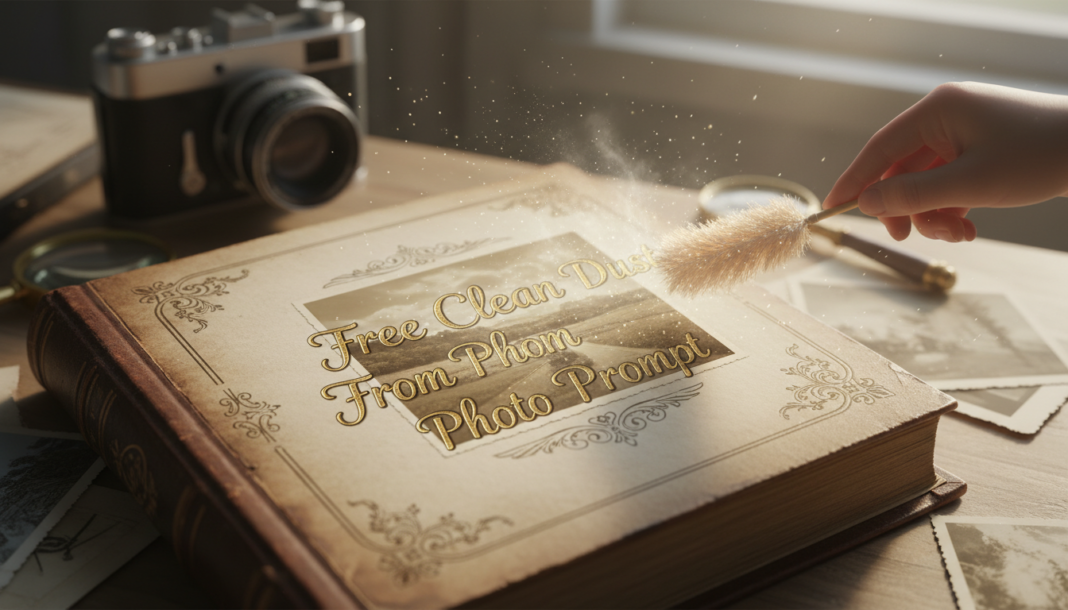
Free Clean Dust From Photo Prompt

Executive Summary: The “Clean Dust From Photo” prompt guides AI models, often leveraging diffusion or generative adversarial networks, to intelligently identify and isolate particulate matter like dust, scratches, or minor blemishes within an image. It then employs sophisticated inpainting algorithms to seamlessly reconstruct the affected areas, meticulously inferring missing pixel data. This process ensures a pristine output by preserving original textures, colors, and lighting, resulting in a natural, integrated restoration that enhances visual fidelity without degradation.

01. Triple Prompt Toolkit

V1 • Standard Correction

Remove all visible dust particles and minor blemishes from the input image. Prioritize natural-looking restoration without introducing artificial smoothness or texture. Maintain original sharpness and color fidelity.

✍️ Editorial Tip: Adjust “visible dust particles” to “small dust particles” or “all imperfections” to control the scope of artifact removal. Add “subtle” before “natural-looking restoration” for a lighter touch.

V2 • Cinematic High-Fidelity

Digitally restore the photograph, meticulously cleaning all dust, scratches, and micro-particulates to achieve cinematic high-fidelity. Ensure seamless texture reconstruction, preserving film grain or photographic noise. Enhance clarity and depth for an archival-grade output, maintaining a natural, organic feel.

✍️ Editorial Tip: To emphasize a specific aesthetic, add “emulate [Kodachrome/Velvia] film grain” or “preserve digital noise characteristic of [camera model]” to tailor the texture. Modify “enhance clarity and depth” to “subtly enhance tonal range” for a different effect.

V3 • Hyper-Realistic Detail

Perform a hyper-realistic detail-preserving dust and artifact removal. Identify and eliminate all microscopic dust, hair, and fiber traces, ensuring no loss of original textural information or structural integrity. Reconstruct areas with pixel-perfect accuracy, maintaining the original optical properties and micro-contrast for unparalleled visual realism.

✍️ Editorial Tip: To target specific artifact types, change “microscopic dust, hair, and fiber traces” to include “lens flares, sensor spots, or minor scratches”. Specify the desired output resolution, e.g., “upscale to 8K while cleaning,” for combined tasks.

02. Pro Customization Table

Variable Replace With Result Impact
`dust particles` `scratches, blemishes, hairs, lint, watermarks, sensor spots` Expands the types of unwanted artifacts the AI is instructed to target and remove. High
`natural-looking restoration` `aggressive smoothing, artistic blur, pristine clarity, subtle enhancement` Changes the overall aesthetic style or intensity of the restoration process. Medium
`original sharpness and color fidelity` `enhanced sharpness, vibrant colors, faded tones, desaturated, sepia` Directs the AI on specific post-restoration image characteristics beyond defect removal. Medium
`preserve film grain or photographic noise` `remove all noise, add subtle grain, replicate specific film stock, enhance texture` Controls how the AI handles intrinsic image texture, crucial for authenticity or desired style. High


BloggEdge Team Education & Research Desk
BloggEdge Team Education & Research Deskhttps://bloggedge.com
We are the Editorial Team at Bloggedge, a group of dedicated Tech Researchers and Data Analysts. Our mission is to break down complex AI and Global Tech developments into simple, easy-to-read guides. By utilizing our structured 'Information Hub,' we help readers worldwide stay ahead of digital trends without the confusion of technical jargon.

LEAVE A REPLY

Please enter your comment!
Please enter your name here

Popular Articles